Chapter 11 - Using System Tools Specifying Optional Settings
Terason t3000 / Echo Ultrasound System User Guide 247
Changing the Display Mode Defaults
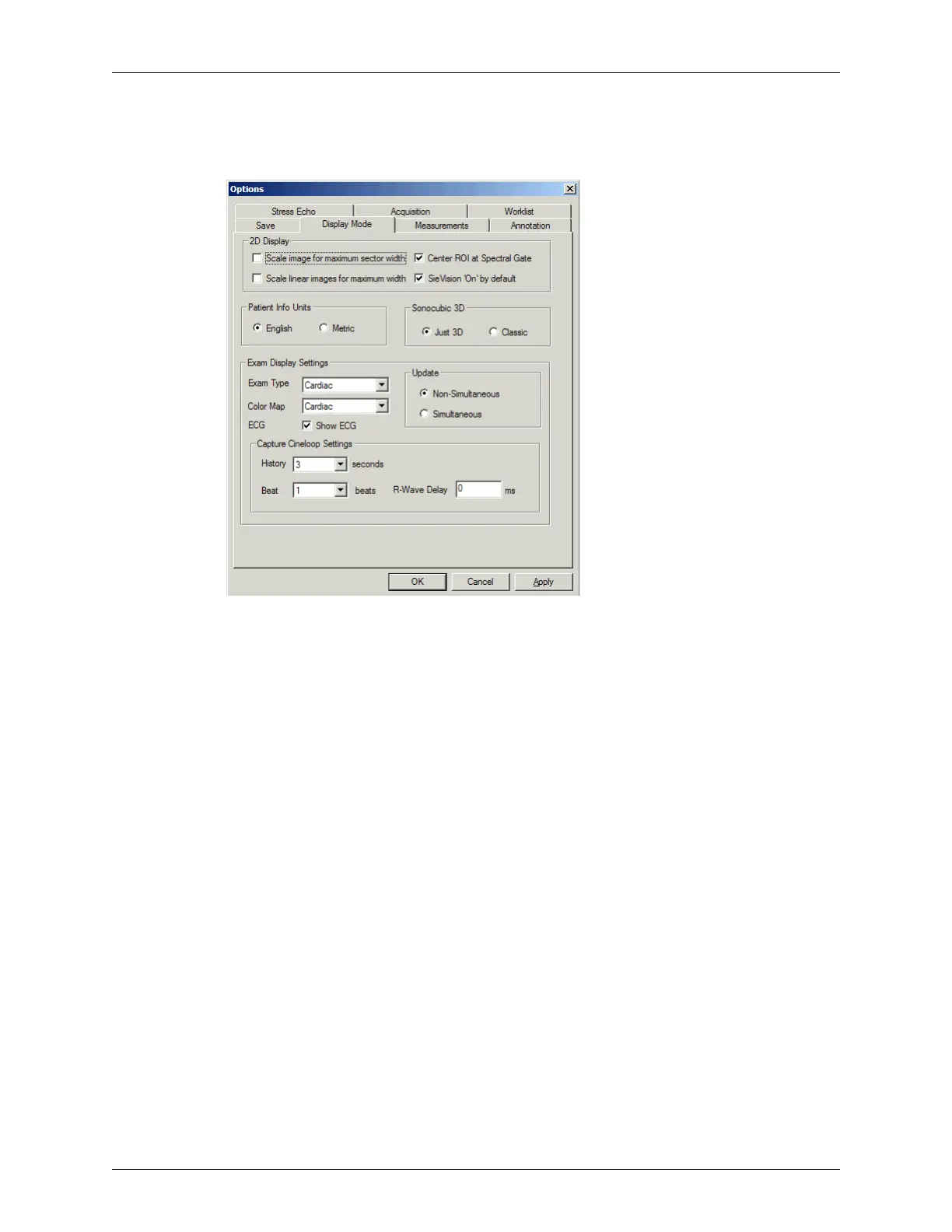
The Display Mode options are shown in the Options/Display Mode window.
Options: Display Mode Options
The Display Mode window controls the following operations:
• Scaling Curved Transducers on page 247
• Scaling Linear Transducers on page 249
• Setting the Units for Patient Measurements on page 249
• Choosing Color Maps for Exams on page 249
• Starting the System with TeraVision Off on page 250
• Scanning in Non-Simultaneous or Simultaneous Mode on page 250
Scaling Curved Transducers
This option works with curved array transducers; it does not work with linear array
transducers. You can choose whether the Terason software scales the image when you
choose the narrow sector width, or expands it to fill the entire available area. By default,
the Terason software expands the 2D scan data to fill the available space. Perceptually, if
you change from a wide sector width to a narrow sector width, it looks like the narrow
sector width is larger than the wide sector width, as shown in the following figure.



 To Next Page