Appendix A - Working With Microsoft Windows Application Windows
Terason t3000 / Echo Ultrasound System User Guide 295
Application Windows
Most applications have a similar user interface. When you learn a technique for one
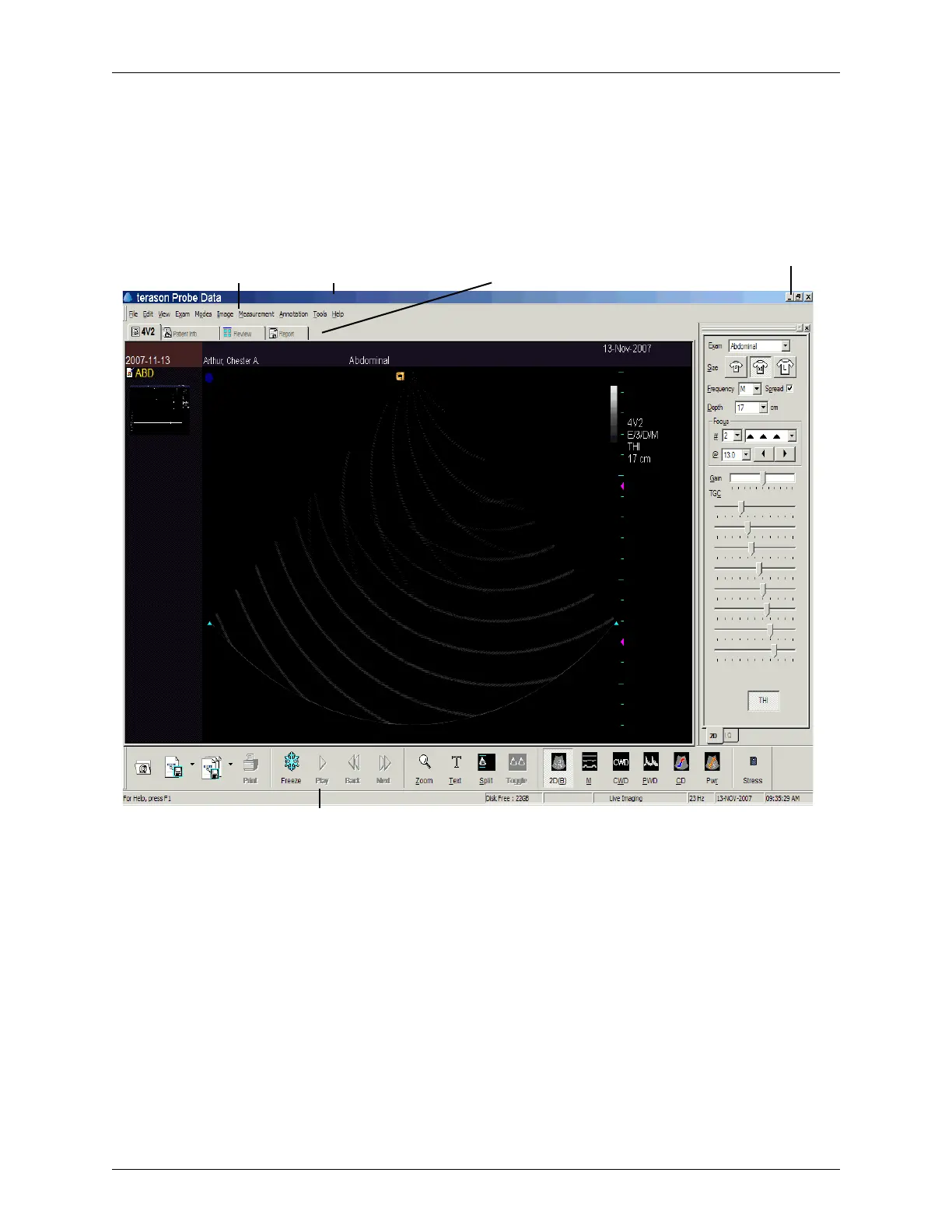
application, you can use it with other applications. The following figure shows the Terason
application window:
Application Window - Terason Ultrasound System
Application title bar;
when blue, this
application is active
Application
menu bar
Toolbars with
buttons
Tabs — windows that share the
same area. Click a tab to make
it active
Window controls:
minimize, maximize, exit



 To Next Page