Chapter 11 - Using System Tools Testing the Monitor Display
Terason t3000 / Echo Ultrasound System User Guide 238
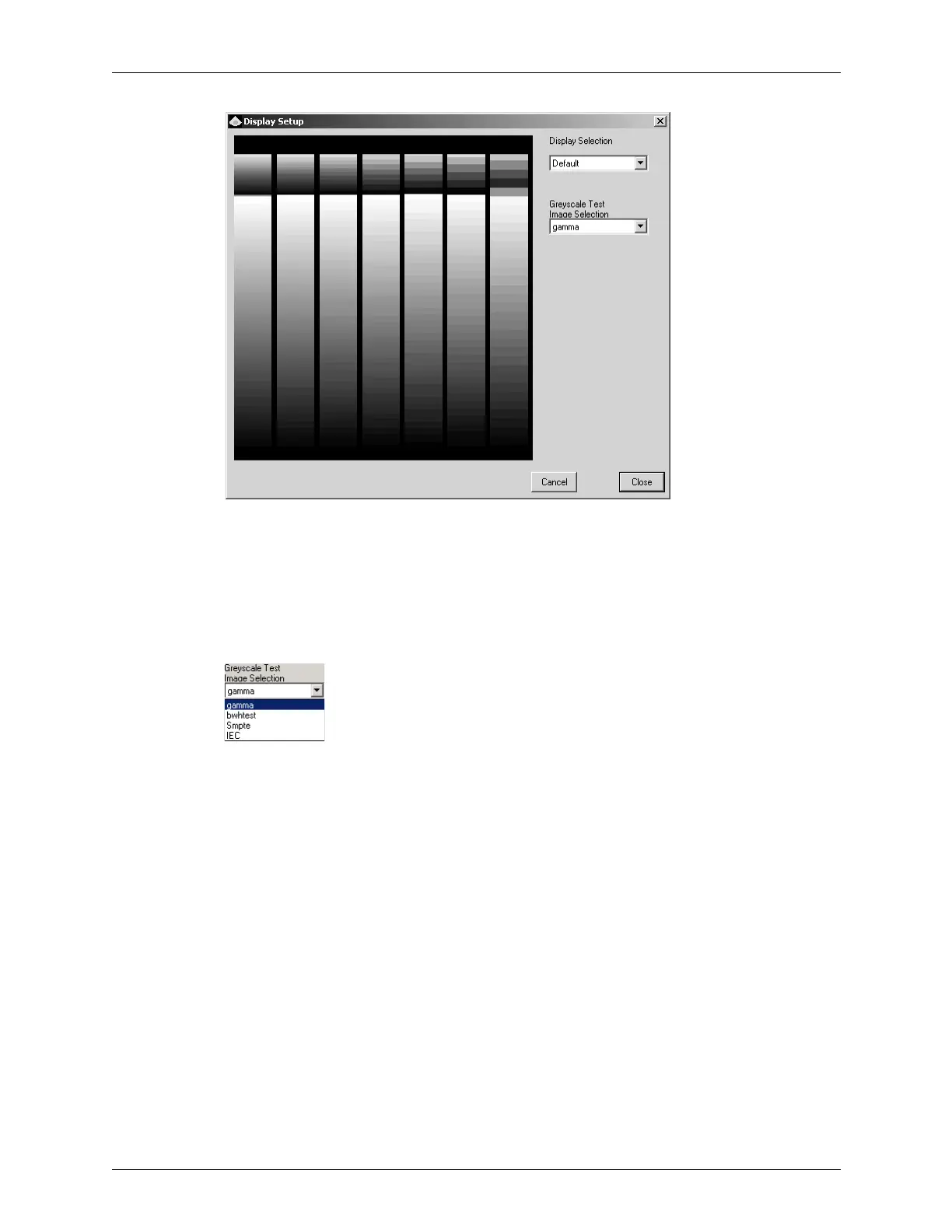
Gamma Correction Dialog Box - Gamma Test
3. From the Display Selection menu, select your monitor. If you do not see any monitors
listed, select
Default.
4. Verify that the gray bars in each column are increasingly difficult to distinguish as
you look from right to left.
5. Select
bwhtest from the Greyscale Test Image Selection menu.
Greyscale Tests
The following figure shows the BWHtest:



 To Next Page