Chapter 6 - Working With Image Files Finding Stored Images and Loops
Terason t3000 / Echo Ultrasound System User Guide 136
Finding Stored Images and Loops
You can use these tools to perform the following operations:
• Finding Files in the Terason Explorer
• Finding Files in the Review Window
• Browsing to Find Files
For archived images, insert the required CD and select
File > Open.
Finding Files in the Terason Explorer
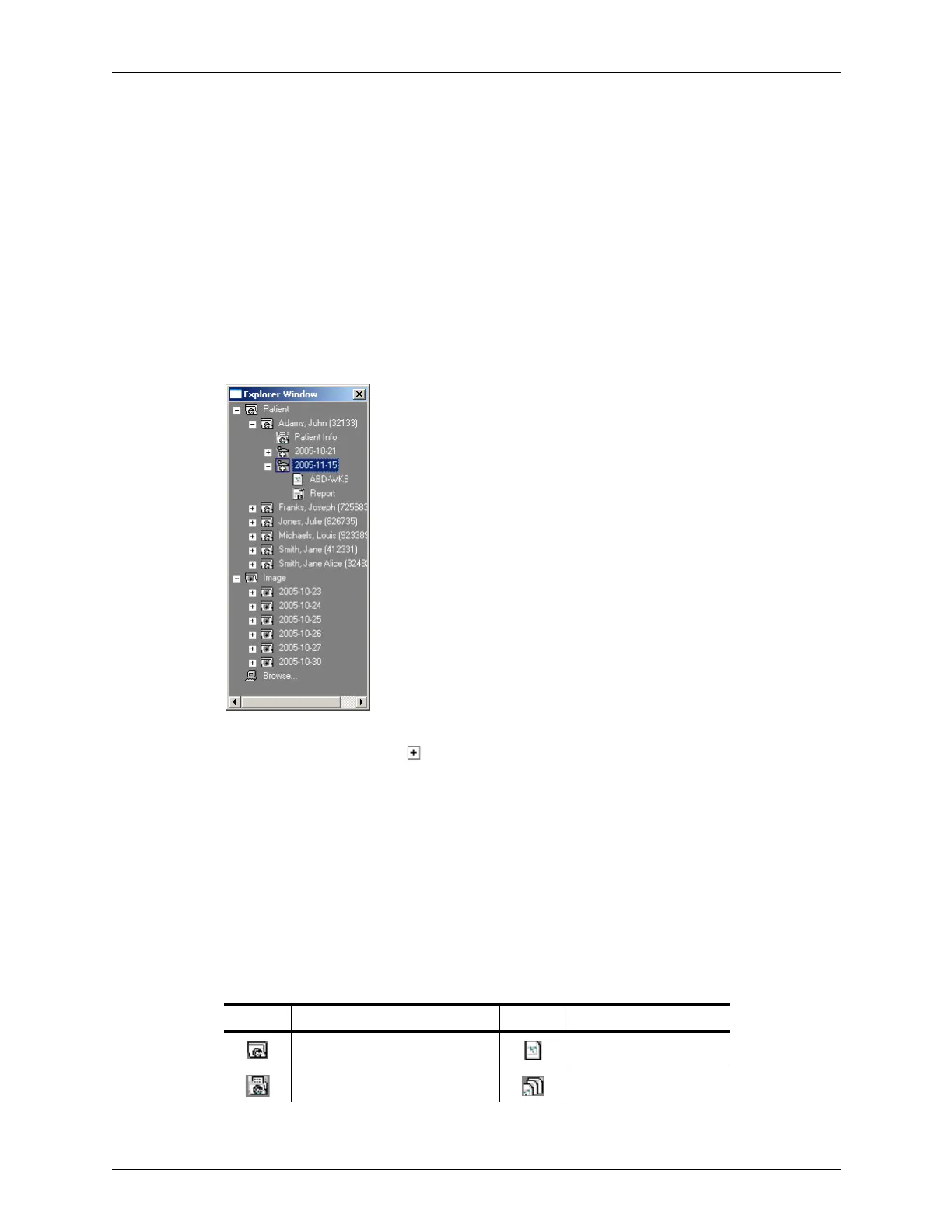
If you must view a saved image or loop, you can use the Terason Explorer window to find
it and open it.
Locating Saved Images and Loops
To open a folder, click the symbol or double-click the folder name. To open an image
file, you can either:
• Double-click the file name
or
• Right-click the file and select
Open
Images and loops have different icons in the Terason Explorer, so you can distinguish
them. If you save files in formats other than the Terason ultrasound format, the icon shows
the file format. The following table shows what each icon in the Terason Explorer
represents.
Terason Explorer File Icons
Icon Description Icon Description
Patient Folder DICOM Image
Patient Data file DICOM Loop



 To Next Page