Preface Before You Begin Getting Help
Terason t3000 / Echo Ultrasound System User Guide 20
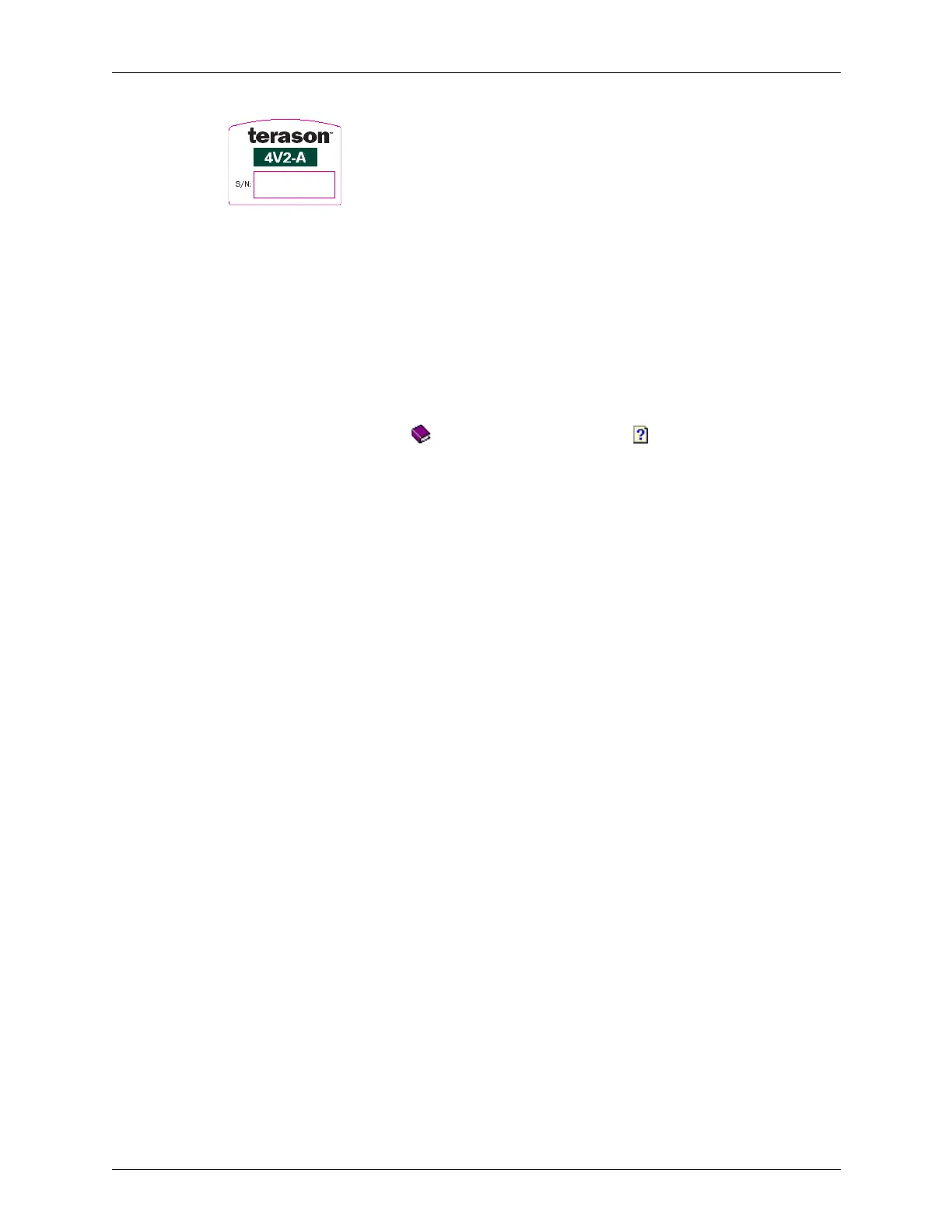
Example Transducer Label
Getting Help
Terason Online Help
To access the help, select the Help > Help Topics menu. The Help window has three tabs
on the left used to view information on the right:
Terason Ultrasound System User Guide
If you are reading this guide from a printed copy, you, can also read the User Guide online
using Adobe Reader.
To read the User Guide online, complete these steps:
1. Click the Start button in the lower left of the screen.
2. Select Programs > Terason > Documentation > English > Terason User Guide.
The computer opens the User Guide in the Adobe Reader software.
3. Click the Bookmarks tab to view a list of topics, or use the Guide’s table of contents or
index to locate topics.
For information on using Adobe Acrobat Reader, select Help
> Reader Guide (for
Acrobat Reader 4.0) or Help
> Reader Help (for Acrobat Reader 5.0) from the menu
bar.
Windows Online Help
For help with the Windows operating system, click the Start button in the lower left of the
screen, and click
Help. The Windows Help system opens. This help works the same as the
Terason Online Help; see page 12.
Your Laptop or Desktop Computer
If you have questions or need more information about the computer itself, refer to the user
guide that came with your specific system.
Contents Click a book ( ) to open it. Click on a topic ( ) to view it.
Index Enter the subject you want, or scroll to find a topic, then double-click a
selection.
Search Enter the word to search for, press Enter, and double-click a topic.



 To Next Page