Chapter 5 - Working With Scan Modes Scan Modes Overview
Terason t3000 / Echo Ultrasound System User Guide 100
Controls on the I.Q. Image Control Window
The preset values that load when you choose an exam are optimized for that exam using
the selected ultrasound mode and transducer. You can use these optimized presets, or you
can make individual adjustments as necessary for the current exam.
You can use these optimized presets, or you can make individual adjustments to these
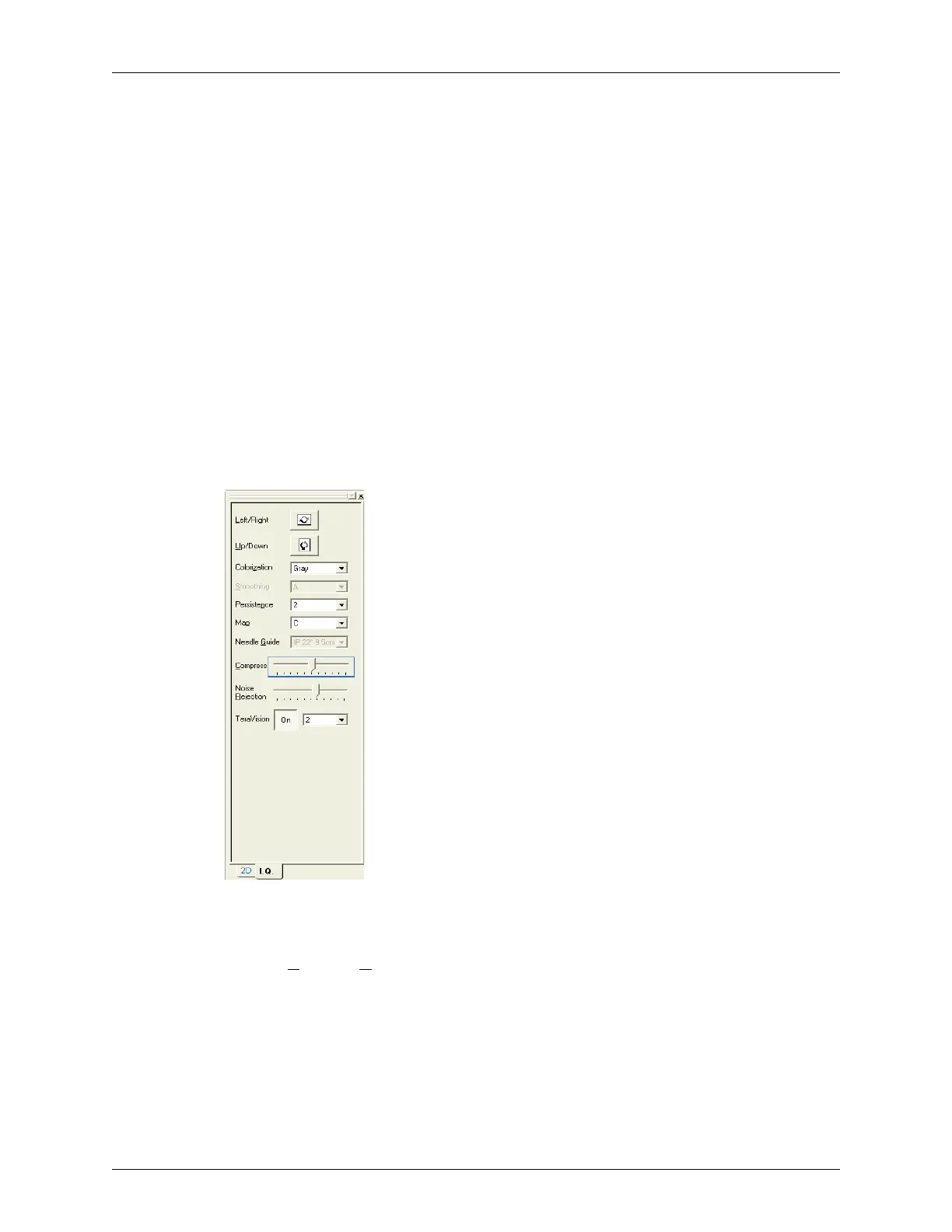
image controls as necessary for the current exam:
• Left/Right and Up/Down invert
• Color palette
• Image smoothing
• Persistence
•Image map
• Needle guide
• Compression
• Noise Rejection
• TeraVision
The following figure shows the I.Q. controls.
I.Q. Controls
Inverting Images
The Left/R
ight and Up/Down buttons control the orientation of the scanned image.
The following figure shows the effect of using the invert buttons.



 To Next Page