Chapter 5 - Working With Scan Modes Scan Modes Overview
Terason t3000 / Echo Ultrasound System User Guide 103
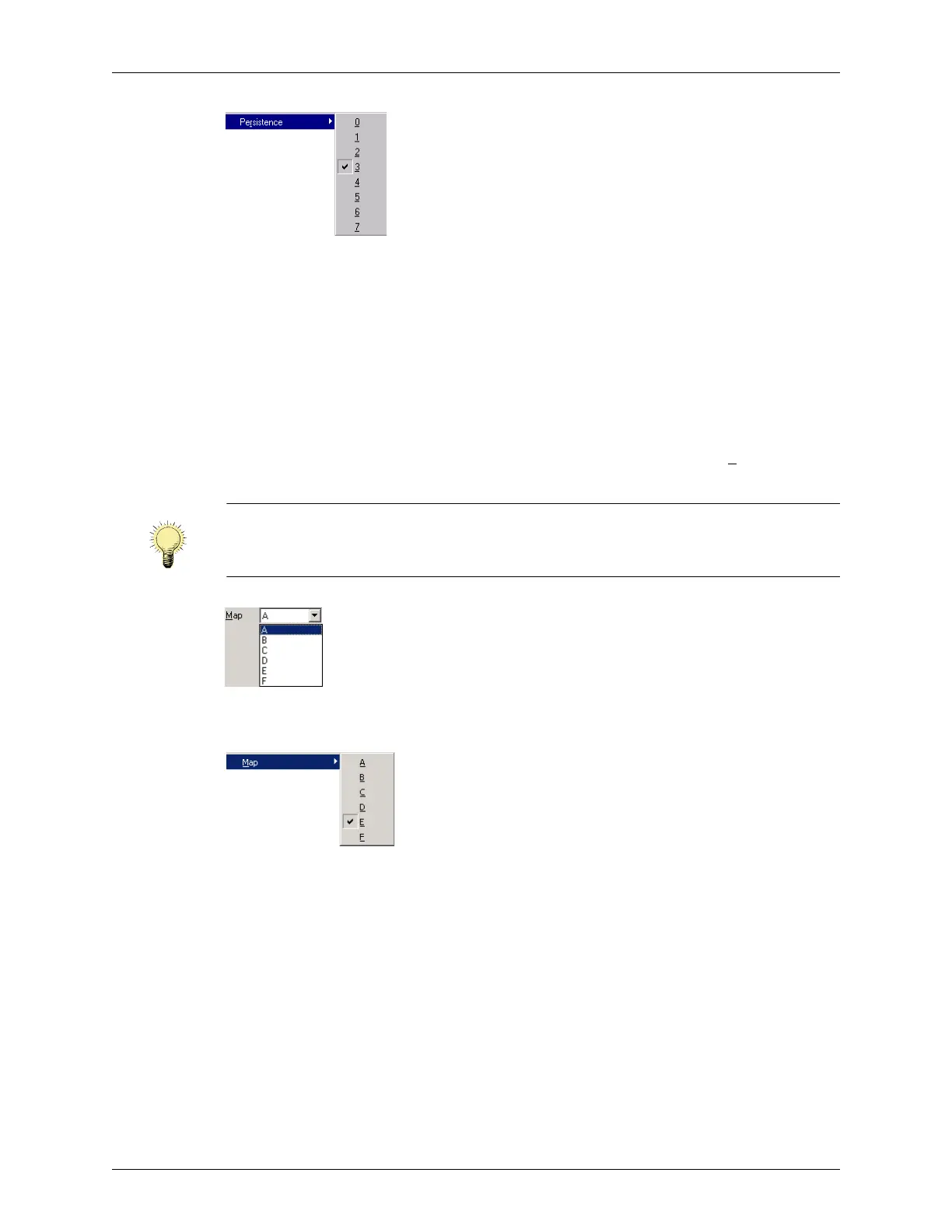
Choosing Persistence from the Image Menu
To view the persistence setting on the image display, select View > Image Display Properties >
Probe Info
from the menu bar. The probe information includes a code such as C/2/A, where
the middle item (
2 in this example) is the Persistence value.
Adjusting the Image Map
The Map control lets you choose how grayscale is distributed across the image. Each map
emphasizes certain regions of the signal amplitude range. This feature is useful for close
viewing of certain anatomical features and for detecting subtle pathologies.
To change the number of gray levels, click the down arrow next to the Map
field. You can
choose any of eight maps, labeled from
A to H.
Choosing an Image Map in the I.Q. Window
You can also select Image > Map to choose a different image map setting.
Choosing an Image Map from the Image Menu
Image Map Reference Bar
The effect of your map choice is represented by a reference bar to the right of the depth
scale on the image. Enable the reference bar by selecting
View > Image Display Properties >
Reference Bar
.
The image information display on the scan window includes a code such as
C/2/A below
the transducer identification. In the
C/2/A example, the third item (A) is the Map value.
Note: The change in image quality from one map to the next is not a linear sequence.
Observe the reference bar to see the effect of the various maps. (See Image Map
Reference Bar, below.)



 To Next Page