Chapter 4 - Acquiring Images Using Split Screen Mode
Terason t3000 / Echo Ultrasound System User Guide 79
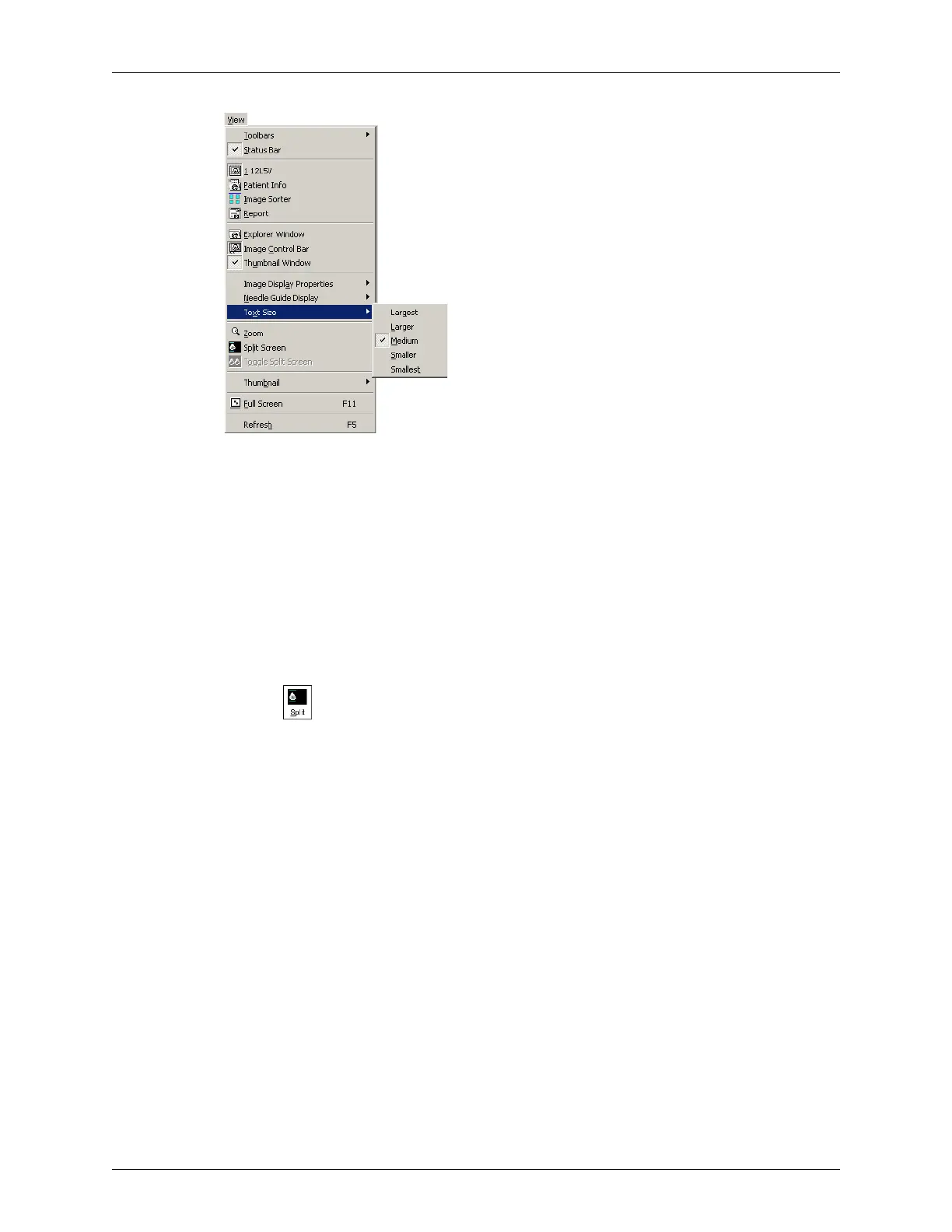
Changing the Text Size
Using Split Screen Mode
The Terason software lets you split the Image Display screen into two sections to view two
current scans for a patient. For example, you can acquire a scan for the patient, select Split
Screen, and then acquire another scan from a different angle or location. Split Screen
mode works with the 2D scanning modes (2D, Color Doppler, Directional Power Doppler,
or Power Doppler).
You can use any of the following methods to enter split screen mode:
• Click
• Select
View > Split Screen
•Type S when not in Text mode
When you enter Split Screen mode, the Terason software copies the current settings for the
Image Control window to the new screen. You can then apply any Image Control setting
independently to either screen. You can go live or freeze either screen (only one screen can
be live at a time), and you can use any of the tools and menus with either screen. In
addition, you can scan in different modes in each screen. For example, you can acquire a
2D scan, enter split screen mode, then acquire a Color Doppler scan in the second screen.
The following figure shows an example of a split screen.



 To Next Page