Chapter 2 - Installing Software Licensing the Terason Software
Terason t3000 / Echo Ultrasound System User Guide 50
l. Do not change the “How to handle multi-frame images” setting (the Terason
software does not print multi-frame images).
m.Click
Apply.
5. Click OK.
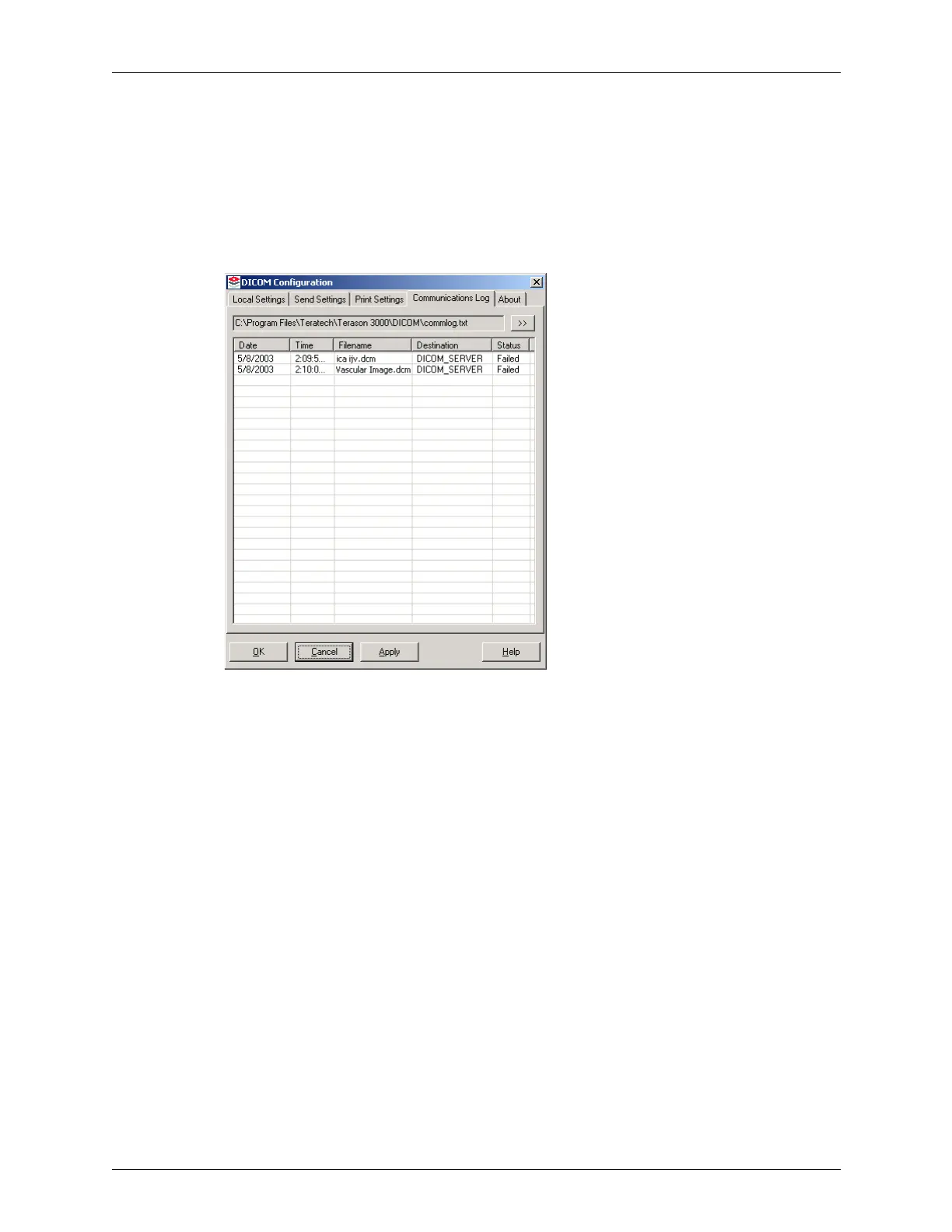
You need not configure the Communications log. You can click the Communications Log
tab to review the contents of the log file:
DICOM Configuration Window / Communications Log Tab
Each line in log file contains this information about a file sent to a DICOM server or
printer:
•Date
•Time
• File name
• Destination
•Status
If you see Failed images in the Status column, you should use the Terason software to
resend those files to the server or printer, as appropriate. See Sending Files to a DICOM
Server on page 228 for instructions.
Licensing the Terason Software
When installed, the Terason software can be used for a 30-day evaluation period without
entering a license number. You can obtain the license number by phone or email. While
waiting for the number, you can use the Terason software, however, you must enter the
license number before the evaluation period expires.



 To Next Page