Chapter 7 - Working With Measurements Deleting Measurements
Terason t3000 / Echo Ultrasound System User Guide 201
Deleting Measurements
You can use any of the following methods to delete a highlighted measurement:
• Click on a Measure tab
• Press the Del key on the keyboard
• Right-click a 2D measurement and click
Delete Measurement
To delete a measurement other than the highlighted one, click or until the
measurement is highlighted. These buttons cycle through the measurements in the same
sequence that they were created in the active window.
You can also right-click and select:
•
Clear Time Series Measurements to delete all measurements in the Time Series window
•
Clear 2D Measurements to delete all measurements in the 2D window
•
Clear All to delete all measurements in the 2D and Time Series windows
Clear All on the Edit menu deletes all text and measurements in both Image Display
windows.
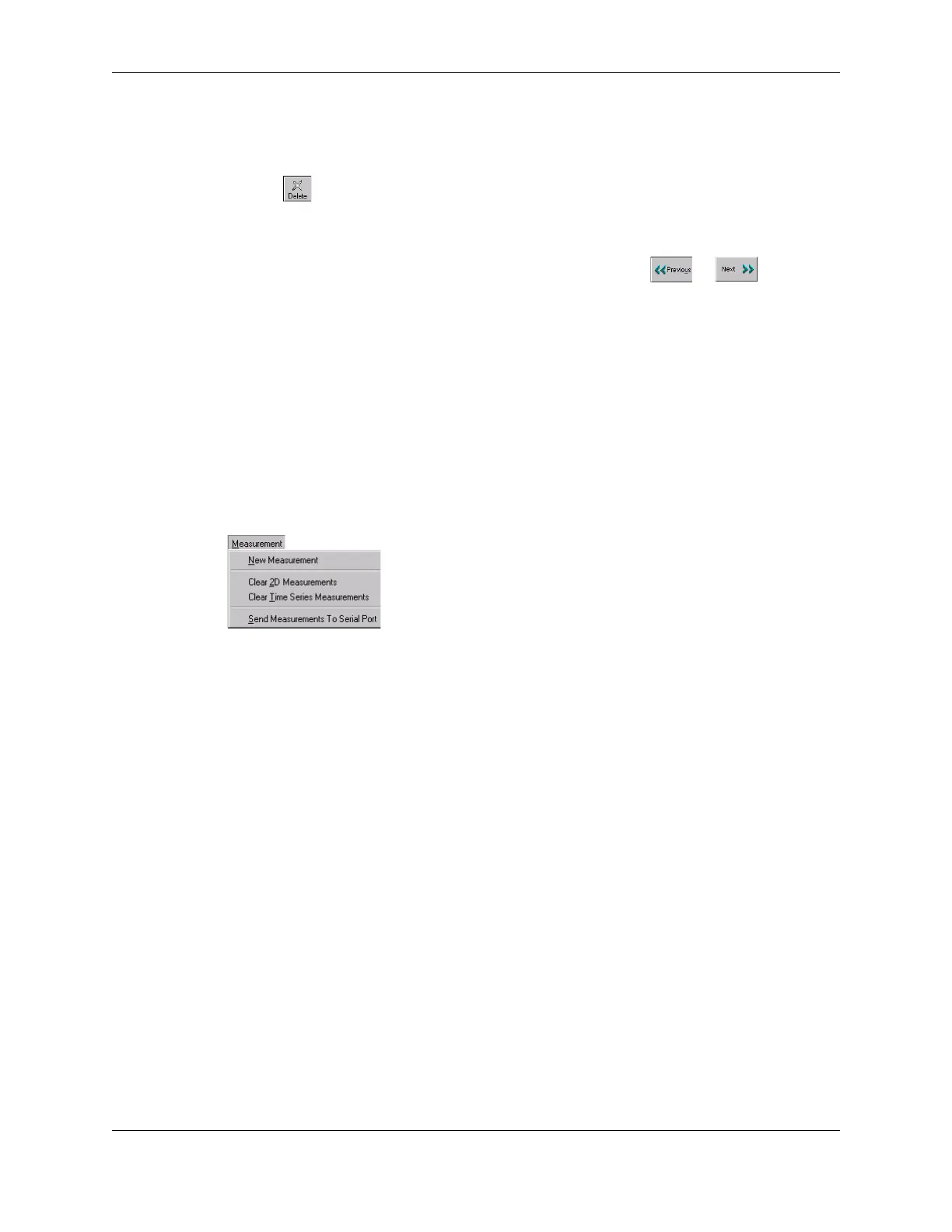
The Measurement menu lets you clear all measurements made in the specified window
(2D or Time Series):
Measurements Menu
Send Measurements To Serial Port
on the Measurement menu works with Obstetrical and
Gynecological exams as described in Working with Measurements on an Obstetrical
Exam on page 158.
Restoring All Measurement Groups to Defaults
To restore all measurement groups to the defaults, open the Tools menu, select Options,
select the Measurements tab, and click
Restore All Exams Default Measurements.



 To Next Page