Terason t3000 / Echo Ultrasound System User Guide 56
3 Setting Up Patient Information
Although you can scan a patient without entering any information about that patient,
Terason recommends that you define the patient within the system. The patient data can be
displayed on the scan to avoid mix-ups and is used to organize saved images.
When you save an image, the Terason software puts it in a folder for the specific patient,
along with a patient information file. If you do not enter patient details, the image is stored
in a folder with other images and is not associated with a specific patient.
To work with patient information, you should understand:
• Using the Patient Info Window, see page 57
• Adding a New Patient, see page 57
• Preparing Patient Info for an Exam, see page 60
• Updating Patient Information, see page 61
• Deleting a Patient Folder, see page 61
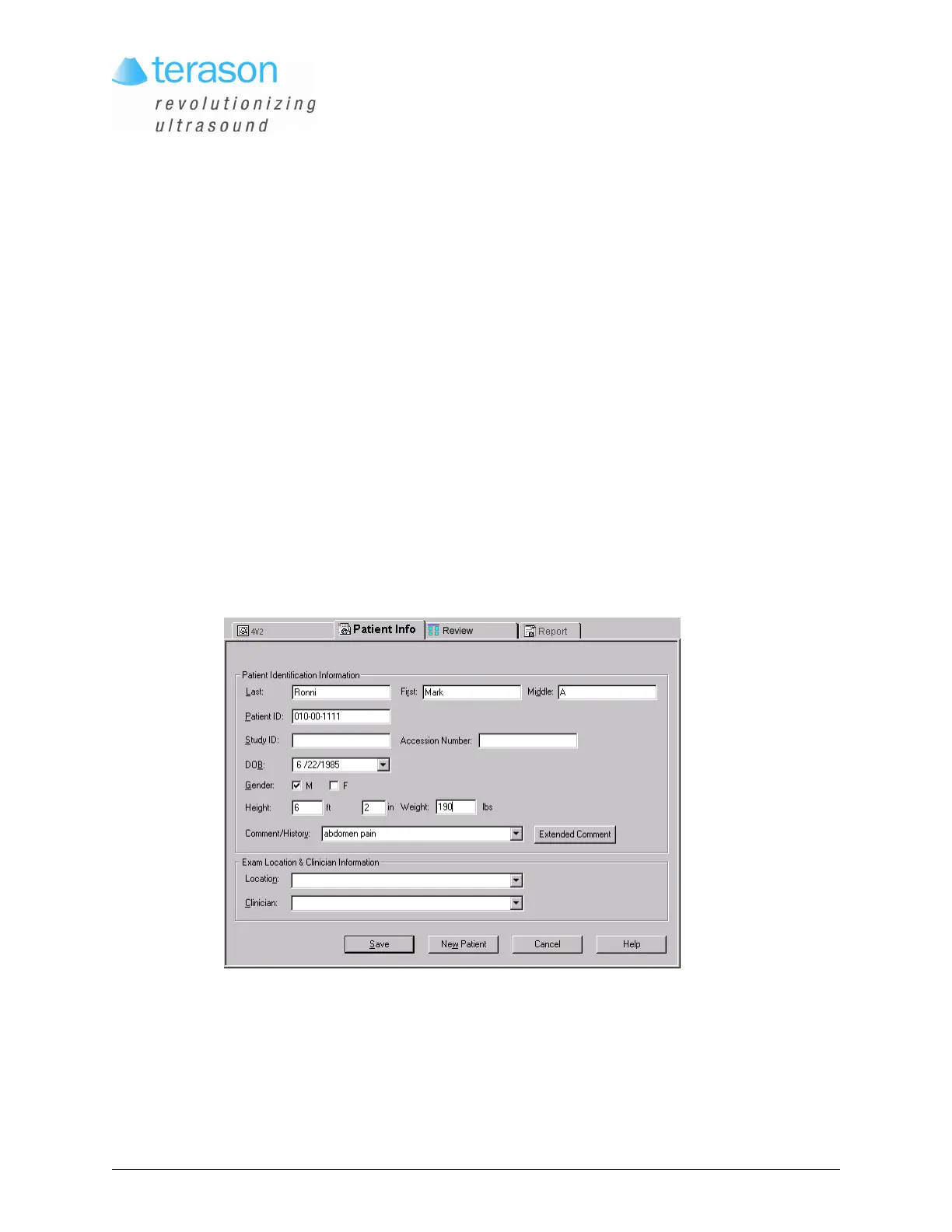
To view the Patient Info window, click the Patient Info tab.
Patient Info Window
These examples show loaded information. Double-click the Patient Info file in any
patient’s folder to load existing data.



 To Next Page