Chapter 10 - Working With DICOM Using DICOM Worklist
Terason t3000 / Echo Ultrasound System User Guide 230
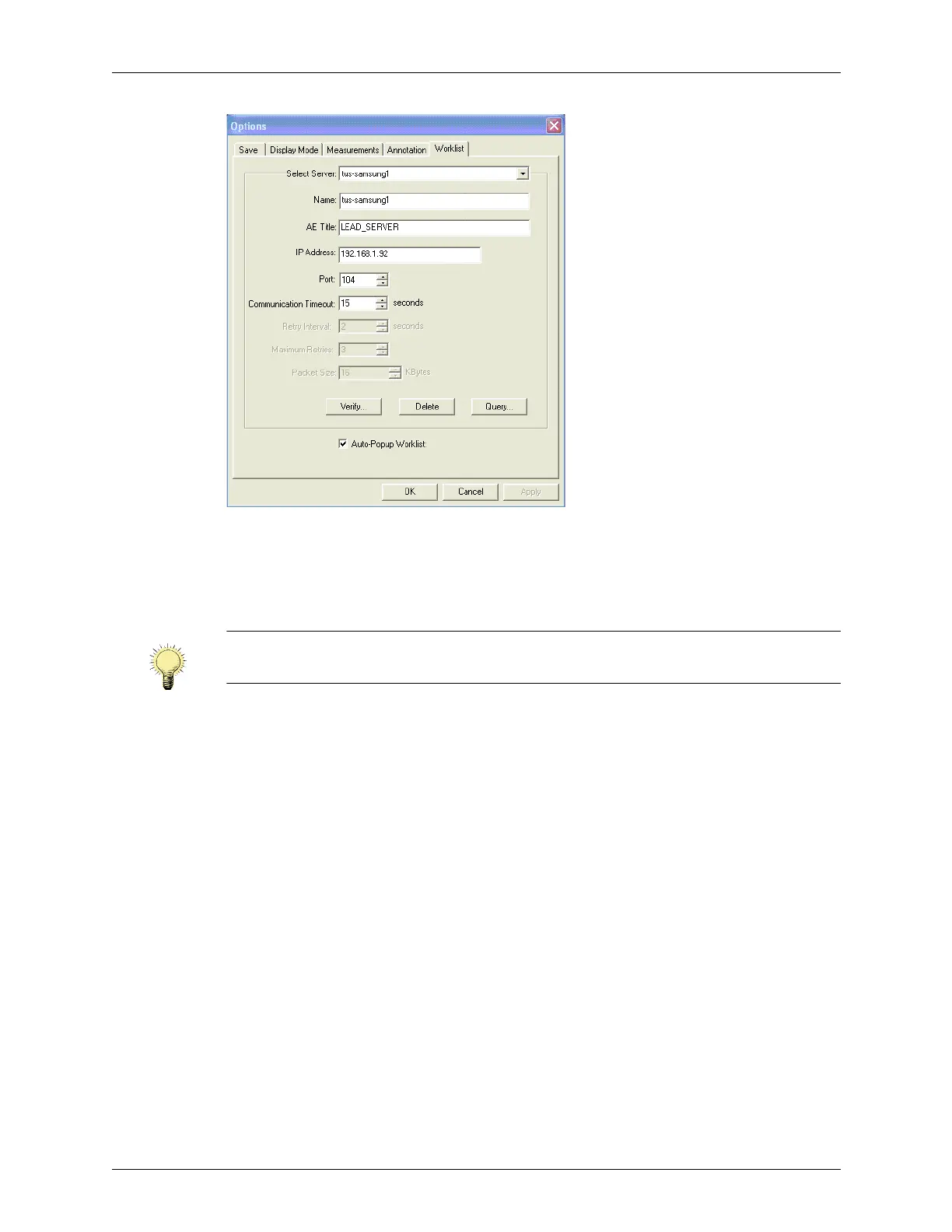
Options > Worklist Window
3. Enter the DICOM server name in the Name: field.
4. Enter the other relevant information in the AE Title:, IP Address:, and Port: fields.
The site system administrator can supply these values.
5. When all the values are entered, click
Verify.
The software runs a test that checks whether the entered values enable communication
with the DICOM server, then opens a message box that says whether the configuration
passed or failed the test.
6. To make the Query window open whenever the Patient Info screen displays, click
Auto-Popup Worklist so the box is checked.
7. Click
OK to save the entered values.
The Options window closes.
Configuring Broad Queries
To configure a query so that it is available in the Broad Query menu on the Worklist
window:
1. In the Options > Worklist window, click
Query.
The Query window opens.
Note: The software can find the IP address automatically. To make it search for the IP
address, leave the IP Address: field blank.



 To Next Page