Chapter 7 - Working With Measurements Measuring in the Spectral Doppler Modes
Terason t3000 / Echo Ultrasound System User Guide 174
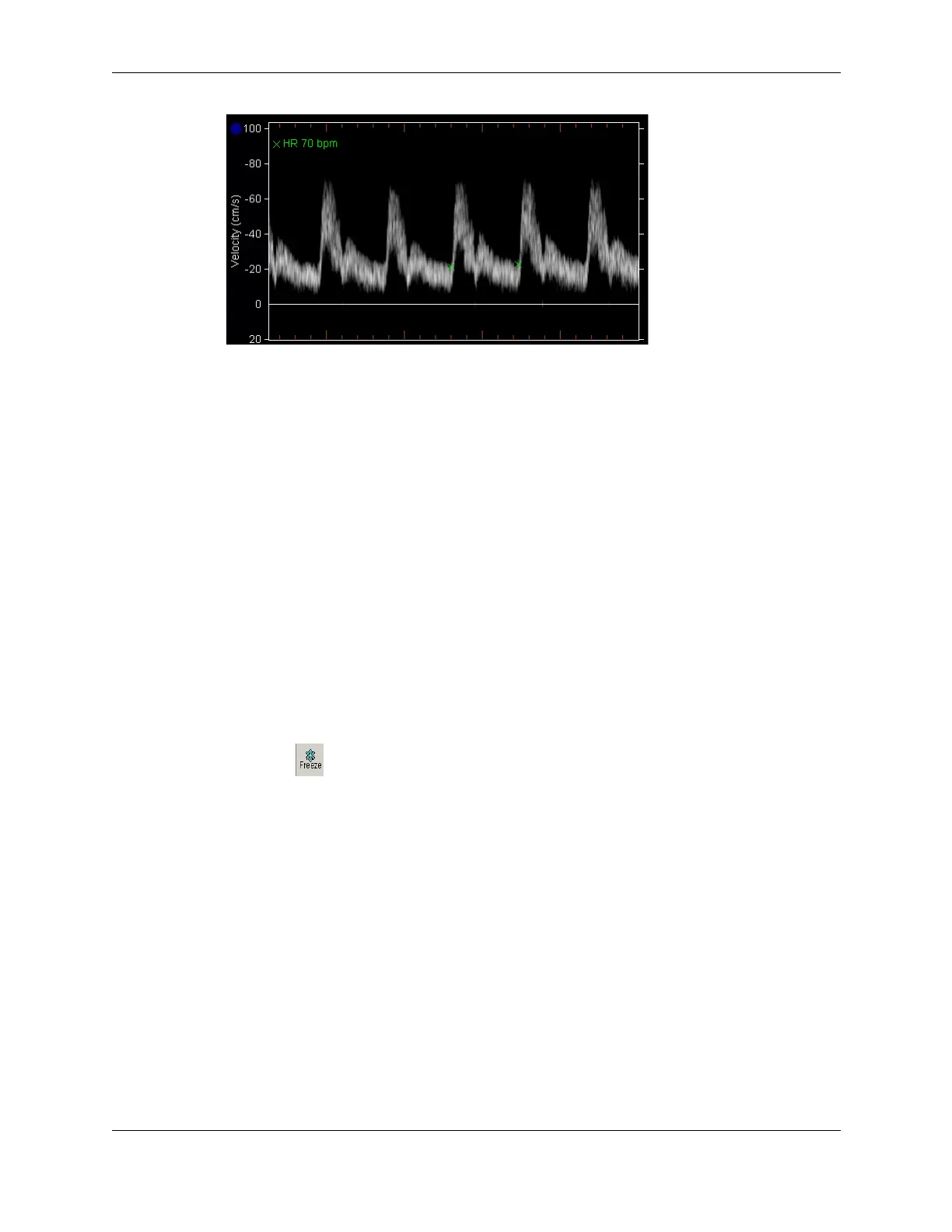
Heart Rate Measurement on PWD Scan
Measuring Flow Volume
The Terason software automatically calculates flow when you select the Flow Volume
measurement. The following values are included in this calculation:
• FV: flow volume (milliliters/minute)
• TMV: time mean velocity (centimeters/second)
• DIA: diameter (millimeters)
The formula used is:
FV = TMV
/
4
DIA
2
To accurately measure flow volume, the range gate must be open from wall-to-wall within
a vessel. The following procedure shows you how to adjust the size of the range gate for a
frozen scan.
To measure flow volume, complete the following steps:
1. Set the sample volume size (
SV Size) and location and acquire image data.
2. Click . The 2D Measure and PWD Measure tabs are added to the Image Control
bar.
3. On the PWD Measure tab, select
Flow Volume from the Measurement menu.
The Terason software measures the flow volume.



 To Next Page