Chapter 4 - Acquiring Images Adjusting the Displayed Image
Terason t3000 / Echo Ultrasound System User Guide 73
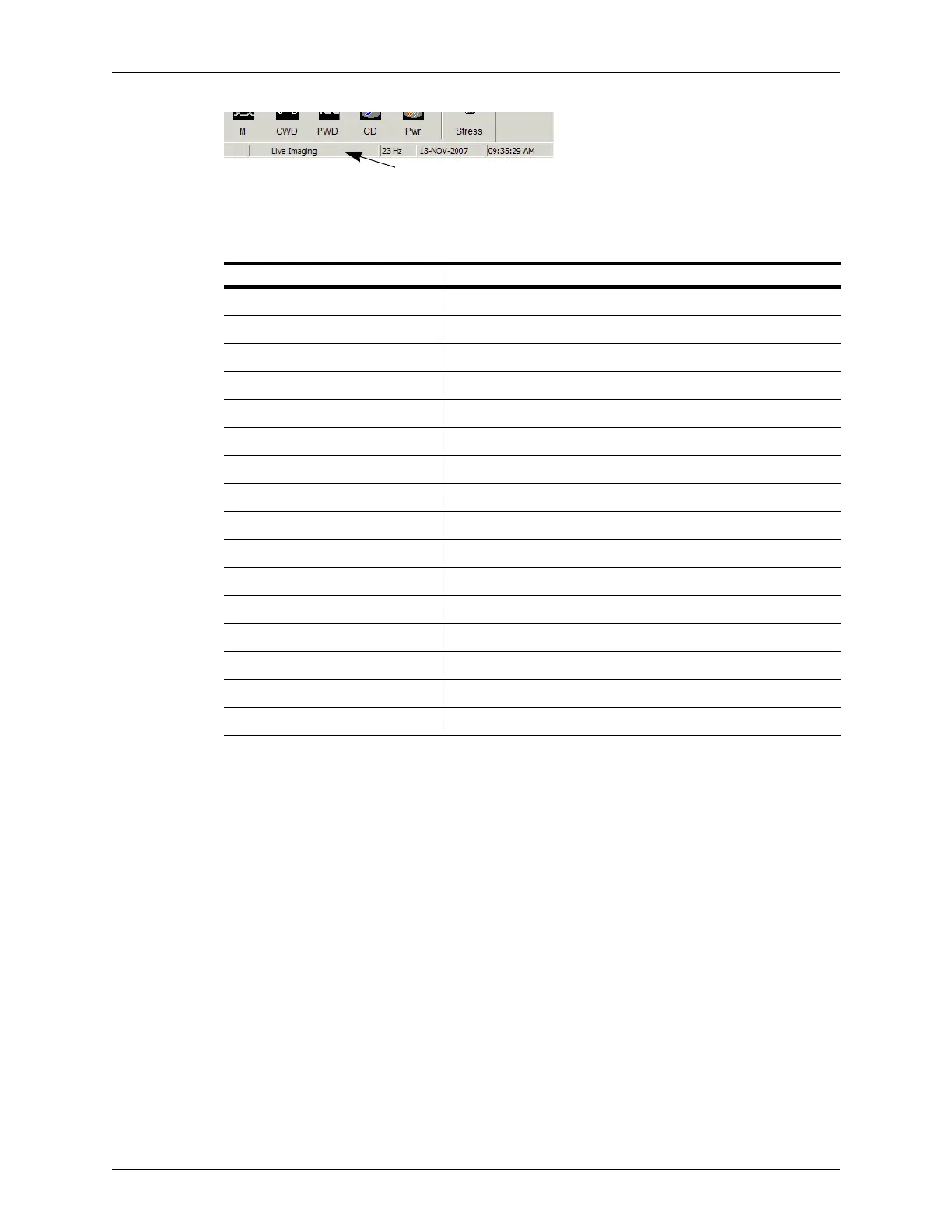
Location of Image Status Message
You could see any of the statuses in the following table:
Adjusting the Displayed Image
The Terason software lets you adjust the contents of the Image Display window. You can
perform the following operations:
• Enlarging an Area of the Image on page 73
• Resizing the Window on page 74
• Displaying the Image in Full Screen on page 75
• Hiding Windows on page 75
• Enhancing the Image Using TeraVision™ Optimization on page 76
Enlarging an Area of the Image
When you view a frozen or live image, you can use the Zoom tool to enlarge a region of
the 2D image. You cannot use the Zoom tool in the Time Series window.
Terason Status Messages
Image Display Window Status Description
Initializing... Starting up and verifying the connection to the transducer
Live Imaging Actively acquiring scan data from the transducer
Frozen Image Stopped acquiring data
Playing Loop An acquired loop is playing
Paused Loop An acquired loop was playing and is now paused
Single Image File A Terason format (ULT) image file has been loaded
Playing Loop File A loaded ULT file is playing
Paused Loop File A loaded ULT file was playing and is now paused
BMP Image File A bitmap file has been loaded
JPEG Image File A JPEG file has been loaded
TIFF Image File A TIFF file has been loaded
DICOM Image A DICOM file (image or loop) has been loaded
Playing DICOM Loop A loaded DICOM loop is playing
Paused DICOM Loop A loaded DICOM loop was playing and is now paused
Playing AVI Video Clip A loaded AVI file is playing
Paused AVI Video Clip A loaded AVI file is paused



 To Next Page