Chapter 5 - Working With Scan Modes Using Spectral Doppler Image Controls
Terason t3000 / Echo Ultrasound System User Guide 116
Adjusting Noise Rejection
The Noise Rejection slider controls rejection of low-level returned signals. Increasing
rejection darkens the image background. A number to the left of the slider indicates the
level of noise rejection, from – 50 to 50.
Drag the slider to the right to increase noise rejection, or drag the slider to the left to
decrease it.
Noise Rejection Slider
Adjusting the Baseline
The baseline refers to the zero baseline in the Time Series Display window. Adjusting this
control moves the zero baseline up or down. When you adjust the baseline, you can
display more forward or reverse flow, taking advantage of the full scale available at that
particular PRF value.
Drag the slider to the left to move the baseline down. Drag the slider to the right to move
the baseline up.
Baseline Control
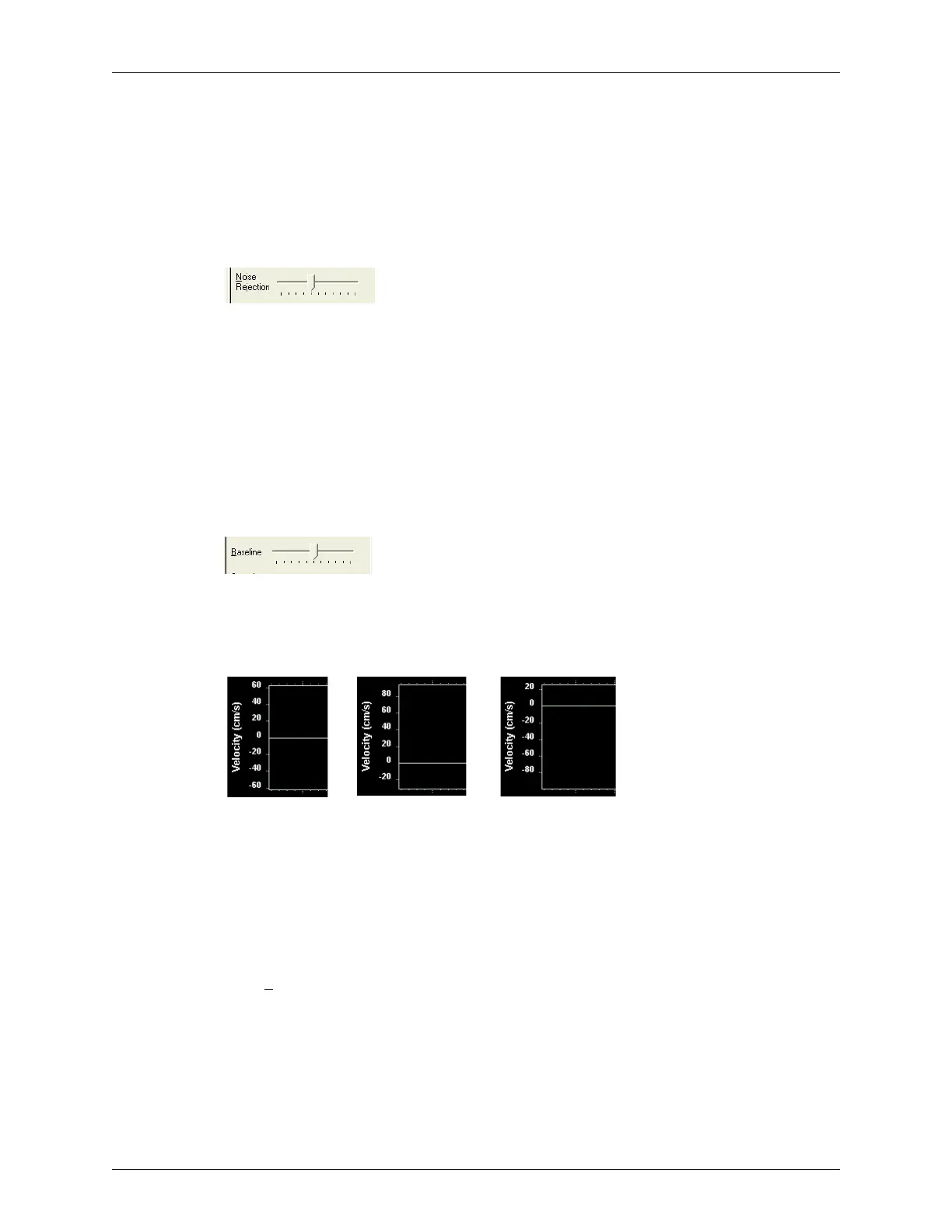
You can also adjust the baseline by clicking on the slider (a blue box displays around the
slider) and using the left and right arrow keys. The figure below shows a centered baseline
(the default), and adjusted baselines.
Effects of Altering the Baseline
You can adjust baseline for live images or saved loops being played. You cannot adjust the
gain for frozen images or paused loops.
Adjusting the Sound Volume
The Sound Volume control lets you define the volume of the Doppler signal.
Adjust the sound volume of the signal to a comfortable level. If it is too high, system noise
may interfere with the sound produced by the blood flow. Drag the slider to the left to
lower the volume. Drag the slider to the right to raise the volume.
Centered Baseline
(default)
Lowered Baseline Raised Baseline



 To Next Page