Chapter 5 - Working With Scan Modes Scan Modes Overview
Terason t3000 / Echo Ultrasound System User Guide 104
Selecting a Needle Guide
The needle guide control is available only when a transducer that supports biopsies or
other medical procedures is connected. To perform the procedure, select the correct needle
guide from the menu.
Selecting the Needle Guide
Depending on the connected transducer, you may only see one needle guide option. If the
bracket for that transducer supports more than one angle, options for each supported angle
are displayed.
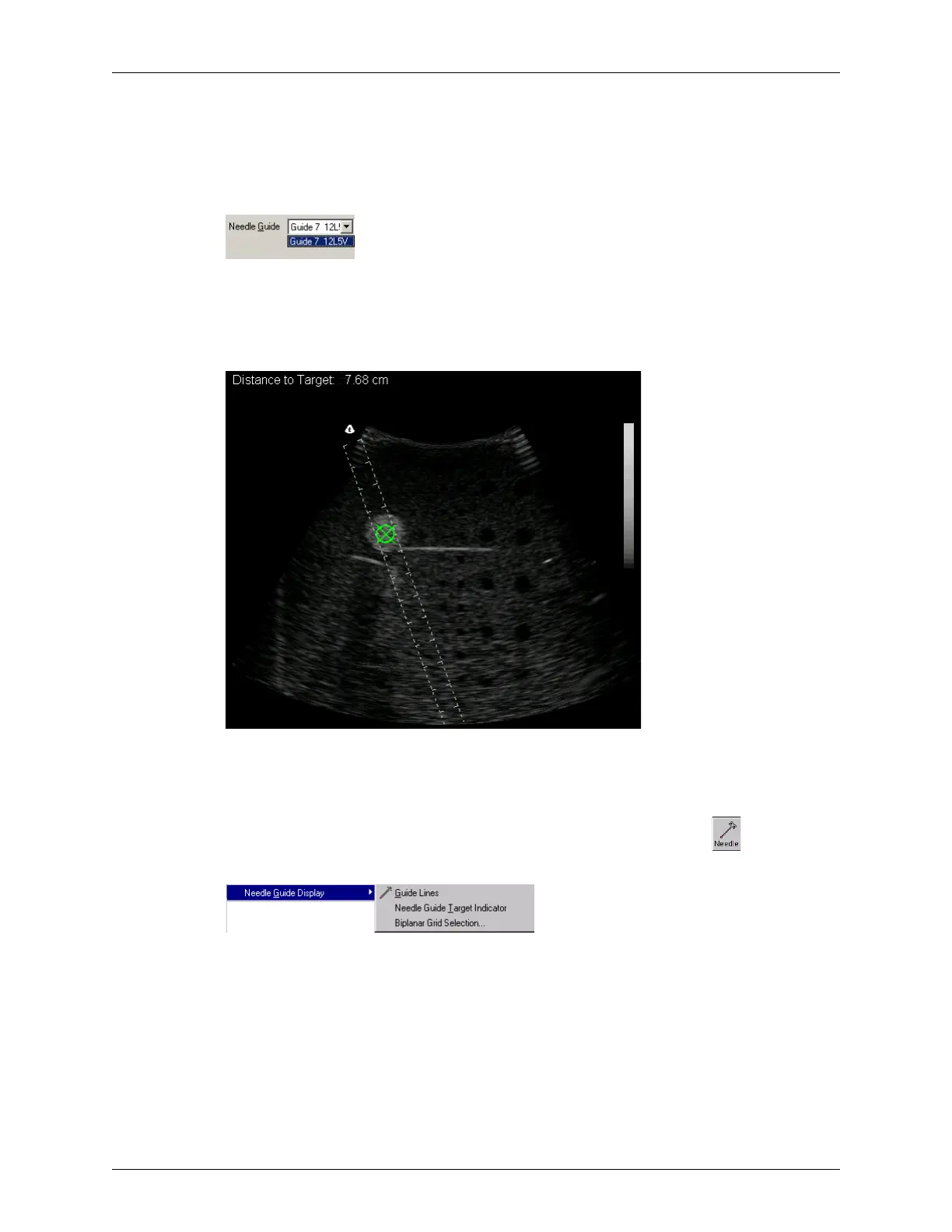
Needle Guides and Target for a Biopsy
On the 2D image, the white dashed lines are the guide lines, and the green circled × is the
needle guide target indicator.
If you do not see the needle guides in the Image Display window, click or select
View
> Needle Guide Display > Guide Lines
.
Viewing Needle Guides
Adjusting Compression
The Compress slider controls signal compression, which affects the contrast of the image.
A number to the left of the slider indicates the amount of compression, from -50 to 50.
Drag the slider to the right to increase compression, which darkens the image, or drag the
slider to the left to decrease compression.



 To Next Page