Chapter 2 - Installing Software Installing Terason Software
Terason t3000 / Echo Ultrasound System User Guide 38
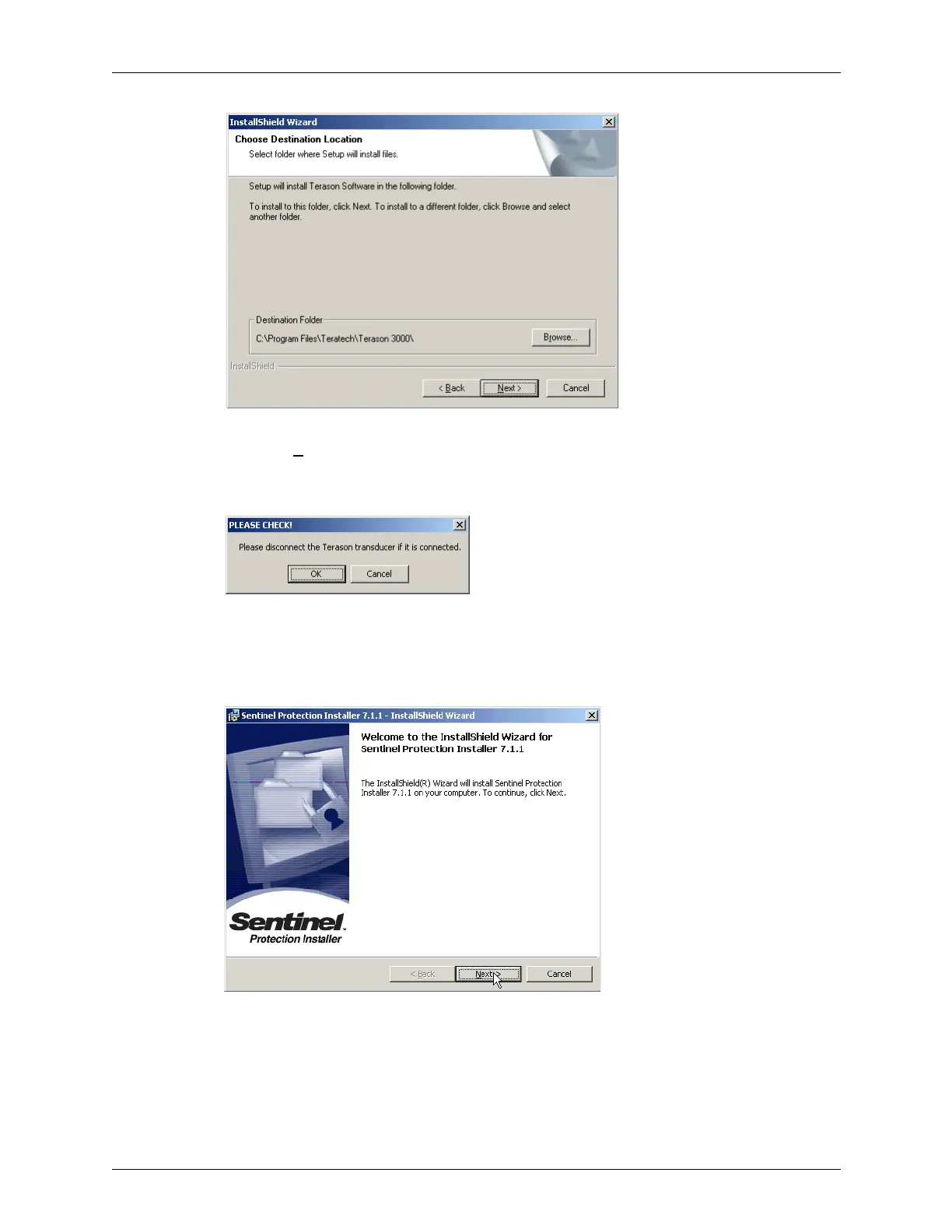
InstallShield Wizard for Choosing the Destination
5. Click Next> to install the application in the default location. To select a different
location, click
Browse and navigate to a different directory (not recommended). The
wizard reminds you to unplug the Terason Transducer.
Reminder to Unplug the Transducer
6. Click OK. The installer copies files from the CD to the computer.
7. The Install shield opens again, to install the Sentinel Protection Installer. When the
Welcome dialog box opens, click
Next >.
Sentinel Installer Welcome
8. On the License dialog box, read the license agreement, then click the I accept... radio
button and
Next >.



 To Next Page