Chapter 7 - Working With Measurements Measuring in the 2D Window
Terason t3000 / Echo Ultrasound System User Guide 152
4. Select the type of measurement you want to make from the menu, or click . The
software uses the Measurement selection to label the completed measurement.
Measurements for the 2D Window
The Fetal Cardiac, Cardiac, Obstetrical, and Gynecological exams allow additional
measurements, which display in the list.
The Area, Circumference and stenosis Area measurements do not use the Distance
tool.
5. Click where you want to start measuring, move the target cursor, and click where you
want to finish measuring.
Selecting a measurement type enables the start-point target cursor. If you did not
select a measurement type, click
New to enable the target cursor.
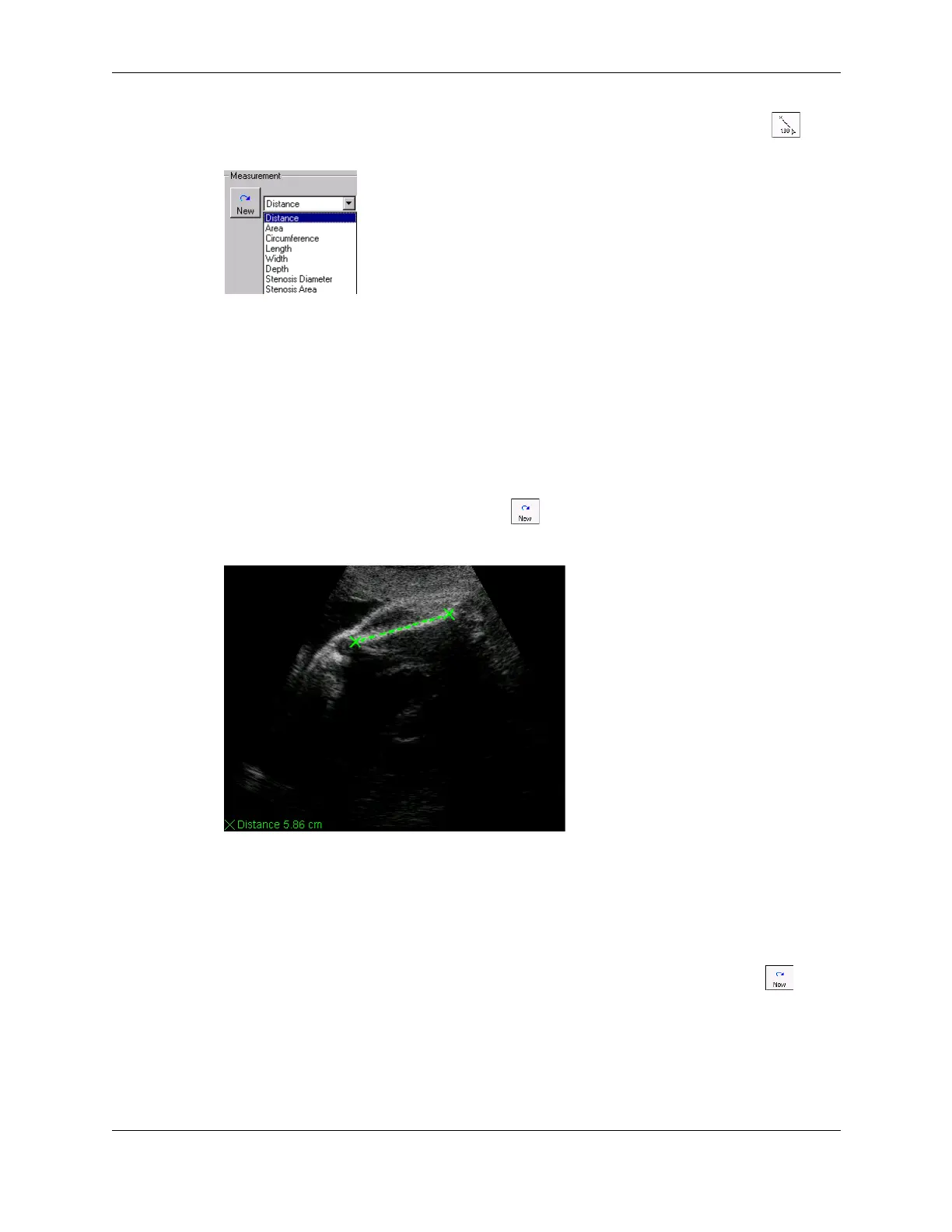
The Terason software displays the results in the bottom left corner of the 2D window.
Distance Measurement on an Image
6. To move the start or end point of a measurement, click one of the anchors (calipers),
move the target cursor to a new position, and click.
If you do not see the measurement value, select
View > Image Display Properties >
Measurement Value
.
To make more than one measurement of the same type on an image, click
New , then
make the additional measurement. You can also double-click the image pane to get
another caliper to make another measurement of the same type.



 To Next Page