Chapter 7 - Working With Measurements Measuring in the 2D Window
Terason t3000 / Echo Ultrasound System User Guide 156
3. Use one of the following methods to select the trace tool:
• Click on the 2D Measure tab
• Select
Area from the Measurement menu.
• Select
Circumference from the Measurement menu then click
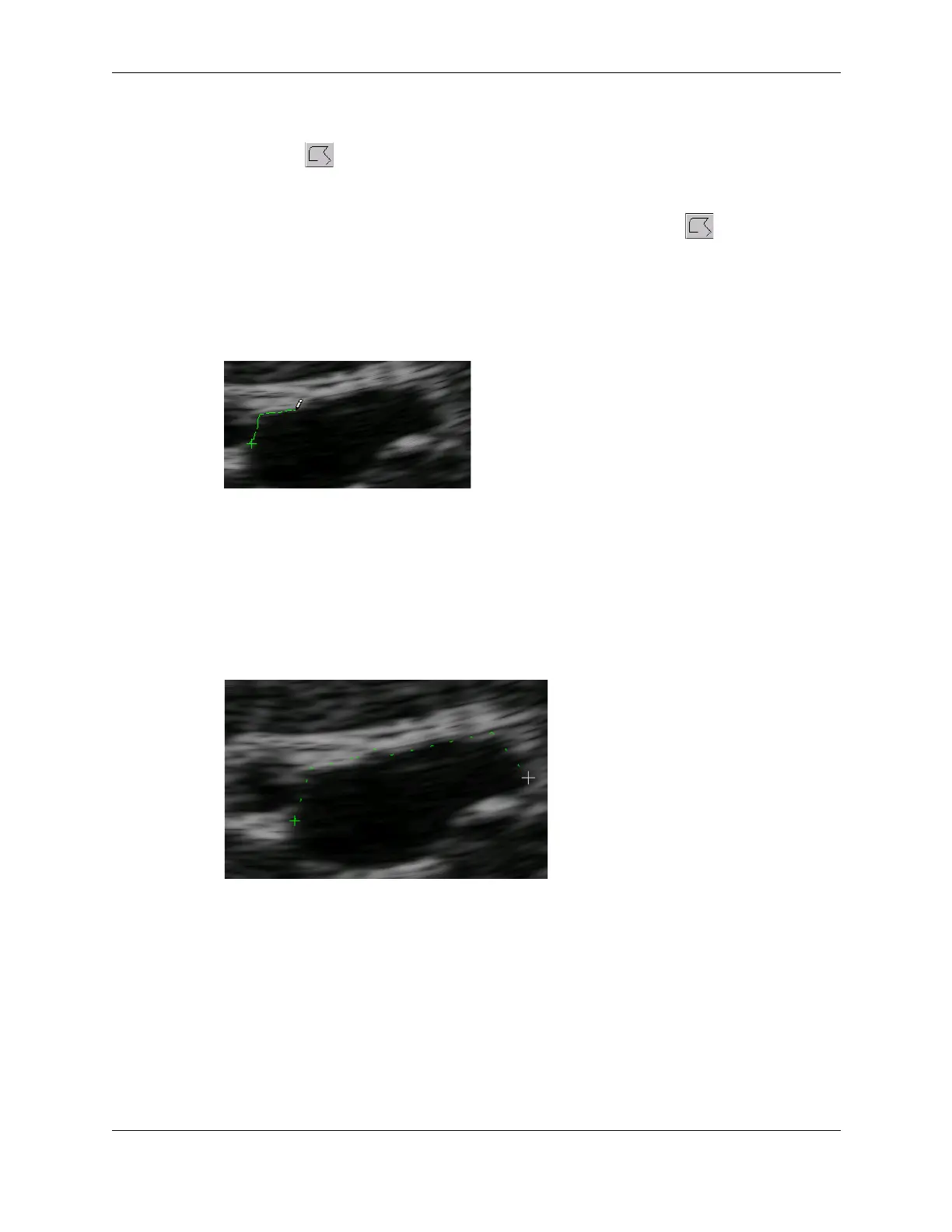
4. To trace an outline:
a. Click where you want to start measuring.
b. Hold the left mouse button down, and drag the tracing cursor around the object
you want to trace. The tracing cursor looks like a pencil.
Tracing an Outline
c. To erase part of the tracing, release the mouse button and press the Backspace key
to delete line segments, then press the left mouse button and continue tracing.
5. To draw a polygon:
a. Click where you want to start measuring.
b. Click the next corner of the shape. The target cursor looks like + while you draw
the polygon.
Tracing a Polygon
c. Continue clicking on corners.
d. To erase part of the polygon, press the Backspace key to remove unwanted line
segments, then continue clicking on corners.
6. To complete the trace, double-click the starting point. The Terason software displays
the circumference and area of the measured area. If you right-click or double-click at a
location other than the starting point, the trace tool draws a straight line from that
location to the starting point to complete the tracing.



 To Next Page