Chapter 7 - Working With Measurements Stress Echo
Terason t3000 / Echo Ultrasound System User Guide 206
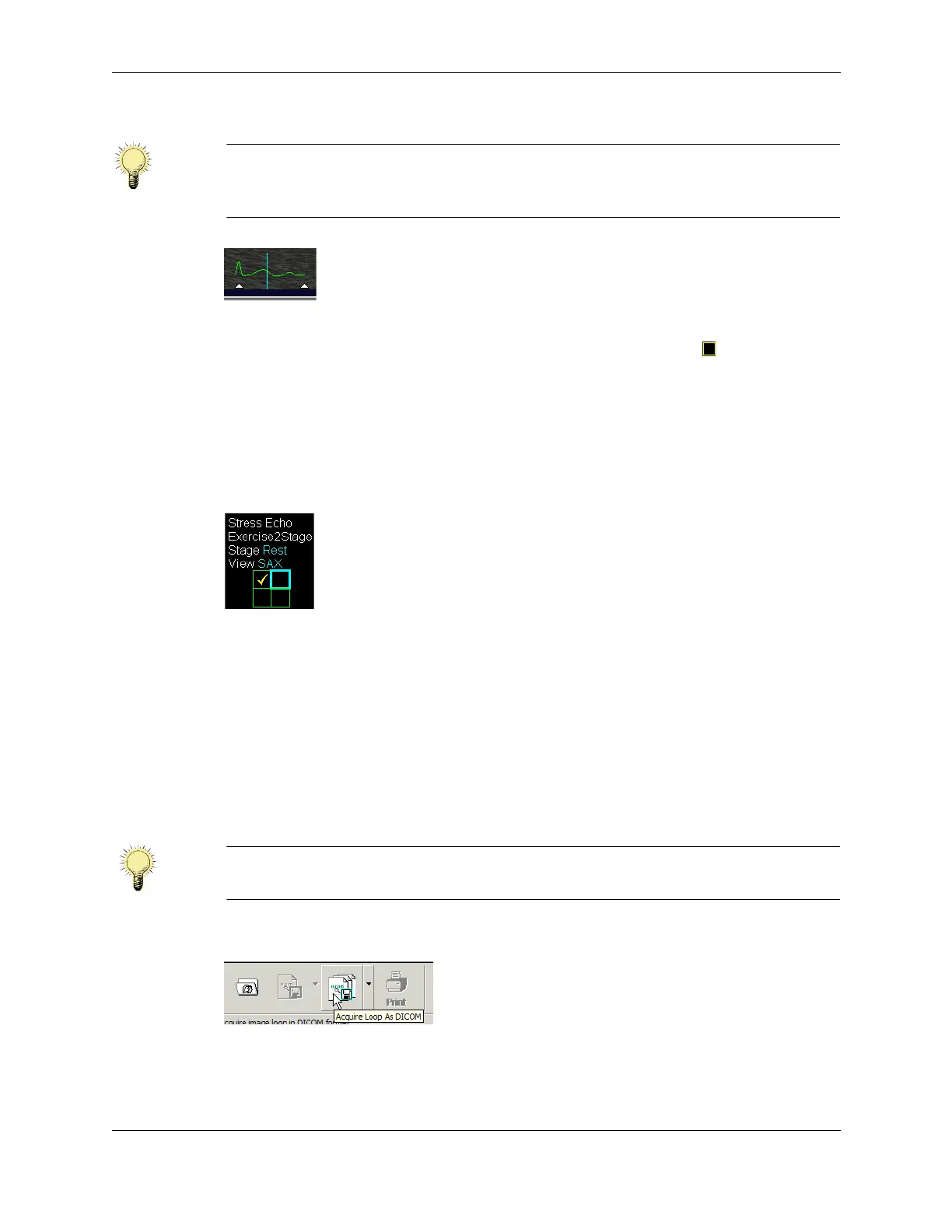
Loop Image
c. Select the loop for a particular view by clicking the checkbox in that loop’s
pane of the Review window (see Heart Cycle Loops on Review Screen on
page 205).
d. Click
2D to return to the scanning window.
The software advances the Acquire view indicator to the next view, and places a
checkmark in the completed view’s square in the indicator. Live thumbnail images
of selected loops display in the column at the left of the scanning window.
Acquire View Indicator
e. Reposition the transducer to scan another view.
f. Repeat steps a through e until all the Rest loops are selected.
g. Click
2D to return to the scanning window.
The software advances to the Impost loop acquisition phase, and the Acquire view
indicator displays empty squares.
14. Acquire the Impost loops (immediate post-exercise loops).
a. Click the Acquire button.
Acquire Button
The software captures loops of the heart cycle and displays them in the Review
screen.
Note: You can change the recorded portion of the heart cycle by dragging the white
triangles in the loop image. Only the portion of the cycle that is between the
triangles is recorded.
Note: The imaging settings chosen during the Rest portion of the study are automatically
loaded during the Impost portion.



 To Next Page