Chapter 8 - Working With Exams About Exams
214 Terason t3000 / Echo Ultrasound System User Guide
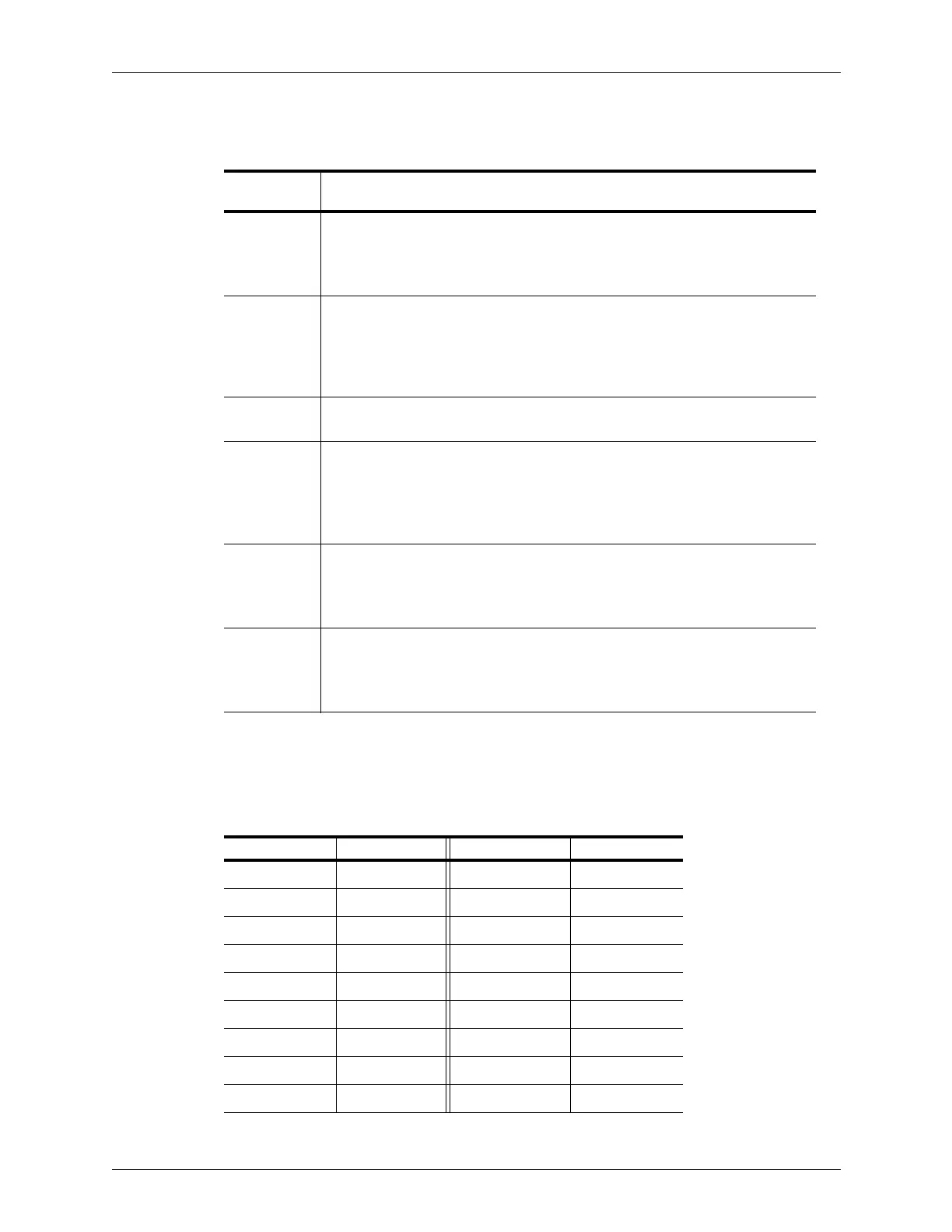
The following table lists the image control settings that are preset in an exam.
When you use the Save or Save Loop buttons (see Saving Images and Loops on page 133),
the Terason software uses a default file name based on the selected exam. The following
table shows the abbreviation used for each exam.
Exam Presets Provided with Scan Modes
Image
Control Tab Image Control Settings
2D Size
Frequency
Depth
Focus
Gain
TGC Curve
Sector Width
THI (on/off)
I.Q. Left/Right invert
Up/Down invert
Colorization
Smoothing
Persistence
Map
Needle guide (when
supported)
Compress
Noise rejection
M-Mode Sweep Speed Ultrasound cursor
position
PWD Sweep Speed
Velocity display
PRF
Wall filter
Invert
Correction angle
Sample volume size
Gain
Compress
Noise Rejection
Baseline
Sound volume
Update
CD Scan area
PRF
Wall filter
Color Invert
Color Gain
Color Priority
Color Persistence
Color Baseline
Color Threshold
Spatial Resolution
and Frame Rate
Pwr
and
DirPwr
Scan area
PRF
Wall filter
Directional Power (on/off)
Color invert
Color Baseline
Color Gain
Color Priority
Color Persistence
Spatial Resolution
and Frame Rate
Exam Abbreviations Used in File Names
Exam Name Abbreviation Exam Name Abbreviation
Abdominal ABD Musculoskeletal MUS
Arterial ART Obstetrical OB
Breast BRT Prostate PRO
Cardiac CAR Renal REN
Carotid CRD Testes TES
Dialysis Access DIA Thyroid THY
Fetal Cardiac FET Vascular Access VAS
Gynecological GYN Venous VEN
Laparoscopic LAP



 To Next Page