Deleting Custom Exams Chapter 8 - Working With Exams
Terason t3000 / Echo Ultrasound System User Guide 217
You cannot delete a currently-loaded exam. If the unwanted exam is loaded, select a
different exam before you start this procedure.
To delete an exam, complete these steps:
1. Select
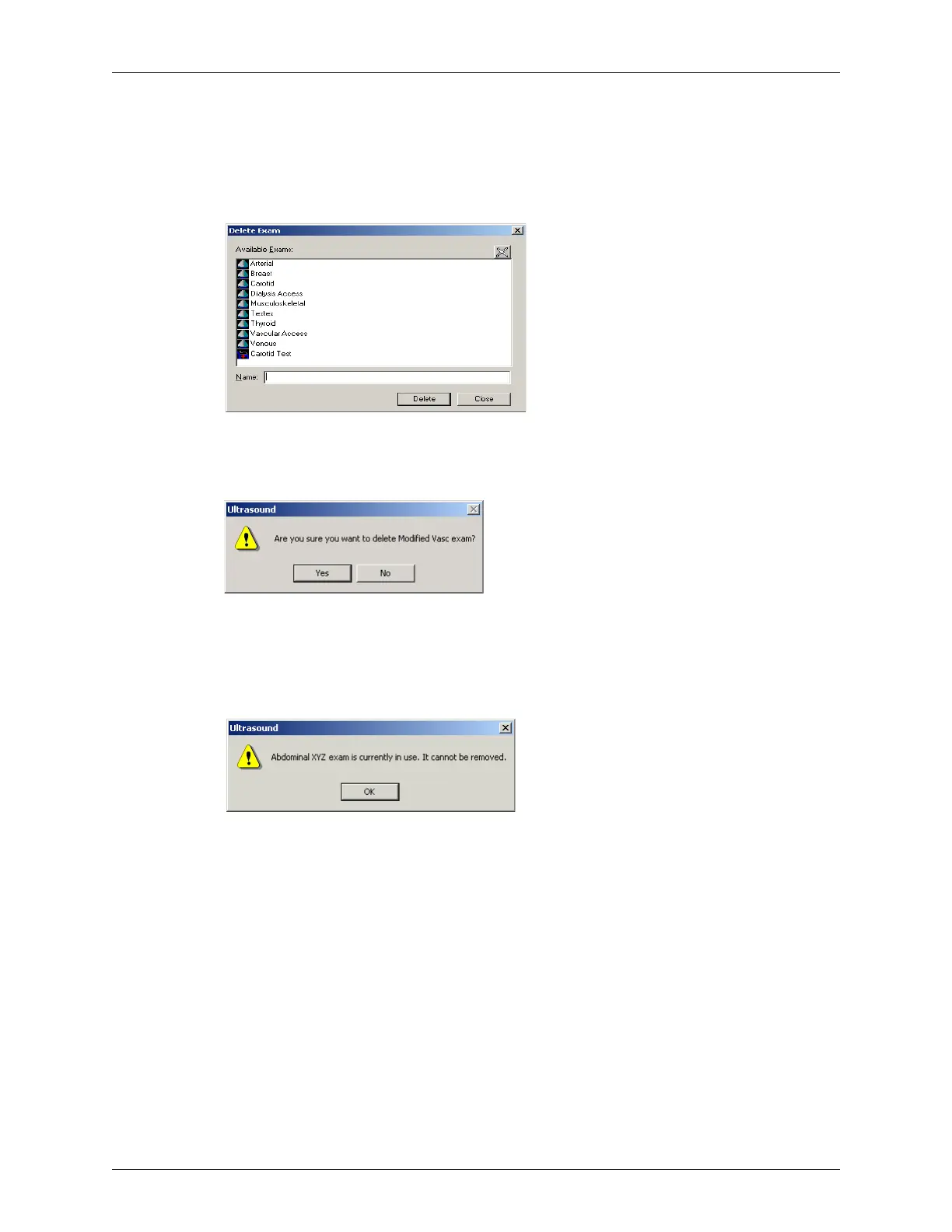
Exam > Delete Exam. The Terason software opens the Delete Exam dialog box.
Deleting an Exam
2. Click the exam that you want to delete from the list, and click Delete. The Terason
software prompts you to confirm that you want to delete this exam.
Confirm Delete Dialog Box
3. Click Yes to confirm the deletion.
4. Click
Close.
If you select the active exam, the following message displays:
Error Message If Delete Active Exam
Click OK, then open a different exam. Now you can delete the previous exam.



 To Next Page