Chapter 4 - Acquiring Images Working with Annotations
Terason t3000 / Echo Ultrasound System User Guide 82
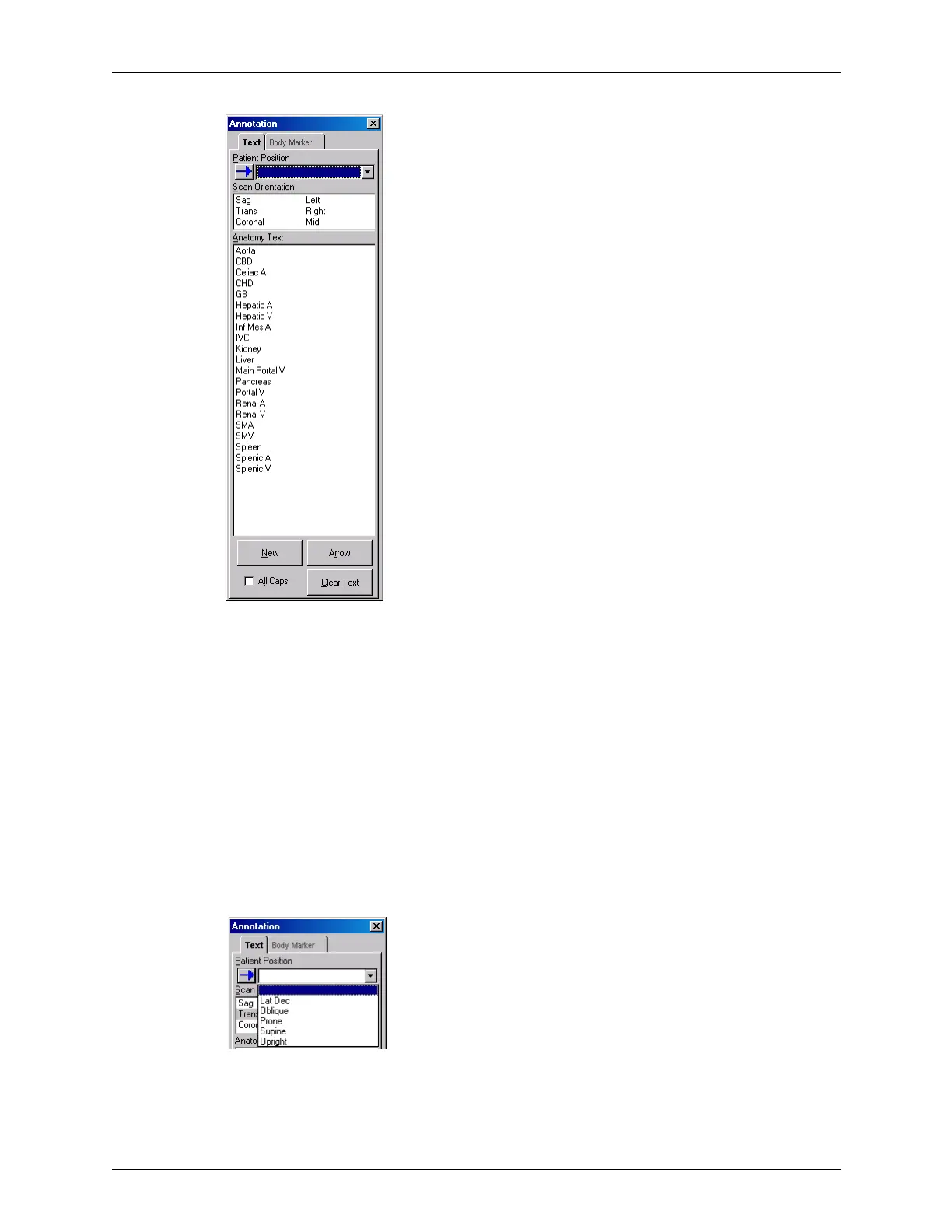
Annotation Window (Abdominal Exam)
If you added custom text using the Option dialog box (see Adding Custom Text to the
Annotation Window on page 251, that text shows in the anatomy list.
In this window:
•The New button starts a new line of text beneath the last line
•The Arrow button places an arrow next to the text (see Placing Arrows on the Image on
page 83)
•The Clear Text button deletes all text (including manually typed text) from the image
You can also choose to use all caps (ALL CAPS) by clicking in the check box before you
select the text. This check box has no affect on text already added to the image.
Click any text to add it to the image.
To add the Patient Position, select the appropriate position from the pull-down menu.
Patient Position Choices (Abdominal Exam)



 To Next Page