Chapter 4 - Acquiring Images Working with Annotations
Terason t3000 / Echo Ultrasound System User Guide 84
Adding an Arrow to Text
3. Click the arrowhead and drag it to the proper location on the scanned image, and
release the button.
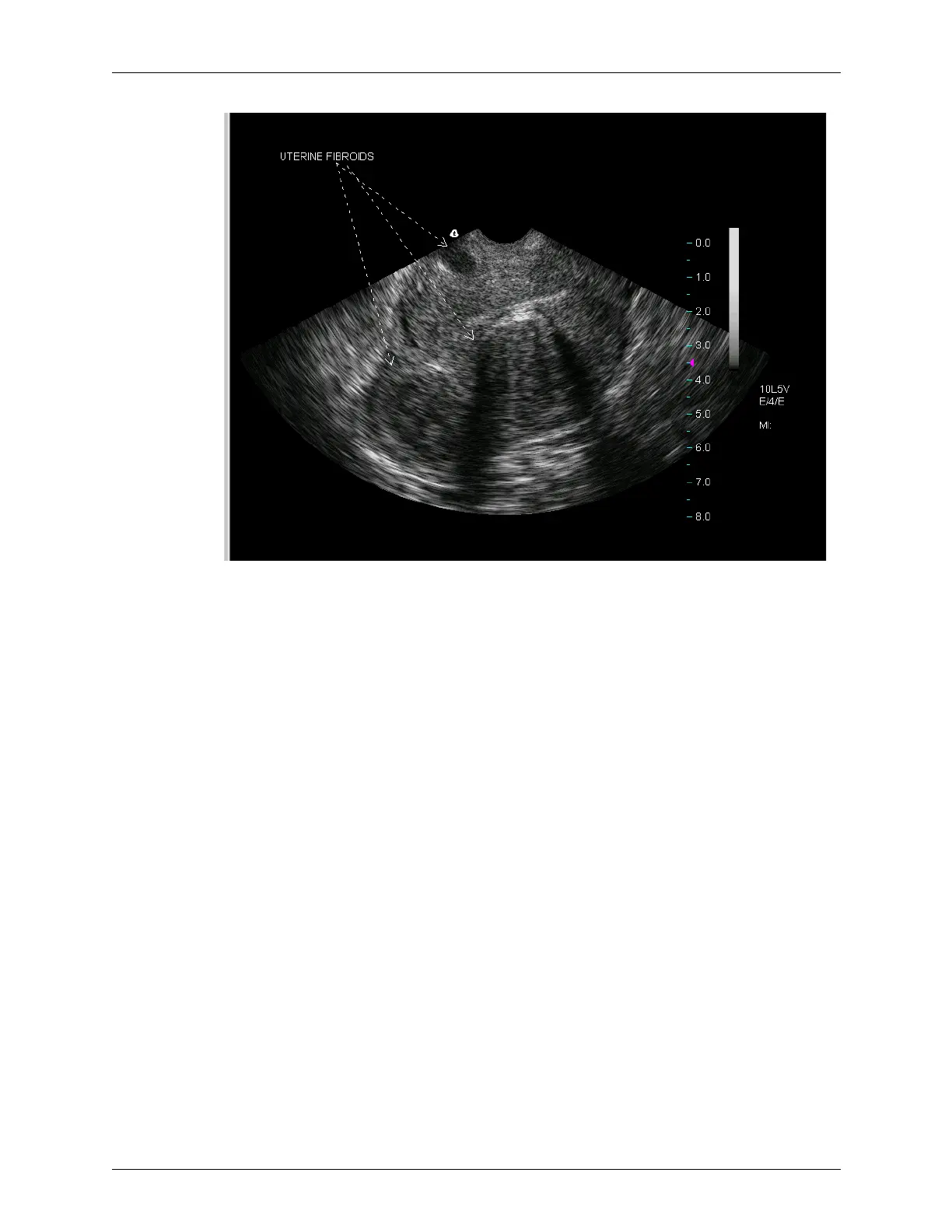
In this example, one arrow is tied to the text, and two arrows were added without
accompanying text and positioned as shown.
When working with arrows, you can:
• Add text before or after adding the arrow
• Move the arrow and text later if needed
• Add an arrow to existing text by right-clicking on the text and selecting
Show Arrow
from the pop-up menu
• Remove an arrow by deleting the text, or right-clicking on the text and selecting
Show
Arrow
to toggle the check mark off
Moving Text
After placing text on an image, you can easily move it to any location within the Image
Display tab. Just click the text, move it to a new location, and click where you want to
place it.
Typing Text on an Image
In addition to choosing from the provided text phrases, you can type any text you want
onto an image. You can only add text to the 2D Image Display window. You cannot add
text to the Time Series window.



 To Next Page