Chapter 5 - Working With Scan Modes Scan Modes Overview
Terason t3000 / Echo Ultrasound System User Guide 98
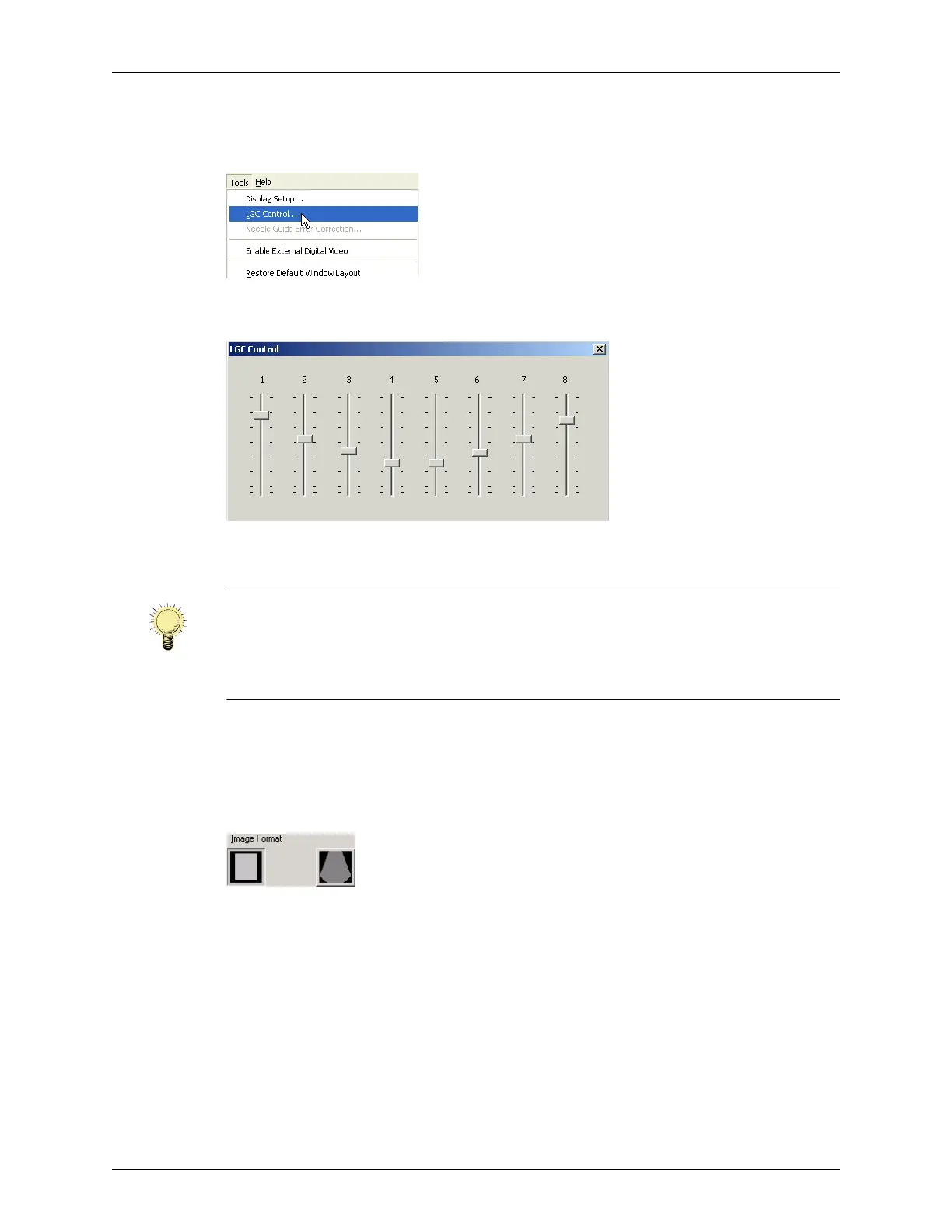
To use the LGC controls:
1. On the Tools menu, select
LGC Control....
Opening the LGC Controls
The LGC Control window opens.
LGC Control Window
2. To increase the gain on a sector, slide the control for that sector up.
3. To close the LGC Control window, click the close box .
Adjusting the Image Format
The Image Format control lets you choose an image format of linear or trapezoid.
Image Format Choices
To select the shape or size of the sectors, click the associated button.
See Changing the Display Mode Defaults on page 247 for information on choosing
defaults associated with sector width and image format.
Tissue Harmonic Imaging (THI)
The transmitted ultrasound signal generates harmonics (signals at frequencies that are
multiples of the transmitted signal frequency) in tissue. Tissue harmonic imaging
processes a returned harmonic signal to enhance the displayed image. The harmonic used
for THI is twice the frequency of the transmitted signal.
Note: When the Cardiac exam is selected, lower-numbered sliders (at the left side of the
LGC Control window) control segments at the left side of the display. When any
other exam is selected, the left-right relationship between the LCG window
controls and the scan is reversed (lower-numbered controls affect the right side of
the display.)



 To Next Page