7 GPS
110 FM-750 Display User Guide
Introduction
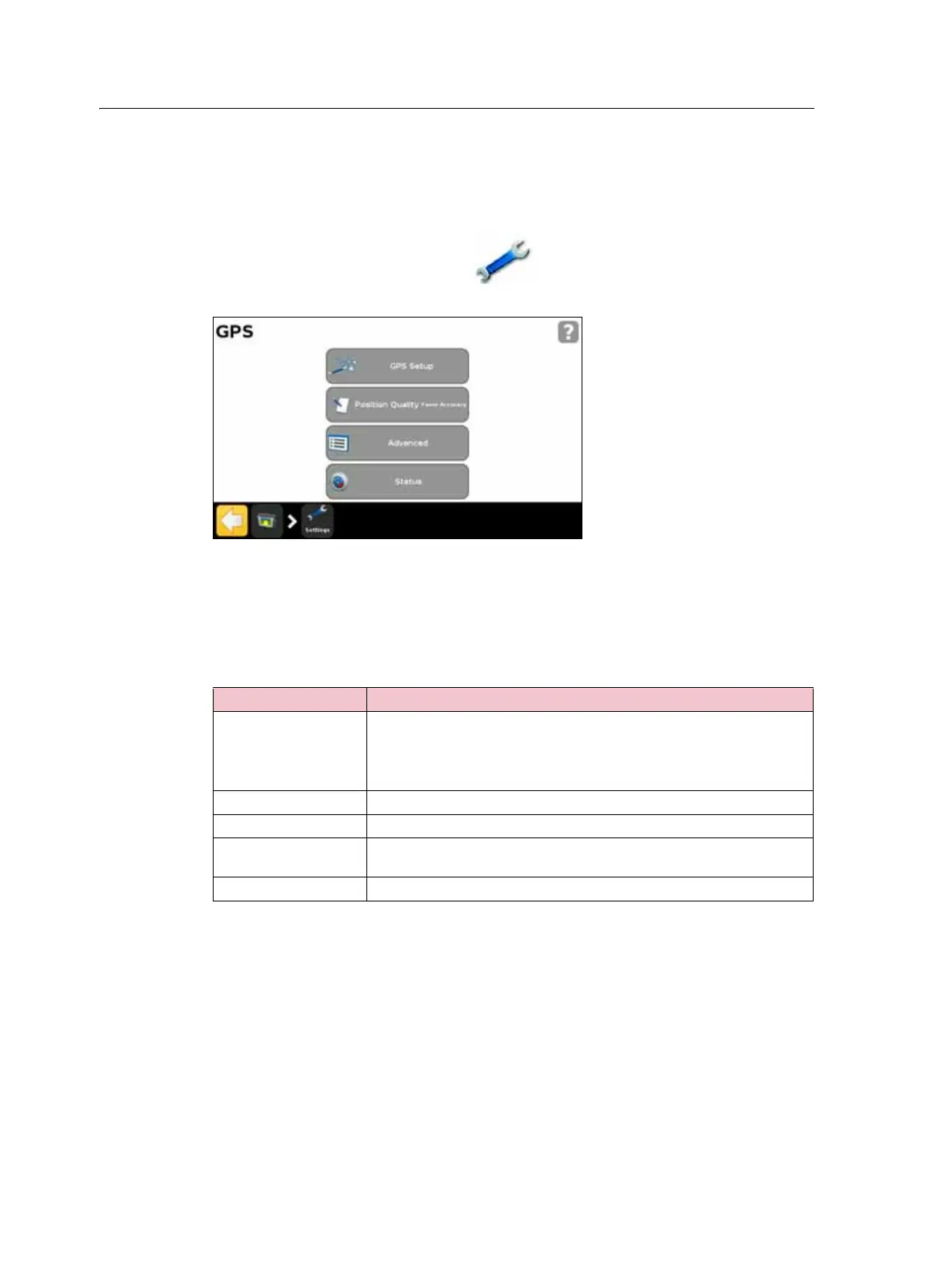
The GPS menu enables you to select which GPS system and correction source to use,
and the GPS quality tolerance.
To access the menu :
1. From the guidance screen, tap .
2. From the Settings screen, tap
GPS:
GPS Setup
Use the GPS Correction Source screen to choose the type of GPS position corrections
that you want to use:
Position Quality
GPS signals can be disrupted by foliage, or when the machine moves out of sight of one
or more satellites, or when one or more satellites move out of sight of the machine or
‘set’ below the horizon.
Source Description
SBAS
(Satellite-based
augmentation system)
Free satellite-based corrections:
• WAAS (Wide Area Augmentation System) in North America
• EGNOS (European Geostationary Navigation Overlay Service) in
Europe
OmniSTAR VBS Satellite-based subscription correction service
OmniSTAR XP/HP High accuracy satellite -based subscription correction service
RTK
(Real Time Kinematic)
Radio-broadcast corrections from a ground-based reference station
Uncorrected No GPS corrections



 To Next Page