FM-750 Display User Guide 33
Getting Started 3
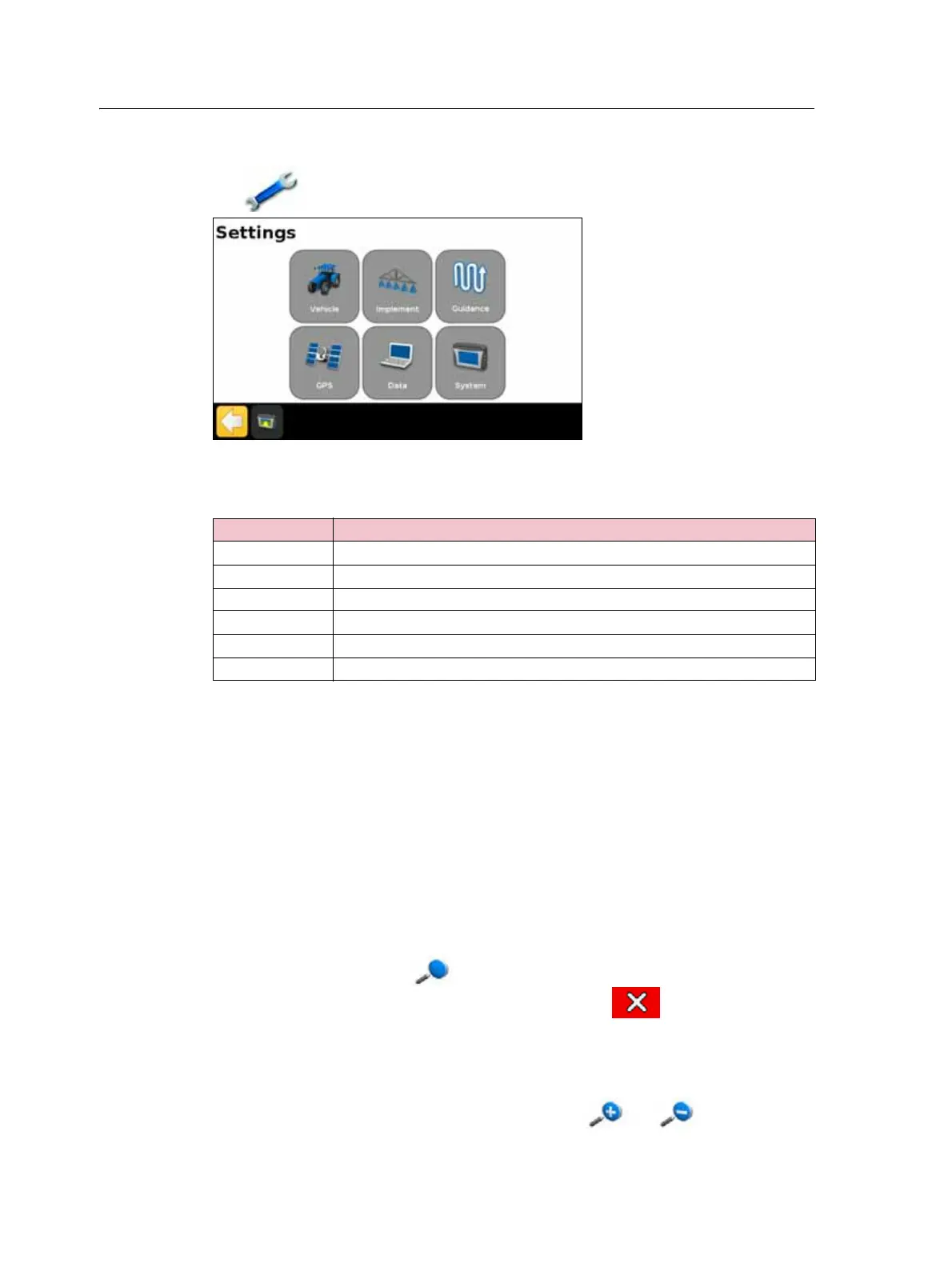
Settings
Tap to open the Settings screen:
Use the Settings screen to adjust your system settings, and view the status of the
following:
View
The options for viewing the guidance screen are:
• Zoom In
• Zoom Out
• Change View
Note – Change View toggles between the Overhead view and Trailing view icons.
• Panning Mode
To:
• change the view, tap , and then select the option that you require.
• exit a view and return to the guidance screen, tap .
To learn how to change the View settings, see View, page 123.
Zooming
To zoom in or out on the guidance screen, tap either or .
Setting For more information, see ...
Vehicle Chapter 4, Vehicle, page 45
Implement Chapter 5, Implement Application Controller, page 57
Guidance Chapter 6, Mapping and Guidance, page 89
GPS Chapter 7, GPS, page 109
Data Chapter 8, Data, page 115
System Chapter 9, System, page 121



 To Next Page