3 Getting Started
30 FM-750 Display User Guide
Note that screenshot capability is only available when there is a USB drive inserted in
the display,
To take a screenshot:
1. Press both brightness control buttons at the same time:
2. Hold the buttons down until the touchscreen flashes.
C
CAUTION – Do not remove the USB drive from the socket while the display is writing to or
from the drive. This will corrupt the data.
The Quick Start Wizard
The Quick Start Wizard enables you to configure important settings before you begin
driving. The first time that you turn on the display, the wizard starts automatically.
Make sure that when you first turn on the display that you run the entire wizard.
When you run the wizard, you can choose whether or not it appears every time the
display is turned on. If you choose to hide the wizard, when you next power up the
display, the guidance screen automatically appears. However, you can still access the
wizard at a later time, as follows:
1. Tap and then tap .
2. Tap
Quick Start Wizard. The Welcome screen appears.
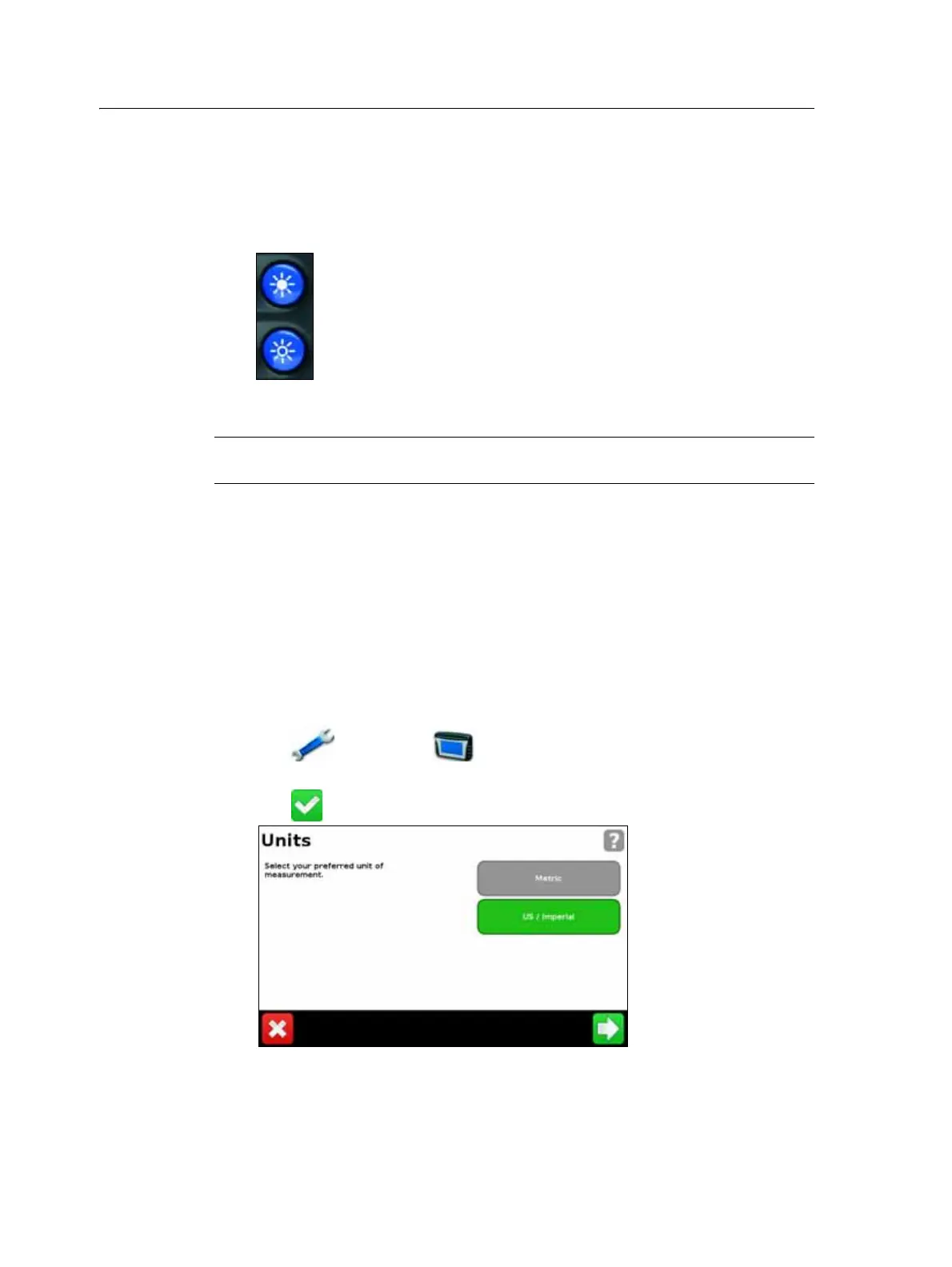
3. Tap . The first page of the Quick Start Wizard appears:
4. To set up your system, complete each page of the wizard. See the section below.



 To Next Page