8 Data
118 FM-750 Display User Guide
• Network password: change the password used for network registration.
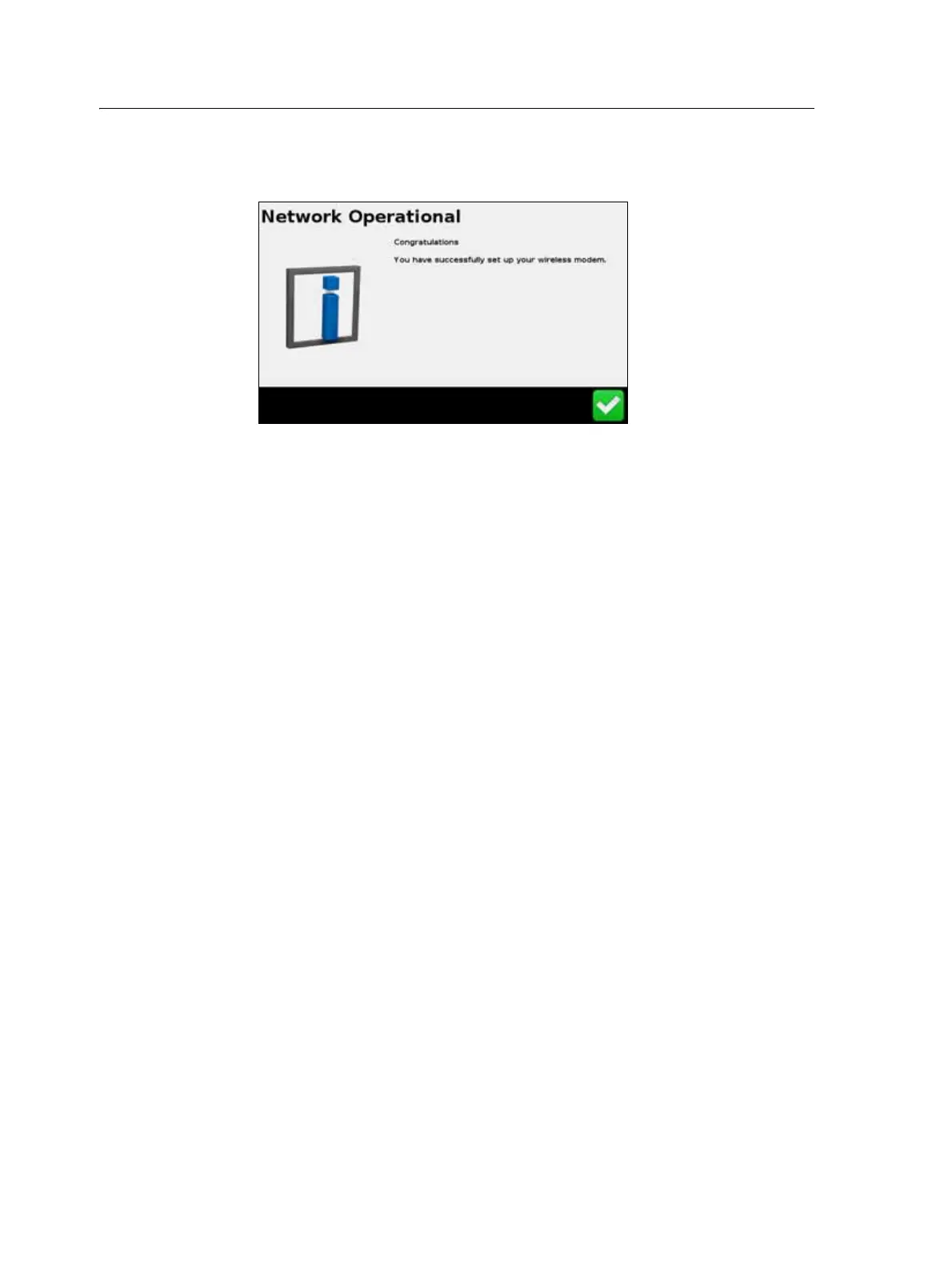
After you set up your modem, the following screen appears:
Once you receive this message, you can continue with the registration process.
Note – The internal settings for your modem are on the SIM card that your modem uses.
For further setup information, contact your SIM card provider.
Network registration
Register your information with the Connected Farm Network. Use the username and
password you created when you purchased Connected Farm. For more information
contact your localreseller.
Manage Data
The Manage Data screen enables you to handle your data via the USB drive or the
display’s internal memory.
USB
The USB screen enables you to:
• Retrieve the field data and FM-750 configuration files from a USB drive and
transfer it to the internal memory. The field data includes:
– Field Boundaries
– Point, Line and Area features
– Guidance lines
– Event data (coverage)
– Prescriptions
• Send the following data from the internal memory to the USB drive:
– Autopilot information



 To Next Page