FM-750 Display User Guide 125
System 9
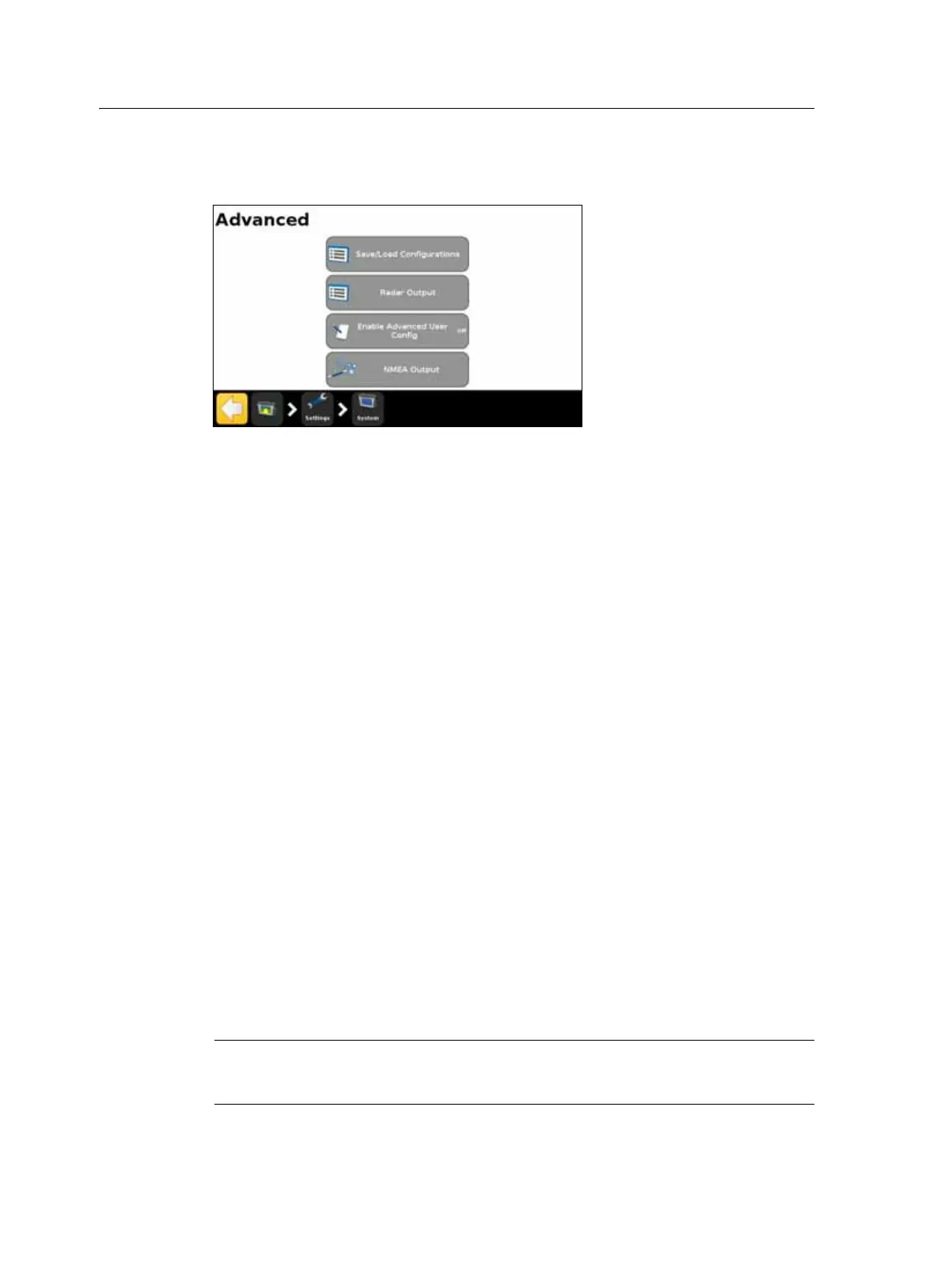
Advanced
Use the items in the Advanced screen to view and adjust advanced system features.
Save/Load Configurations
Once you have set up your lightbar for your current job, you can save the settings to a
configuration file. Saving a system configuration can be useful for:
• Quick setup when moving the display between vehicles.
• Quick setup when using the same vehicle but changing the implement or
application.
• Tuning the settings for improved performance. Save your improved settings.
• Restoring known good settings if unwanted adjustments have been made.
Radar Output
The FM-750 display can output simulated radar pulses at a pre-defined speed pulse
output rate. This can be useful for:
• Replacing the radar/true ground speed sensor for measuring the speed of the
vehicle.
• Sending the measured vehicle speed to any other agricultural device that
requires speed pulses, such as a yield monitor or variable rate controller.
To use speed pulse output you need a radar sensor cable kit, which includes a pulse
amplifier adapter.
Enable Advanced User Config
C
CAUTION – Do not use the Enable Advanced User Config feature unless you have the
support of your local reseller. Altering any of the settings for this feature may cause
system failure.



 To Next Page