FM-750 Display User Guide 127
System 9
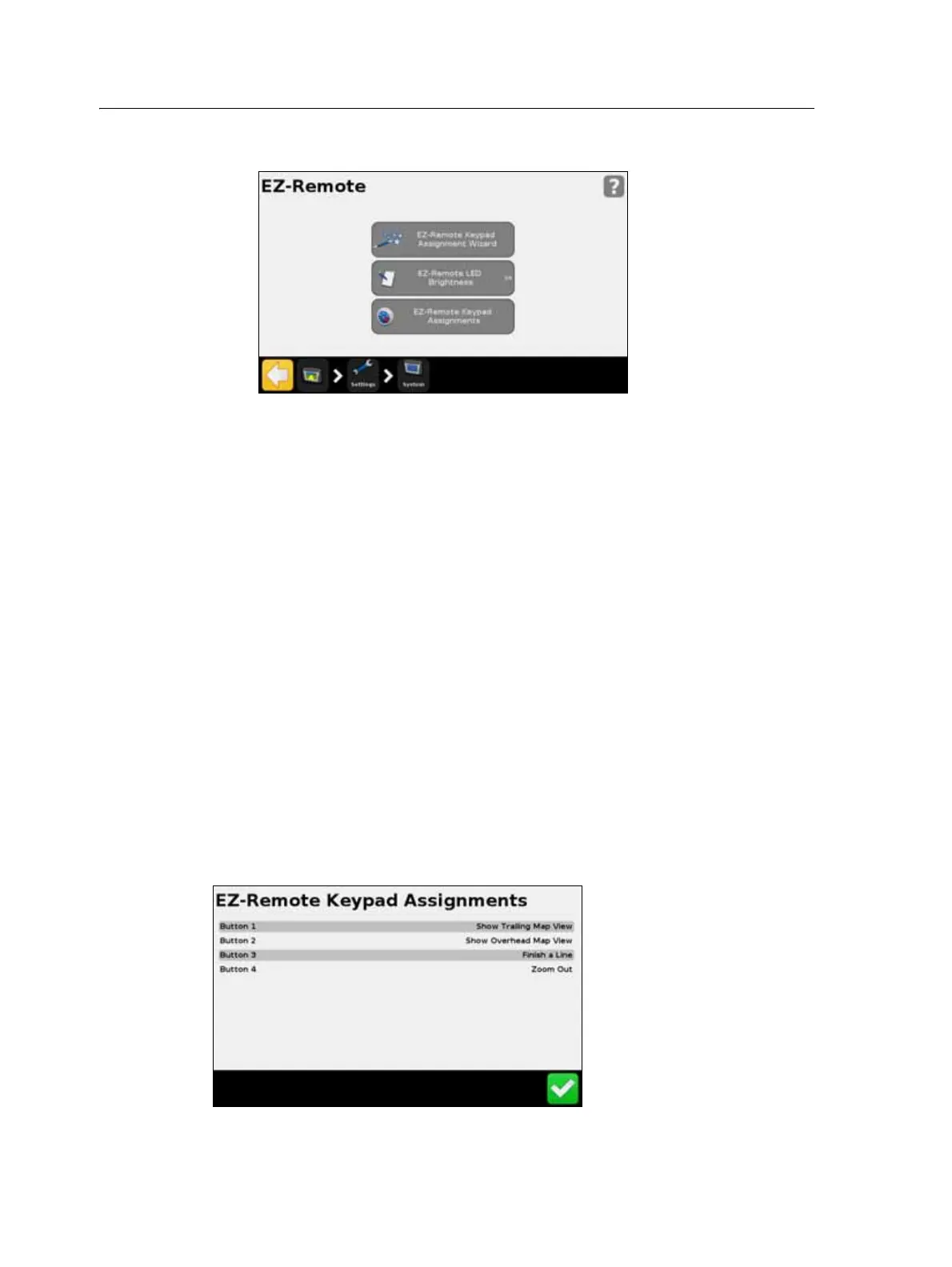
• review your button assignments.
EZ-Remote Keypad Assignment Wizard
1. On the FM-750 display, tap the first EZ-Remote joystick button that you would
like to program.
2. In the Choose a Function screen, tap the function you would like to assign to the
joystick button. See Using the EZ-Remote joystick, page 40.
3. In the Finished screen, select either:
– Choose another button to repeat Step 1 and Step 2.
– Complete this wizard to exit the wizard.
EZ-Remote LED Brightness
Use this screen to adjust the brightness of the LED buttons on the joystick. Enter a
number between 0-100.
EZ-Remote Keypad Assignments
The EZ-Remote Keypad Assignments screen shows the functions that have been
assigned to the four programmable buttons,



 To Next Page