3 Getting Started
34 FM-750 Display User Guide
Viewing modes
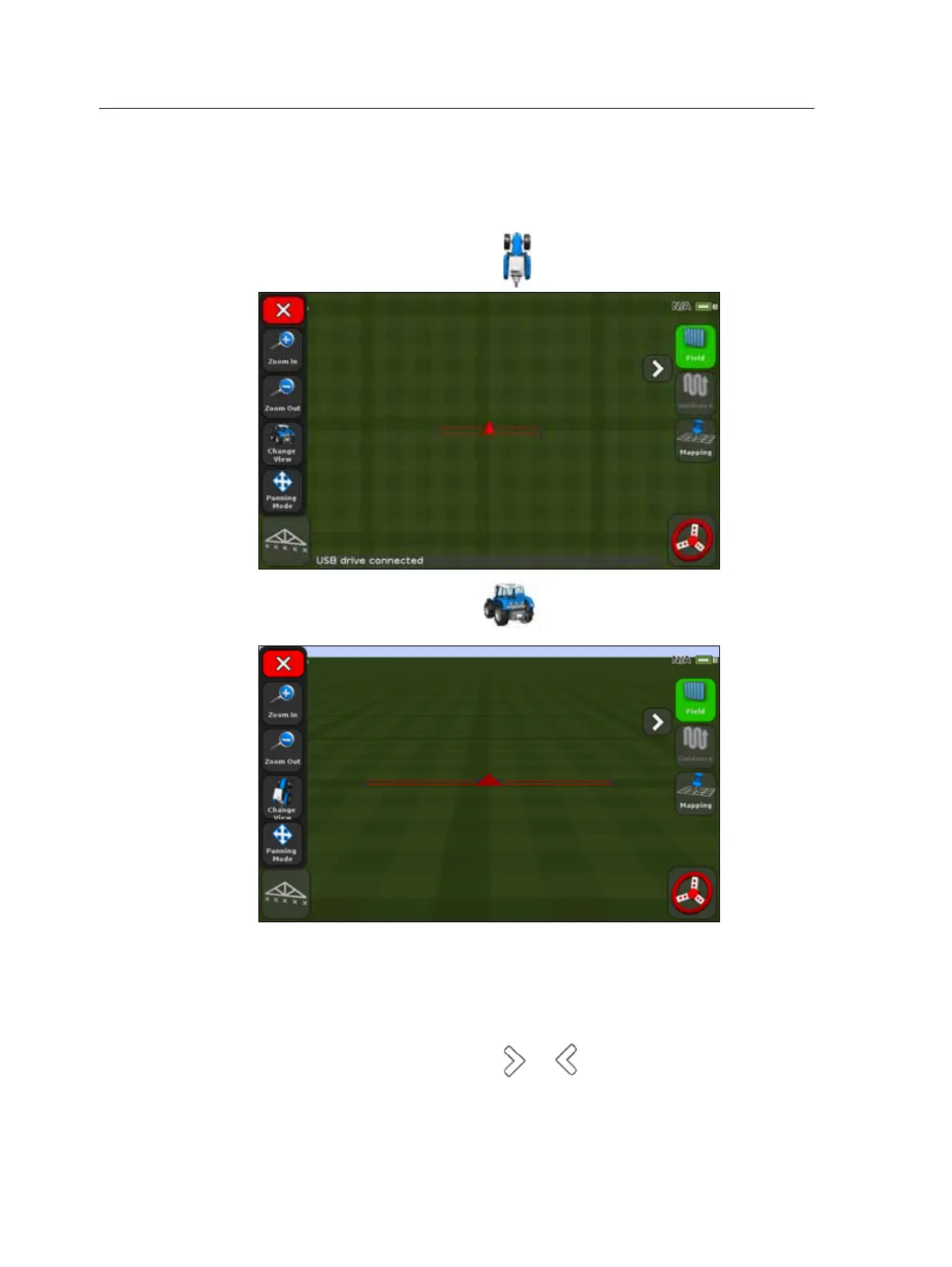
There are two viewing modes, Overhead and Trailing.
By default, the view switches from Overhead to Trailing when you approach the AB
line.
• To access the Overhead view, tap .
• To access the Trailing view, tap .
Extended icons
The guidance screen features several extended icons that are hidden in the default
view.
To access or hide the extended icons, tap or .



 To Next Page