3 Getting Started
28 FM-750 Display User Guide
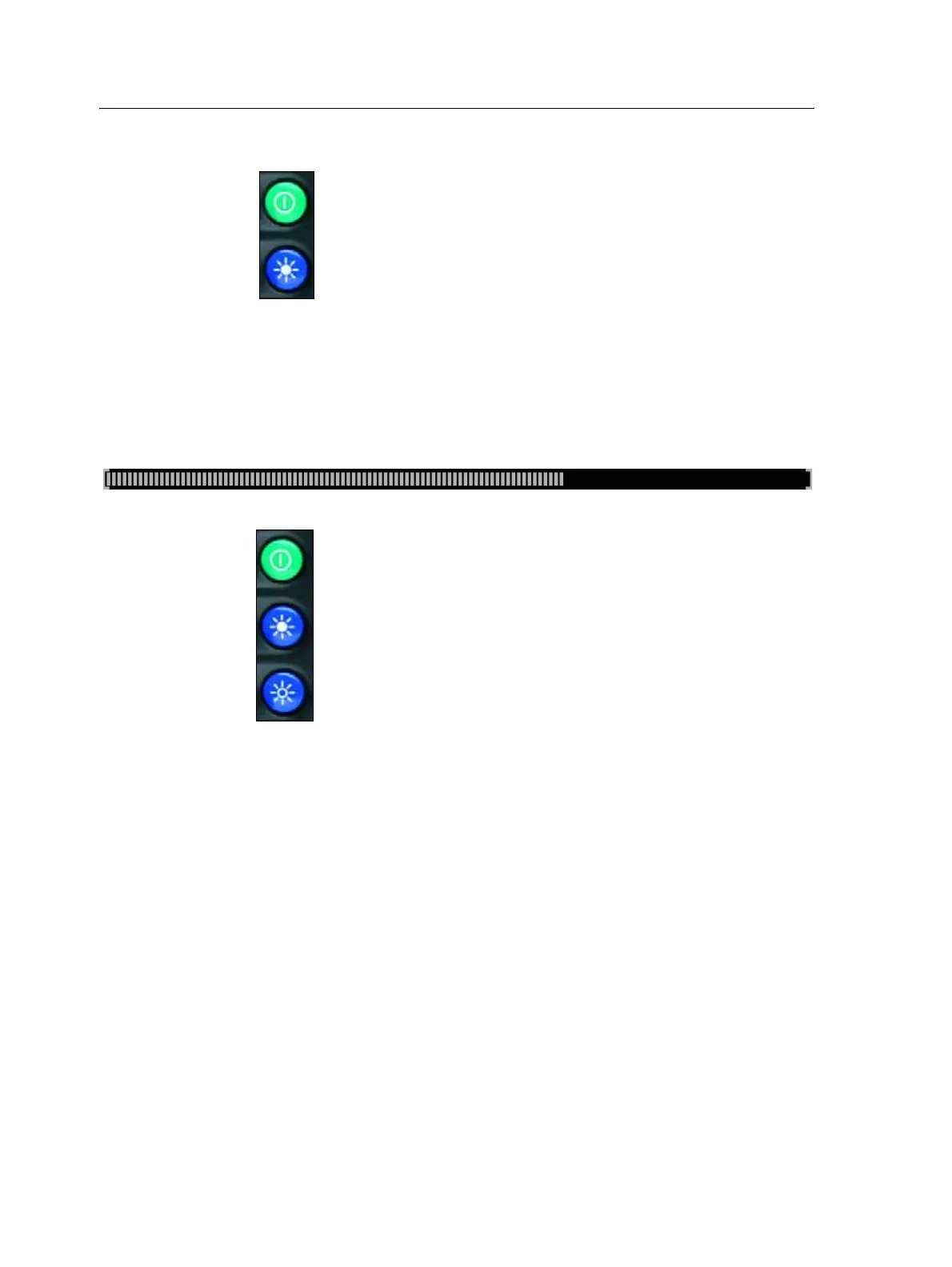
3. Press the power button and top brightness control button at the same time:
4. Hold the buttons down until the display beeps.
Hard reset
1. Power down the display and then power it on.
2. Wait until the status bar at the bottom of the second startup screen is over half
full:
3. Press the power button and both brightness control buttons at the same time:
4. Hold the buttons down until the display beeps.
The USB socket
The USB socket is on the rear of the display. See Figure 3.2, page 25.
Use the USB socket to manage your data via a USB drive.
USB drive compatibility
You can use the following USB drives with the FM-750 display:
• A-Data micro SDHC/SD/USB adapter • ADATA Classic C801 8GB
• Digital Concepts USB to PC Reader • Generic USB - uDHC adapter with
Transcend 8GB microSDHC card
• Kingston Data Traveler 8 GB • Kingston Data Traveler 101
• Lexar Firefly 1 GB • Lexar JumpDrive TwistTurn
• Lexar Secure II Plus • PNY Attache
• PNY Micro Swivel Attache 4GB • PNY Mini Attache 4 GB



 To Next Page