4 Vehicle
46 FM-750 Display User Guide
Introduction
To ensure the proper performance of your auto steer system, you need to calibrate it
correctly. Before you calibrate your auto steer option, do the following:
• Ensure that the vehicle’s hydraulic oil is up to operating temperature. Refer to
the vehicle documentation.
• Ensure that the tire pressure is correct.
• Complete the GPS Setup on the FM-750 display. For more information, see
Chapter 7, GPS.
When you calibrate your auto steer option, pay attention to the following:
• Choose a field with the smoothest possible surface and perform the calibration
at the normal operating speed for the vehicle.
• For a high-clearance sprayer, perform the initial calibration without an
implement or with the booms folded in. After the initial calibration is
completed, you can fine tune the settings with the implement or booms folded
out.
The calibration process requires a straight AB line. If you do not create an AB line
before you begin the calibration, the system prompts you to open a field and create
one.
To access the auto steer options:
1.
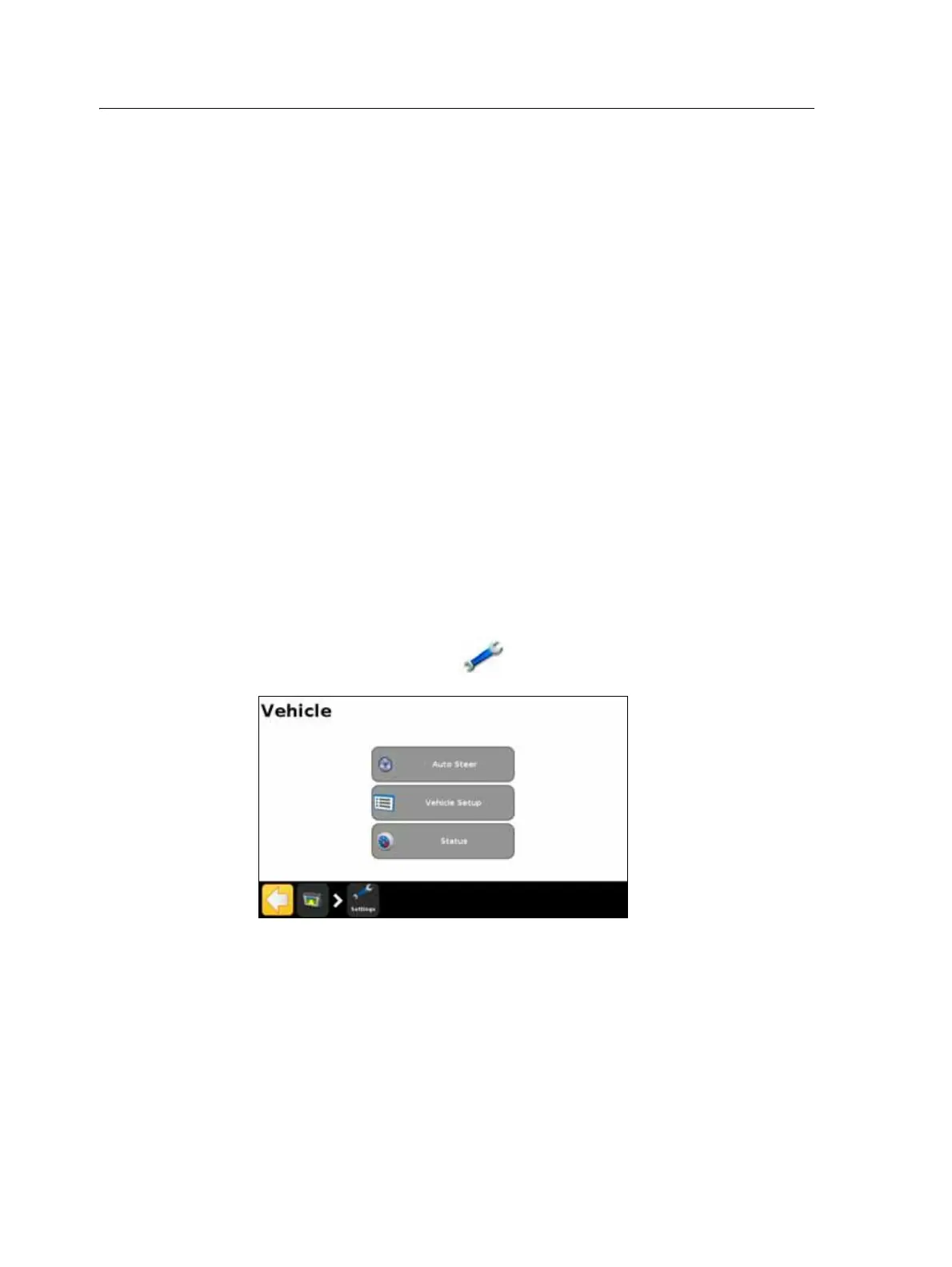
In the guidance screen, tap and then tap Vehicle.
2. Tap
Auto Steer:



 To Next Page