5 Implement Application Controller
58 FM-750 Display User Guide
Introduction
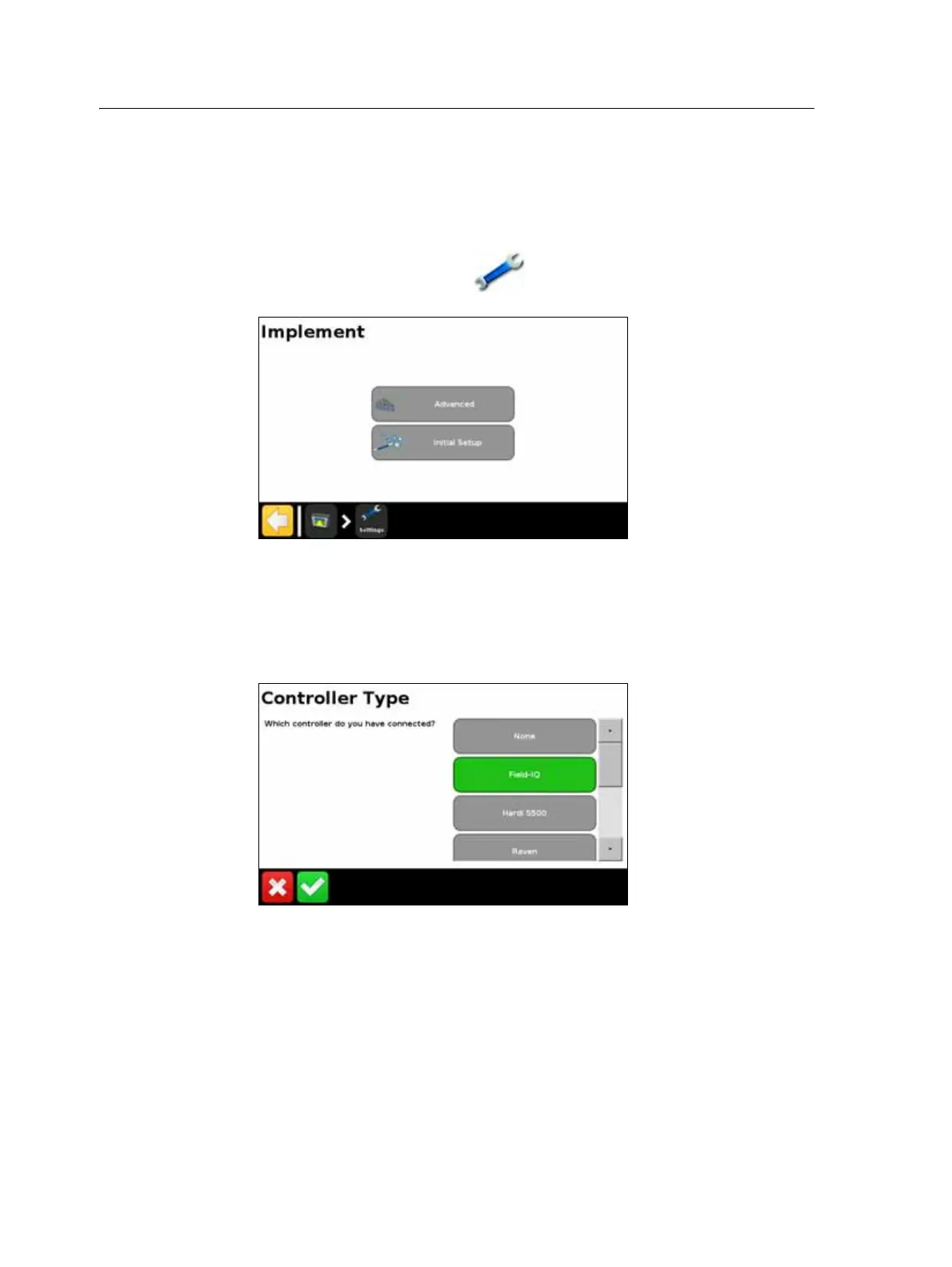
The options in the Implement screen enable you to configure an implement application
controller. such as the Field-IQ crop input control system.
To access the Implement screen:
1. From the guidance screen, tap .
2. From the Settings screen, tap
Implement:
The Implement screen contains two options, Advanced and Initial Setup. The Advanced
option only appears after you have set up your controller via the Initial Setup option.
To set up your controller:
1. From the Implement screen, Tap
Initial Setup. The Controller Type screen
appears.
Note – To access all of the available Controller Type options (apart from None and
Field-IQ) you must have a VRA unlock code. To obtain a VRA unlock code, contact your
local reseller.
2. Select the controller that you are using.
Note – When you change the controller type, any open field will close.
3. Configure your controller. For more information, see the following sections:
– Field-IQ, page 61
– HARDI 5500, page 71



 To Next Page