3 Getting Started
24 FM-750 Display User Guide
Display basics
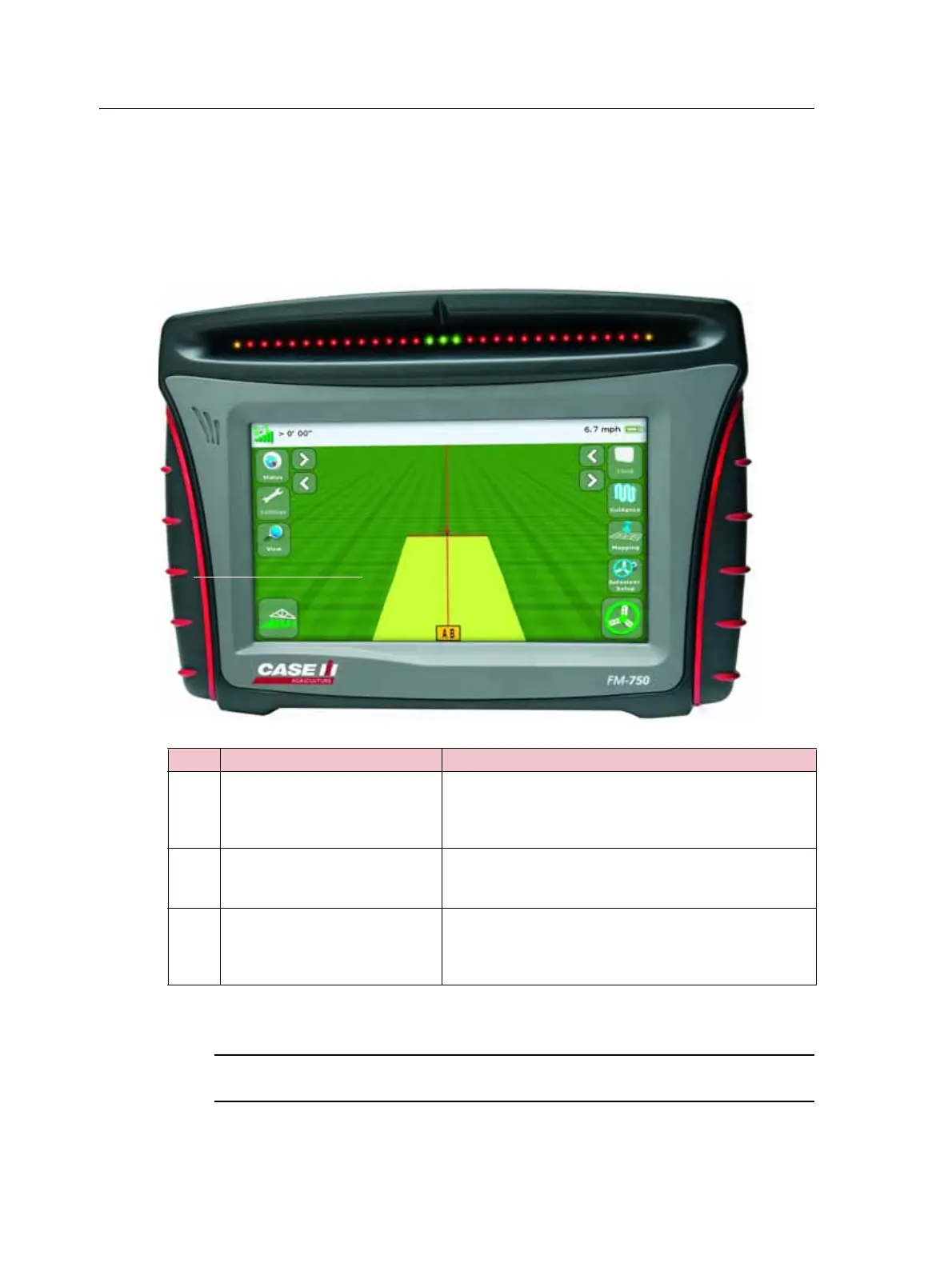
The FM-750 display provides guidance, steering and precision agriculture
functionality. The display has a touchscreen that you use to operate your system, and
view guidance information. In addition, there is a USB port on the display for loading
and saving field data. See Figure 3.1 below, and Figure 3.2, page 25.
Figure 3.1 The front of the FM-750 display
C
CAUTION – Do not press on the screen with a sharp item, such as a pencil or screwdriver;
you may damage the surface of the screen.
Item Description Notes
c
8" Touch-sensitive screen To interact with the system, tap the screen with your
finger.
For more information, see Recalibrate Touchscreen,
page 129.
d
Speaker You can adjust the speaker volume, or turn it off.
For more information, see Touchscreen speaker volume,
page 124.
e
Integrated lightbar with 27 LEDs When lit, the LEDs show the position of your vehicle
relative to your intended guidance line.
For more information, see Reading lightbar patterns,
page 39.



 To Next Page