FM-750 Display User Guide 55
Vehicle 4
The Autopilot automated steering system
Note – For advanced setup options contact your local reseller.
Setup
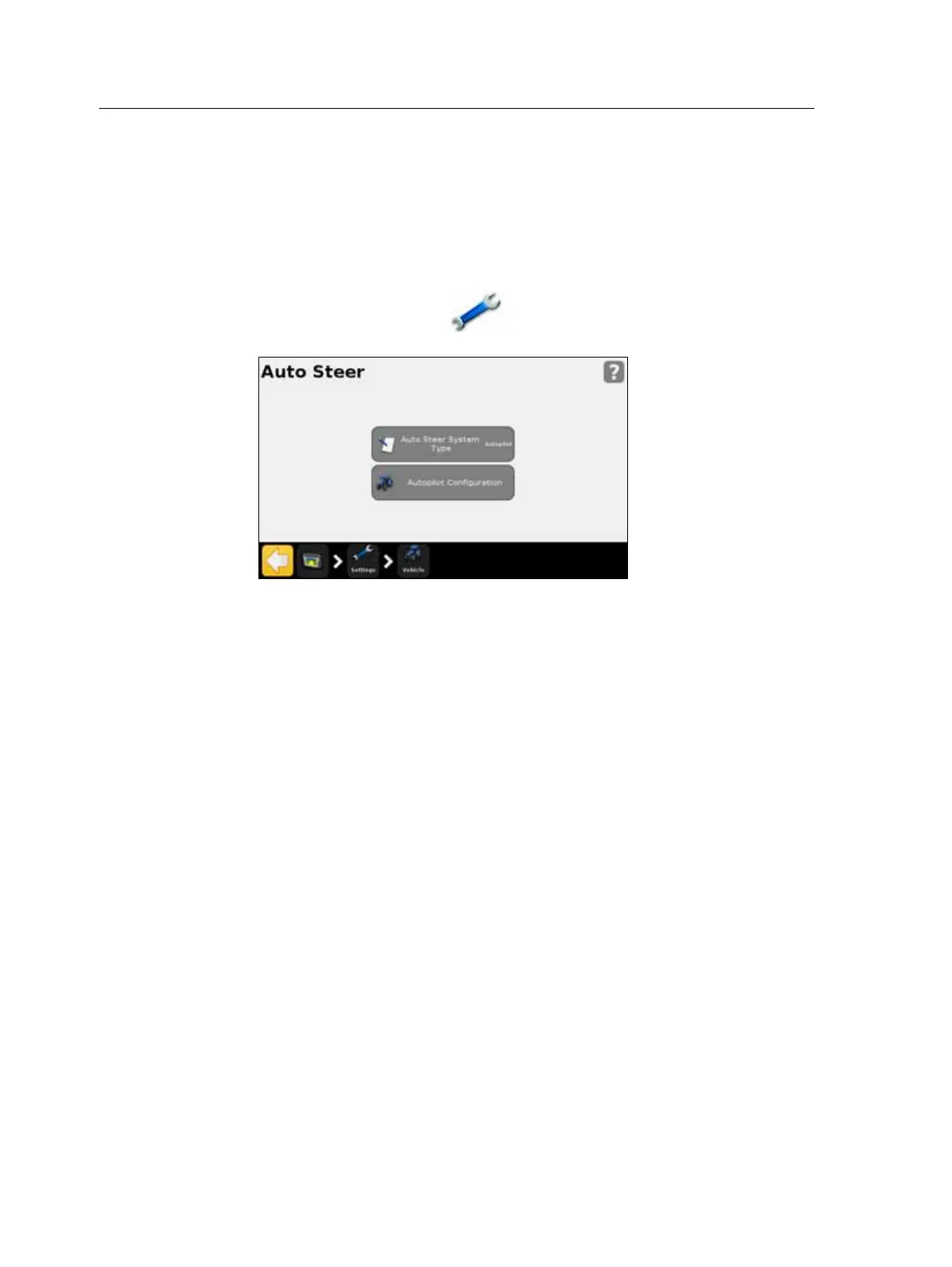
To view and adjust settings for the Autopilot system:
1. In the guidance screen, tap and then tap
Vehicle.
2. Tap
Auto Steer and then Autopilot Configuration:
Note – If the Autopilot Configuration button does not appear, tap Auto Steer System Type
and then select Autopilot for your controller.
From the Autopilot Configuration screen you can view and adjust the settings for:
• Online Aggressiveness
• Operator Alert Timeout
• End of Row Warning Distance
• NMEA Output. See Chapter 7, GPS.
• Save Vehicle Configuration File (use a virtual keypad to save your current vehicle
configuration)
Operation
You must calibrate and set up the Autopilot automated steering system before
operation.
Engaging the system
Before you can engage the Autopilot automated steering system, you must:
• open a field in the guidance screen
• define an AB line
• position the vehicle within the configured engage limits



 To Next Page