FM-750 Display User Guide 47
Vehicle 4
The EZ-Steer assisted steering system
The EZ-Steer® assisted steering system works with the FM-750 display’s internal GPS
receiver to provide vehicle guidance. As such, you must complete the GPS setup before
you calibrate, set up or run your EZ-Steer system. See Chapter 7, GPS.
Setup
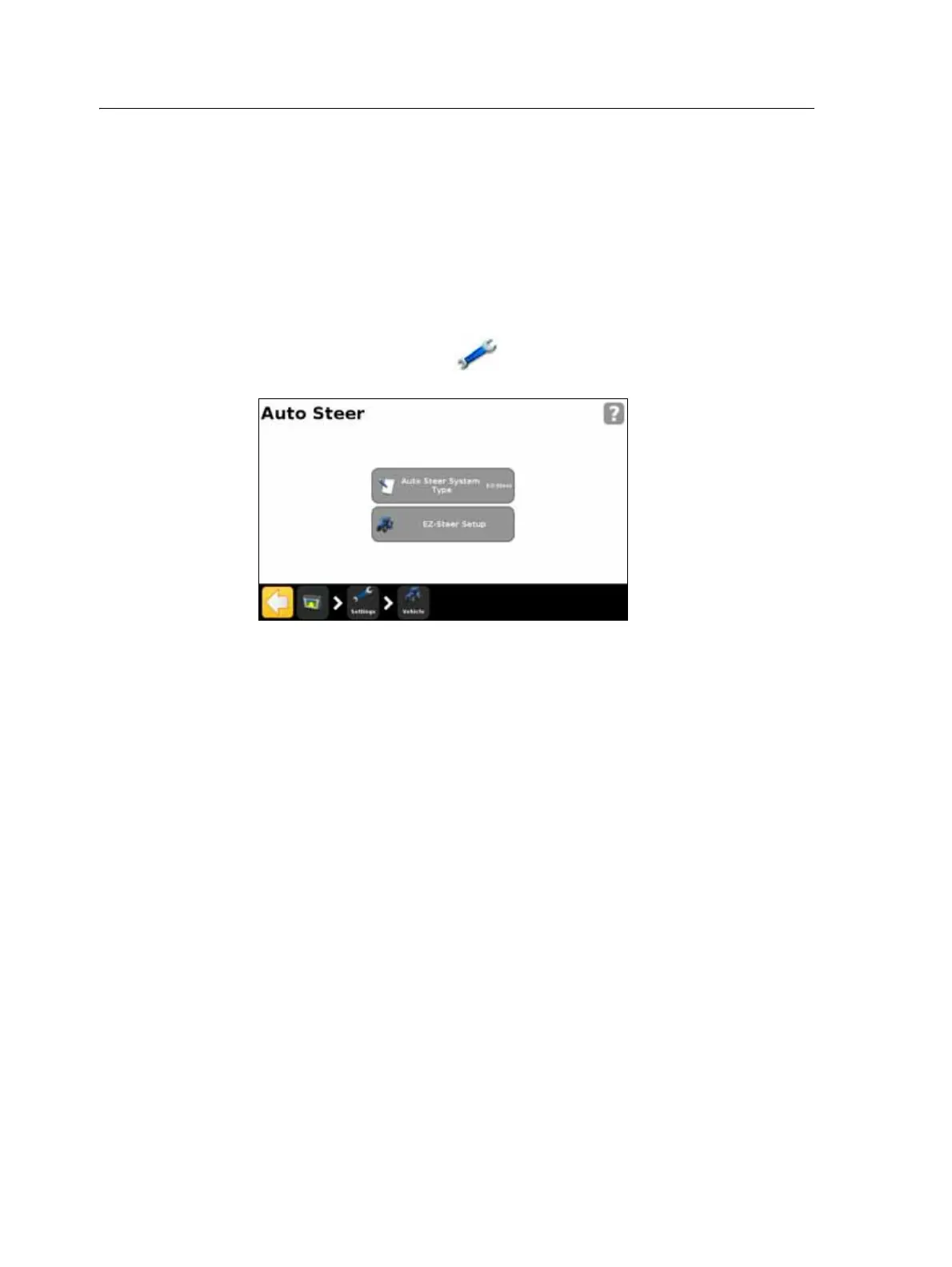
To view and adjust the settings for the EZ-Steer system:
1. In the guidance screen, tap and then tap
Vehicle.
2. Tap
Auto Steer and then EZ-Steer Setup:
Note – If the EZ-Steer Setup button does not appear, tap Auto Steer System Type and then
select EZ-Steer for your controller.
The EZ-Steer Setup screen contains the following options:
• Engage Options
• Vehicle Setup
• Aggressiveness
• EZ-Steer Demo
• EZ-Steer Calibration Wizard
The following sections describe each option.



 To Next Page