5 Implement Application Controller
78 FM-750 Display User Guide
Rawson
Setup
1. Once you select Raven as your controller, a warning message appears. Make sure
that you read the message carefully, and then tap to continue.
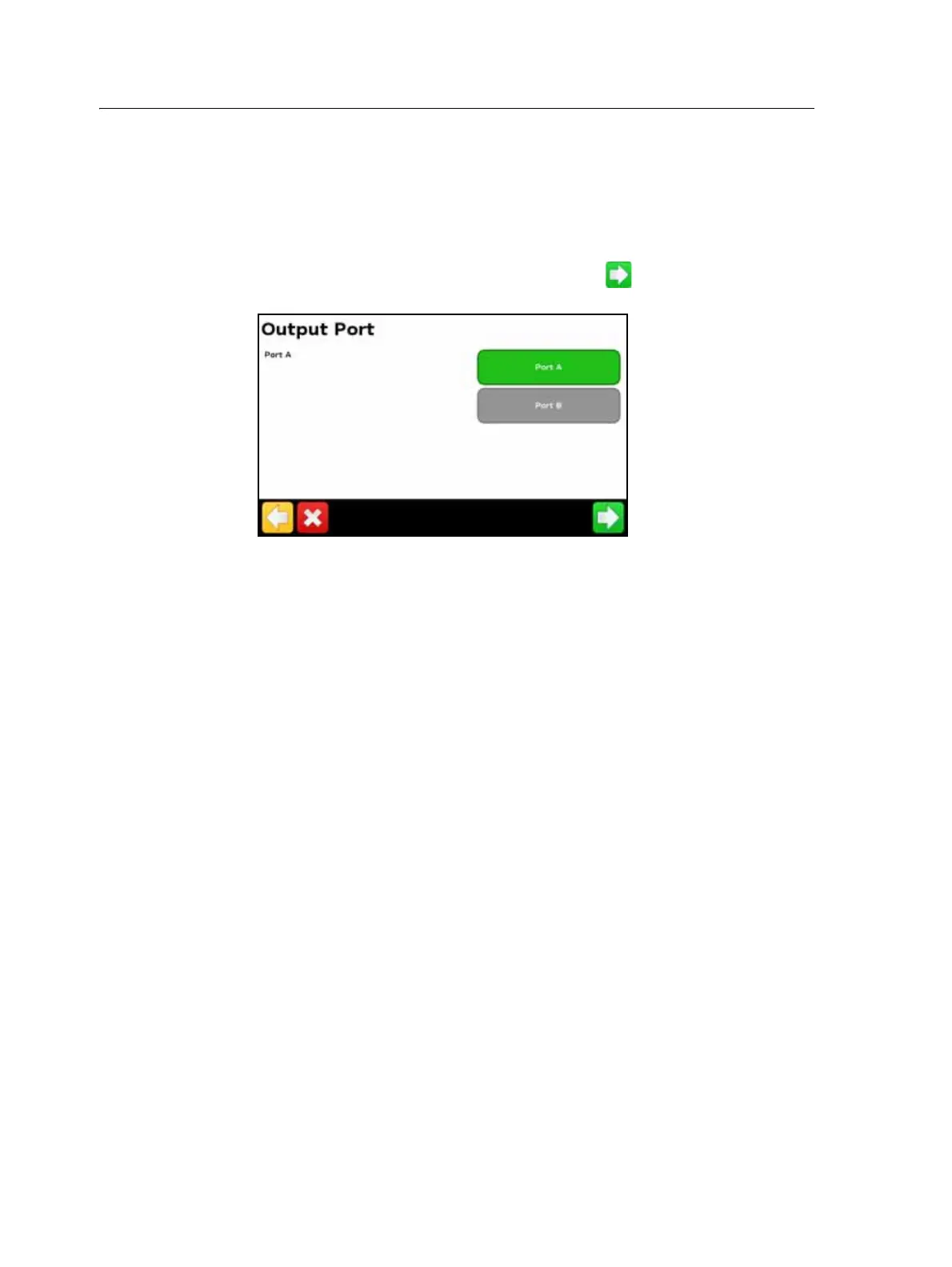
The Output Port screen appears:
2. Change the Output Port to COM or AUX to match the port on the display that
the controller is connected to.
3. On the Rawson controller:
– Verify the default target rate and step size and then enter these values into
the FM-750 display. To learn how to change these settings on the FM-750
display, see Advanced, below.
– Set the baud rate to 9600.
To enable the FM-750 display to change the rates on the controller, you must also set
the Rawson controller to GPS mode:
1. Turn the Rawson controller on.
2. Press the MODE button twice.
3. Press the SET button to switch the controller between GPS and non-GPS modes.
Note – If you do not set the Rawson controller to use GPS mode, the FM-750 display will
only log the rates being used.
For more information on configuring the Rawson controller, refer to the ACCU-RATE
Controller 9.2A User Guide.



 To Next Page