FM-750 Display User Guide 31
Getting Started 3
Using the setup wizards
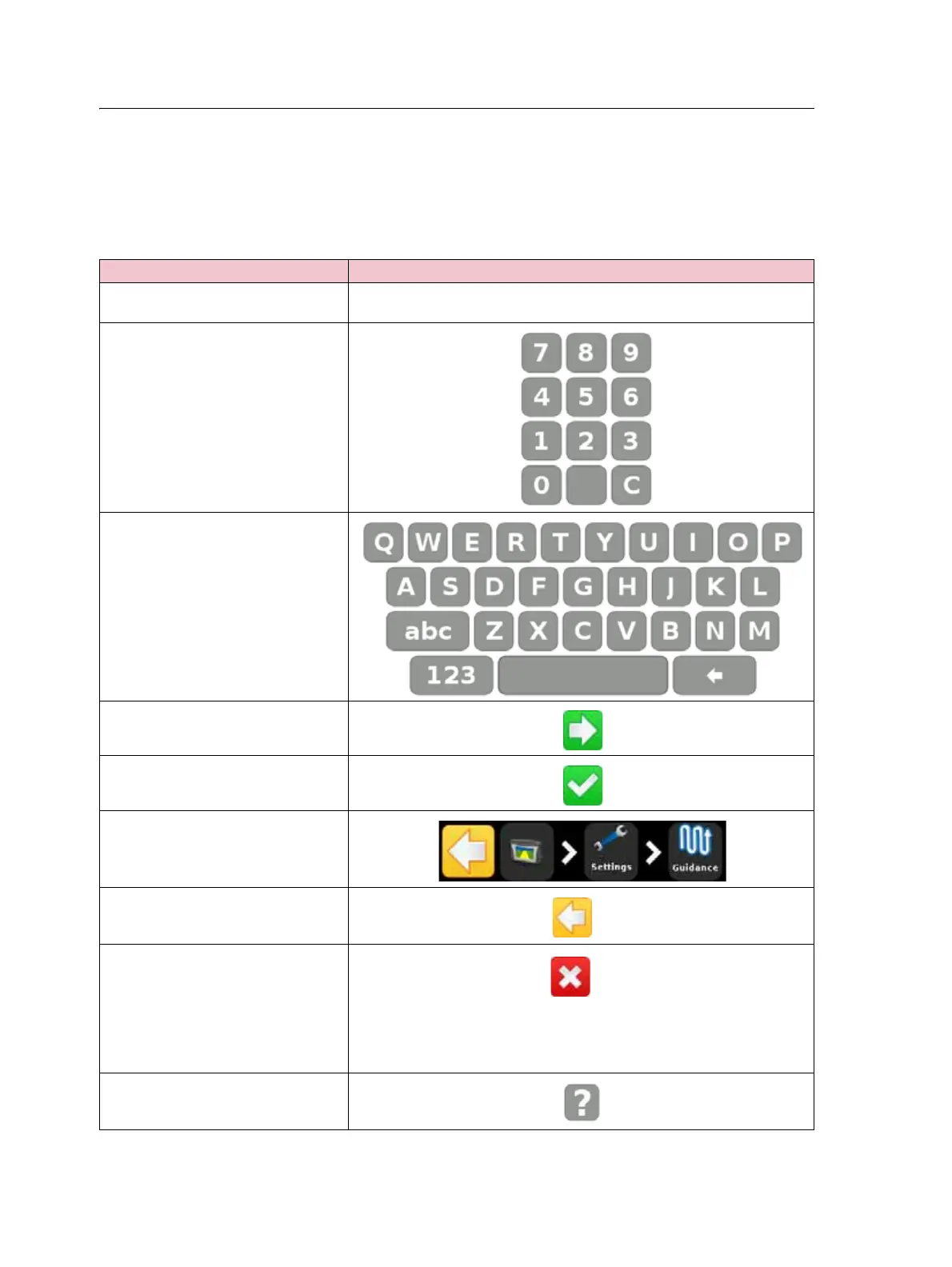
The FM-750 display contains various wizards that guide you through the task of
configuring your system. The following table describes how to use the wizards to enter
your system settings.
To ... Tap ...
Select the setting you require The field that displays the desired value. When you make your selection,
the field changes color from gray to green.
Enter the numbers that you require
Enter text
Accept the selection and go to the
next screen
Accept the selection and exit the
screen
Navigate the wizard
Go back to the previous page
Exit the wizard
Note – When you exit the wizard,
the system retains any settings you
have already selected; for any
settings that you have not yet
entered, the system uses the settings
from the previous configuration.
Access the on-screen help



 To Next Page