9 System
122 FM-750 Display User Guide
Introduction
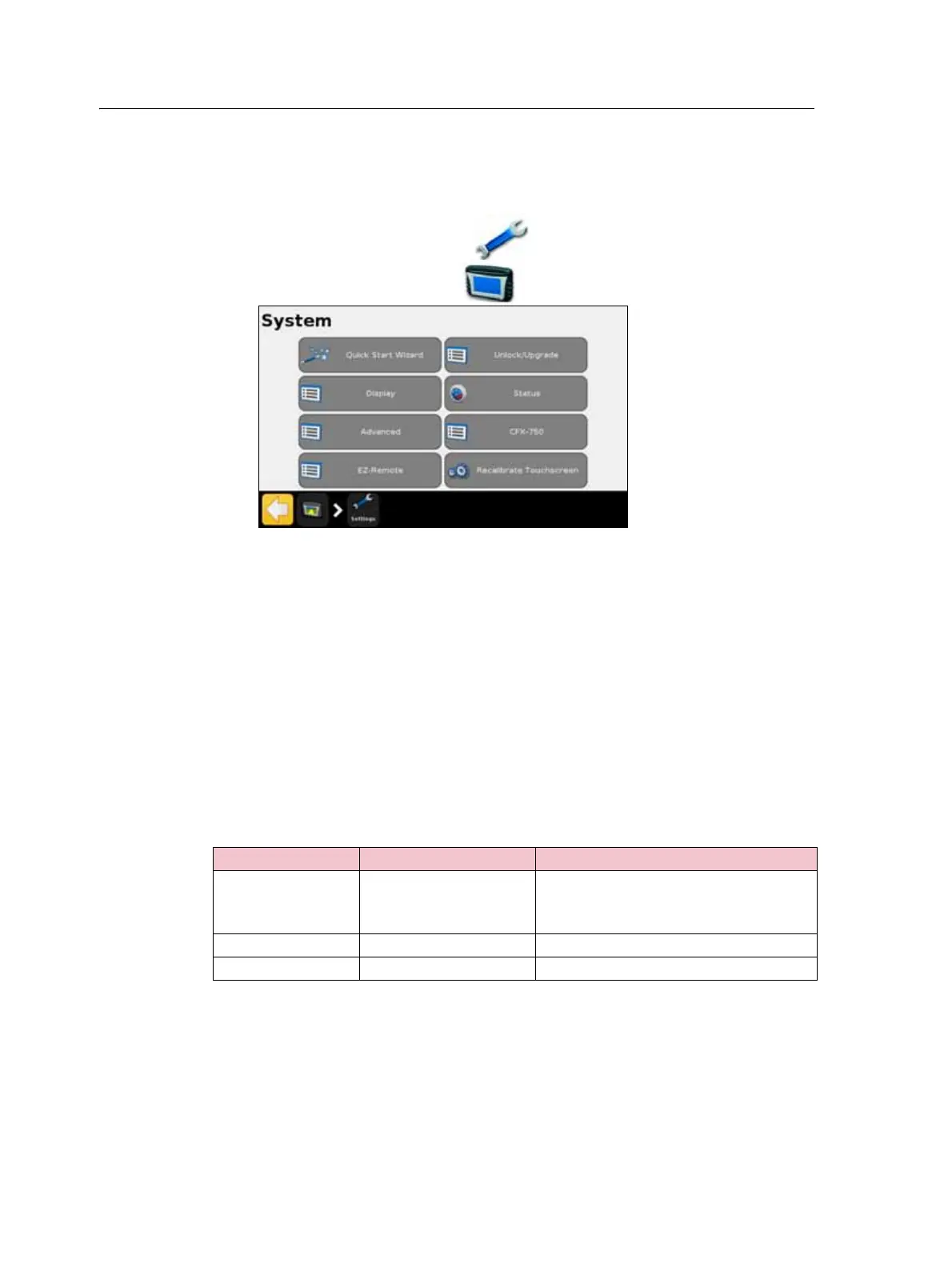
The System menu enables you to adjust a variety of the FM-750 display settings.
To access the System menu:
1. From the guidance screen, tap .
2. From the Settings screen, tap . The following screen appears:
The following sections describe the various items that are available in the
System menu.
Display
Use the items in the Display screen to adjust the appearance of your FM-750 display.
Units
You can display distances, speeds and areas in either US/Imperial or Metric format. By
default, the display uses the US/Imperial format.
The available units for each format are outlined below:
Unit US / Imperial Metric
Distance inches
feet
miles
centimeters
meters
kilometers
Speed miles per hour kilometers per hour
Area acres hectares



 To Next Page