FM-750 Display User Guide 63
Implement Application Controller 5
Installing the Field-IQ hardware
For information on installing the Field-IQ crop input control system on your
implement, refer to:
• Field-IQ Platform Installation Instructions
• Tru Count Air Clutch Installation Instructions
• Rawson Installation Instructions
Setting up the Field-IQ system
The FM-750 display automatically detects the Section Control Modules and/or the
Rawson Control Modules installed on your implement. When you use the wizard to set
up your Field-IQ system, the screens that appear may differ according to the modules
you have installed. If, during the setup, a screen appears that you are unsure of, you can
either:
• Tap to go back and check the previous screen(s).
• Tap to discard all of the changes and start again.
To set up your Field-IQ system:
1. From the guidance screen, tap .
2. From the Settings screen, tap
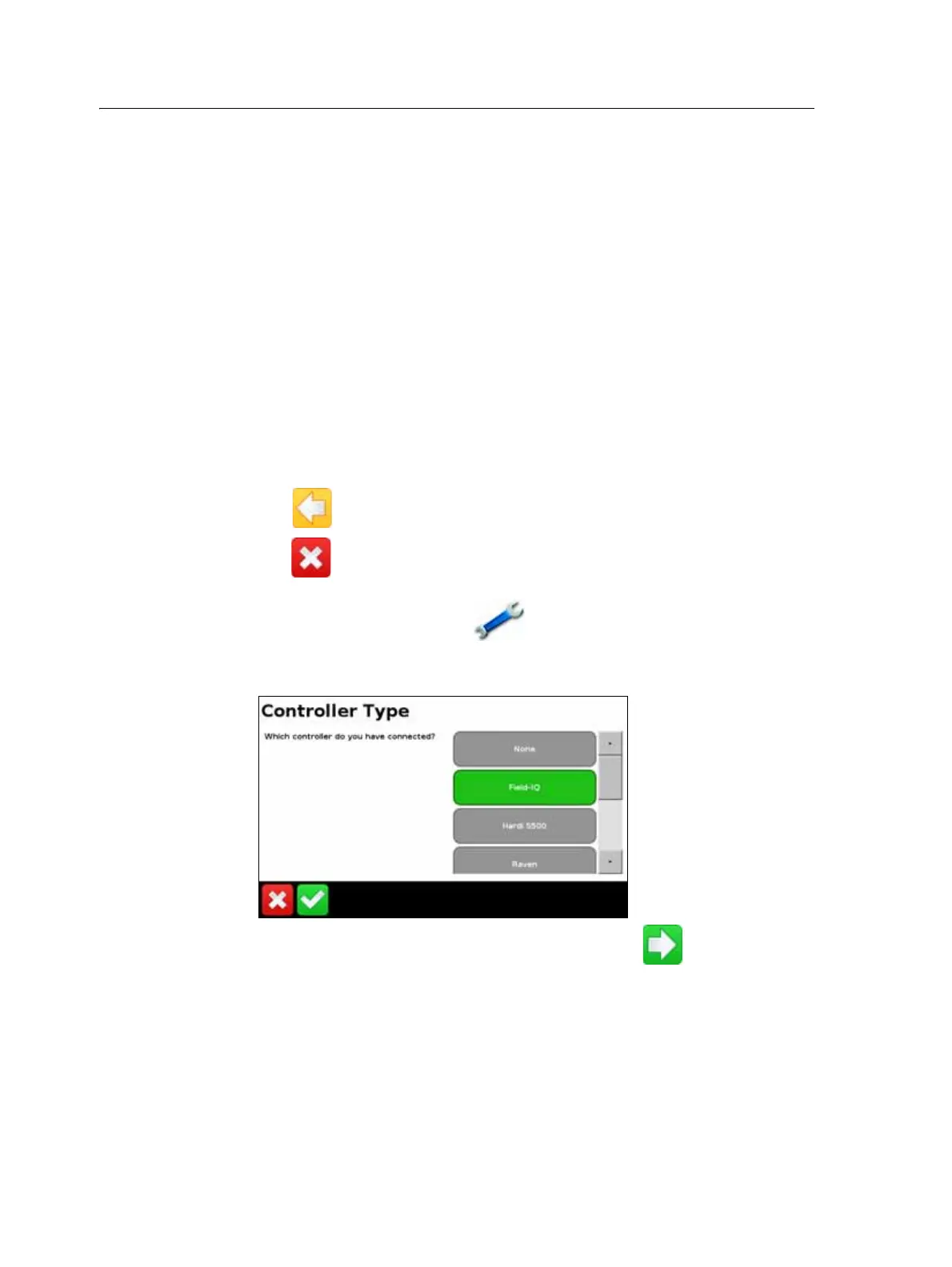
Implement. The Controller Type screen appears.
3. Select Field-IQ:
4. The Field-IQ Hardware Summary Screen appears. Press to continue
through the setup wizard.
5. In the Application Controller Mode screen, select what you are using the
implement for:
– Row crop planting
– Liquid
– Granular seed



 To Next Page