5 Implement Application Controller
64 FM-750 Display User Guide
– Granular spreading
– Anhydrous
Note – If you change the Application Controller Mode, the display erases any previous
calibrations.
6. In the Rate and Section Control screen, select one of the following:
– Section Control Only
– Rate Control Only
– Both
Note – If you do not have at least one section control box and at least one Rawson control
box installed, both options will not appear.
7. In the Implement Measurements screen, edit each of the setting items. Note that
the items that appear in this screen vary depending on the Application
Controller Mode chosen previously.
8. In this part of the wizard, you must indicate the following:
For Rate Control:
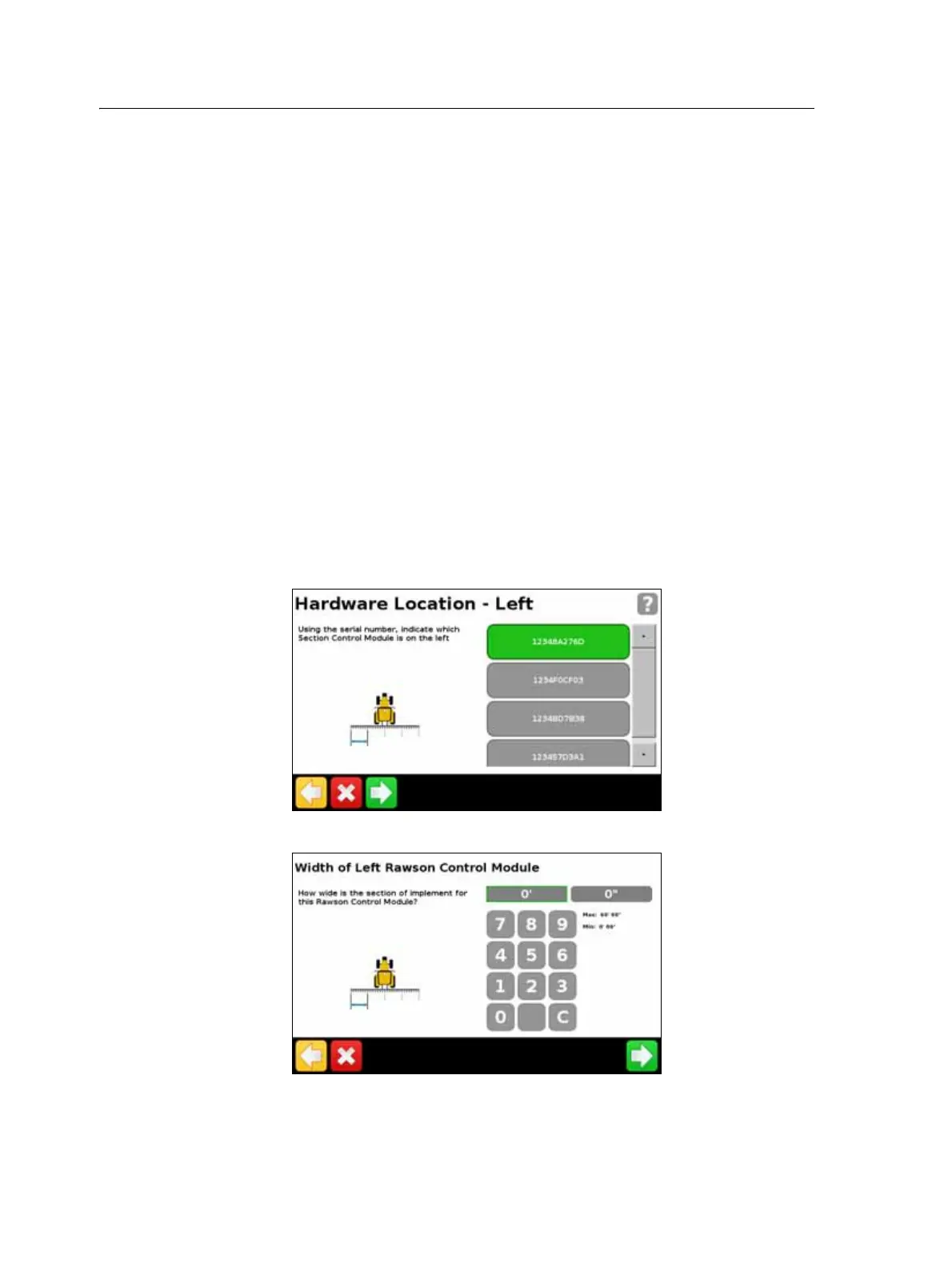
a. Where on your implement each module is located:
b. For each module, the width of the section it will control:



 To Next Page