FM-750 Display User Guide 119
Data 8
– Prescriptions
– Client, farm and field data
Retrieving data from the USB drive
To transfer data from the USB drive to the internal memory:
1. In the Manage Data screen, tap USB.
2. Tap Retrieve Data and then choose the data that you would like to retrieve.
Sending data to the USB drive
To transfer data from the internal memory to the USB drive:
1. In the Manage Data screen, tap USB.
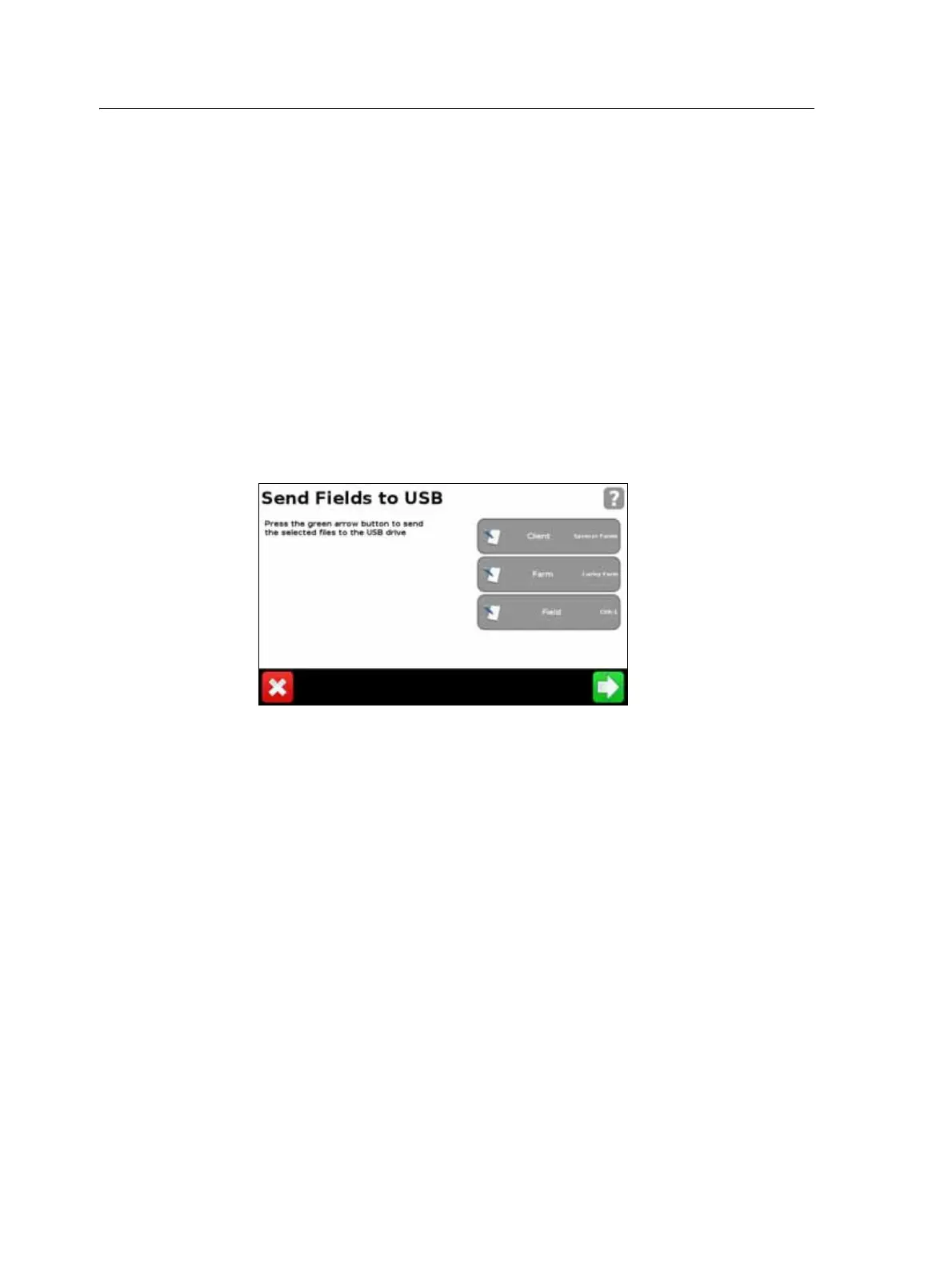
2. Tap Send Data to USB and then choose the data that you would like to send:
Note – You cannot send data to a USB drive that is over 90% full.
For more information, see The USB socket, page 28.
Clearing the internal memory
Over time the FM-750 display's internal memory may become full. To avoid this, delete
files that you no longer require:
1. In the Manage Data screen, tap Internal and then Delete Data.
2. Select the information that you want to delete and then follow the wizard until
the files are deleted.
Note – If a field is currently open it will close prior to the deletion.



 To Next Page