5 Implement Application Controller
66 FM-750 Display User Guide
C
WARNING – MOVING PARTS DURING THIS TEST! Please stay clear of the implement.
Ensure the implement is raised, the transmission is in PARK and the emergency brake is
applied before continuing.
Field-IQ Calibrations
After the hydraulics test is complete, the display calibrates your system. The available
calibrations are:
• Field-IQ Rawson Control Module
• Servo Pump or PWM Pump
• Pressure Sensors
• Implement LIft Switch
When the calibration is complete, save the data to a configuration file and export it to
the USB drive. See Chapter 8, Data.
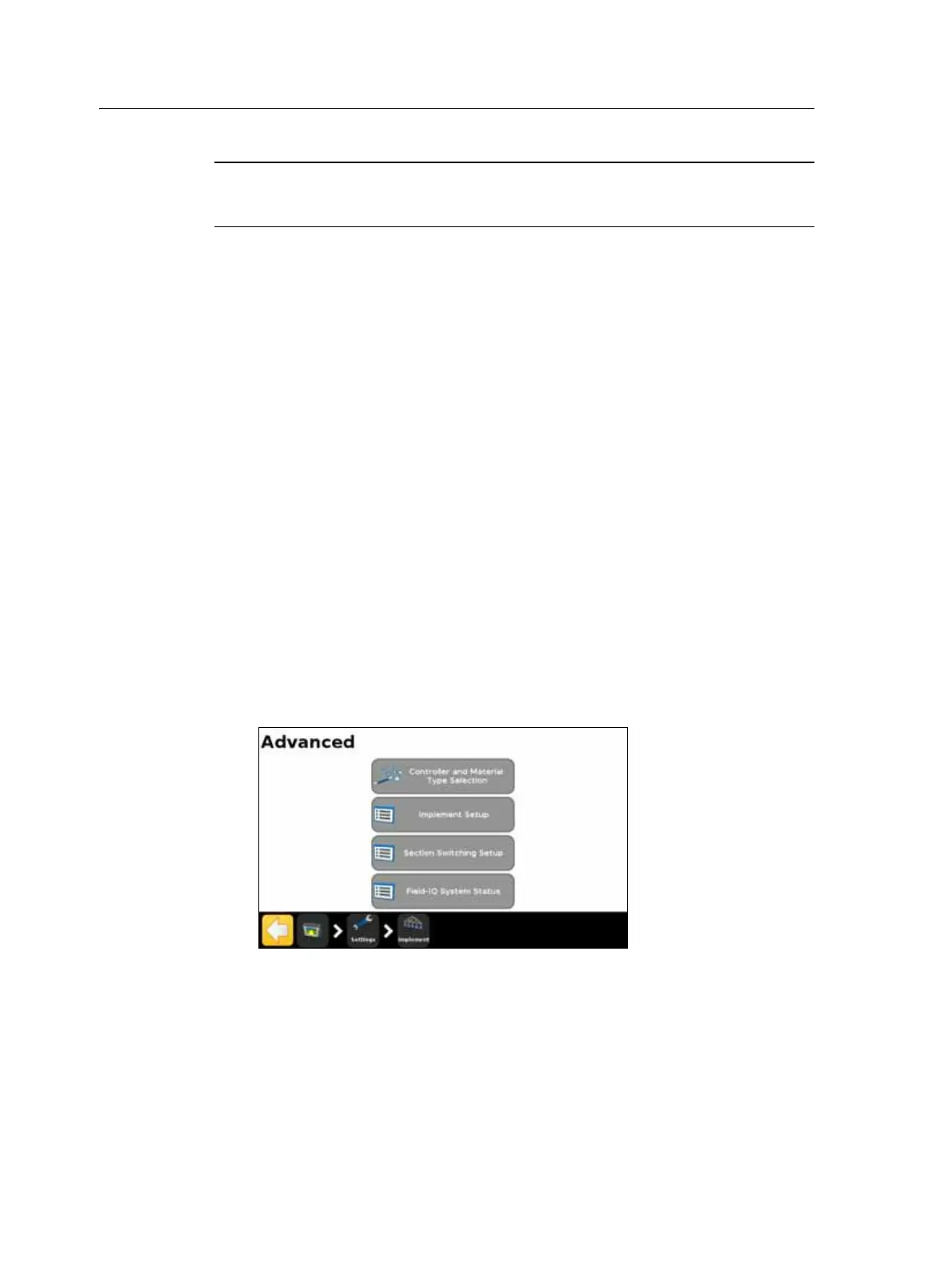
Advanced
Use the Advanced option in the Implement screen to configure the following:
• Controller and Material Type Selection
• Implement Setup
• Section Switching Setup
• Field-IQ System Status
Controller and Material Type Selection
Select this option to return to the Controller Type screen. For more information, see
Introduction, page 58.



 To Next Page