FM-750 Display User Guide 65
Implement Application Controller 5
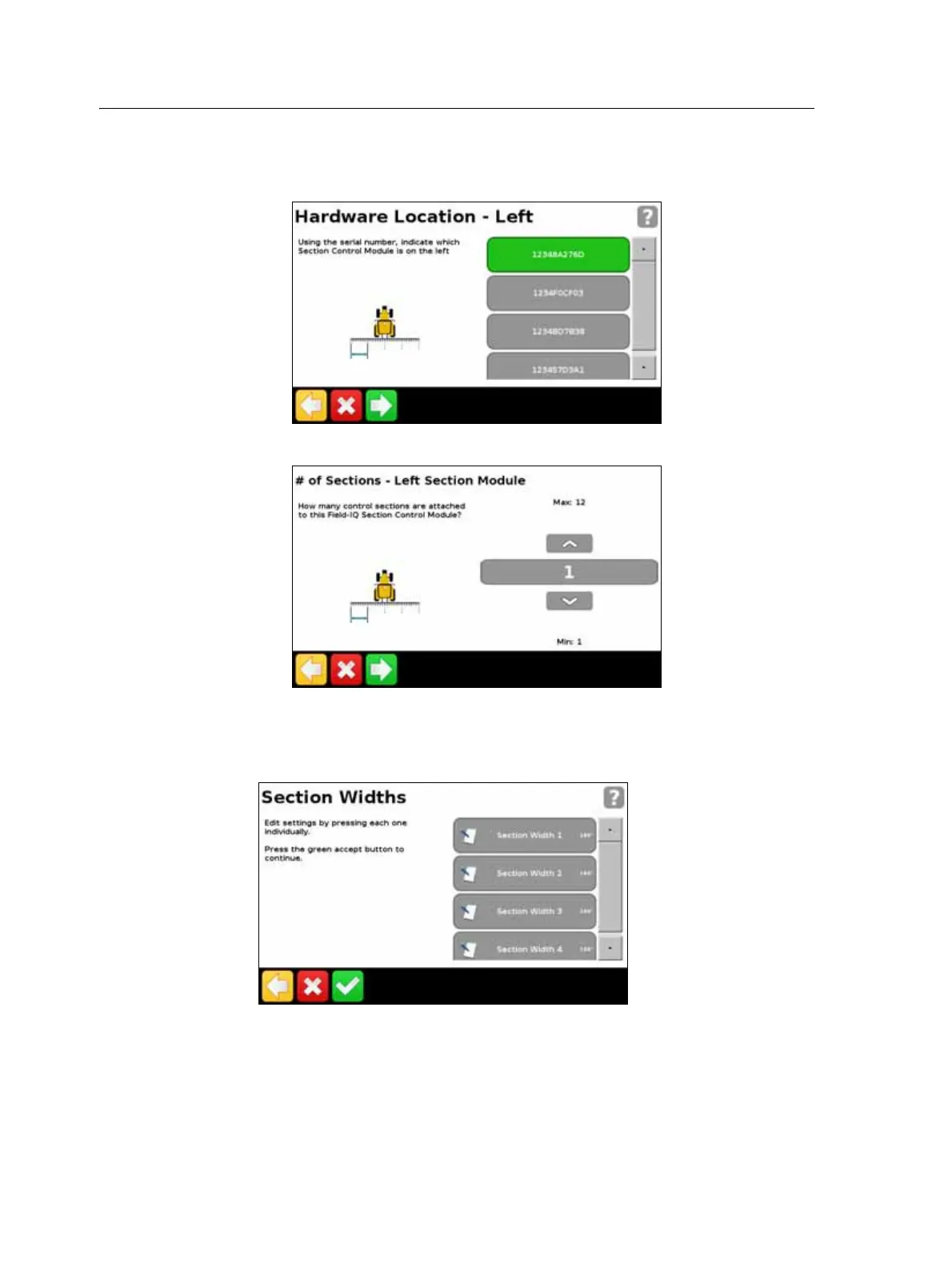
For Section Control:
a. Where on your implement each module is located:
b. For each module, the number of sections it will control:
Note – You must enter accurate values for the system to work properly.
9. Once you have completed the wizard, you can adjust your section widths if
necessary:
Field-IQ Hydraulics Test
After the setup wizard is complete, the display tests the hydraulics of your system.
During this test you must run the motor(s) at the minimum and maximum RPM and
make sure the motor(s) achieve these RPM.



 To Next Page