5 Implement Application Controller
88 FM-750 Display User Guide
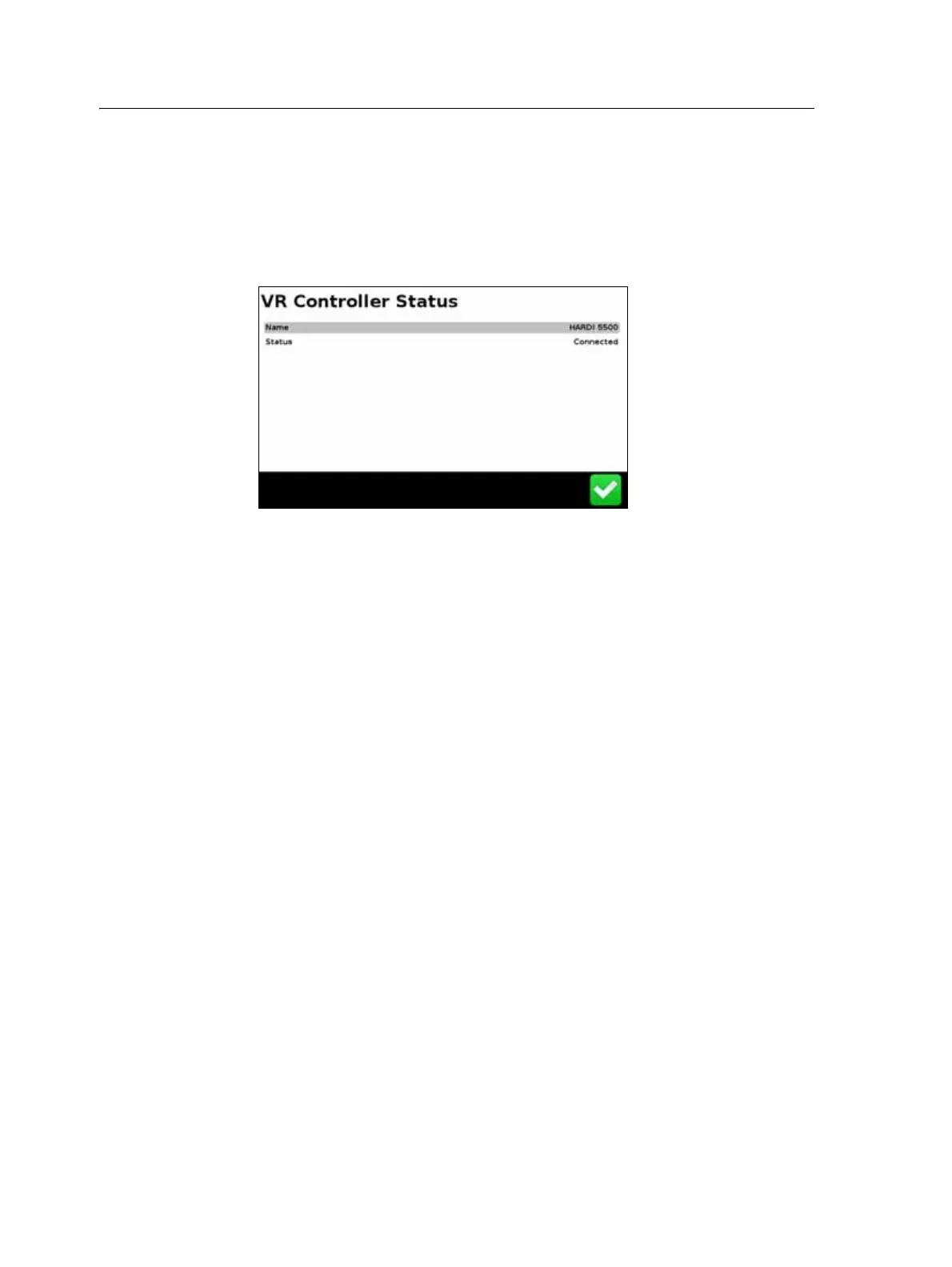
Checking the implement connection
To check that the FM-750 display and your implement controller are communicating
correctly, access the VR Controller Status screen:
1. In the Settings screen, tap
Vehicle and then tap Status.
2. Tap
VR Controller Status. A screen similar to the following appears:
3. Check that the status displays Connected.
Note – If the status displays Not Connected, verify that the controller cable is securely
connected to the display. If the cable is secure, verify that the display and the controller are
configured correctly, as detailed in the sections below.



 To Next Page