FM-750 Display User Guide 117
Data 8
By default, the Connected Farm feature is set to Off. To turn the feature on:
1. Tap
Connected Farm Setup and then Connected Farm.
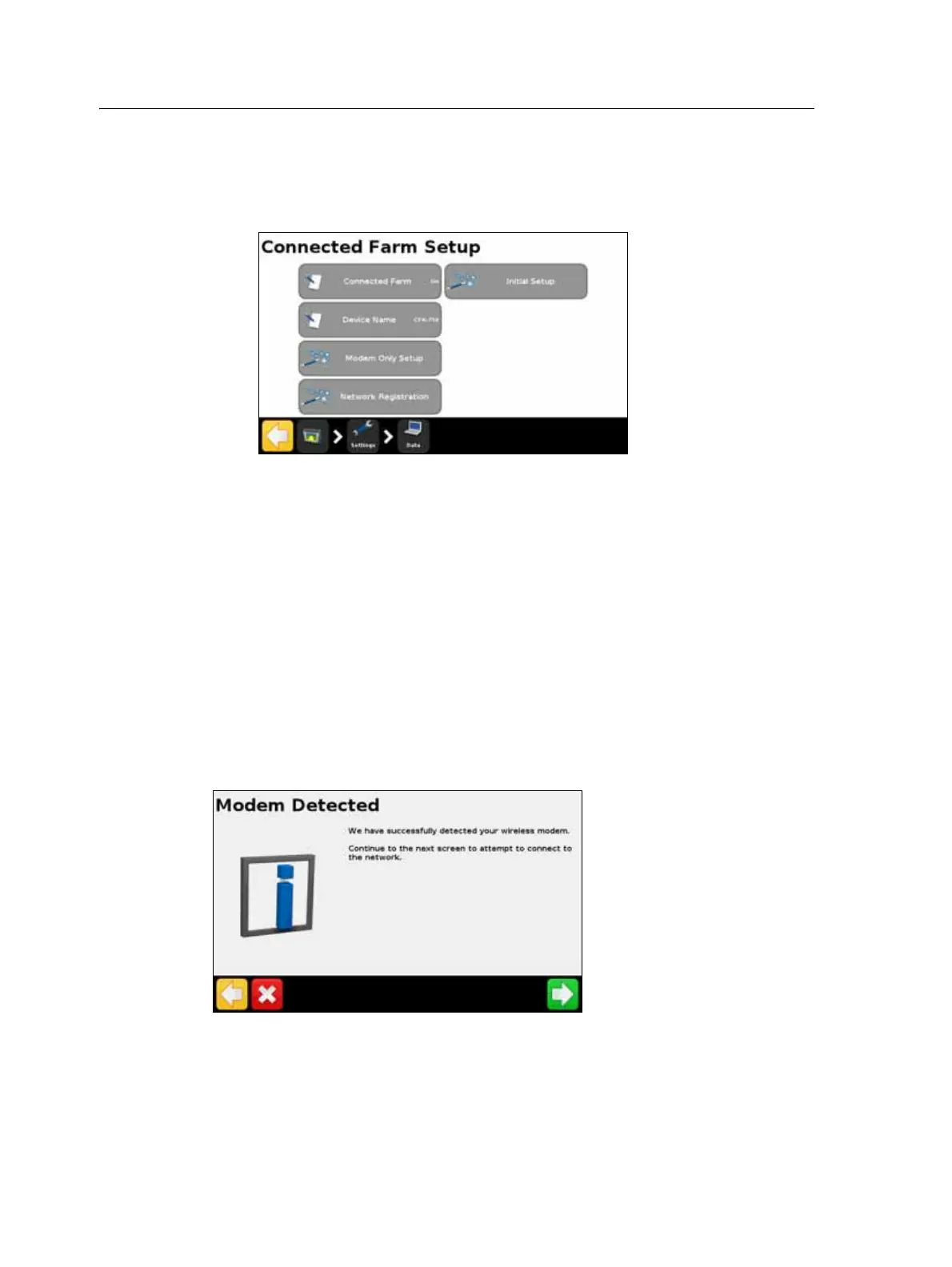
2. Select On. The Connected Farm Setup screen appears:
Note – When you turn the Connected Farm option On, tapping Connected Farm Setup
takes you directly to the Connected Farm Setup screen.
The following sections describe the menu options available from the Connected Farm
Setup screen.
Device name
Use the on-screen keypad to give your device a name that you will recognize once you
transfer the data to your personal computer.
Modem only setup
Use this option to set up your wireless modem. Once you have connected your
modem, the following screen will appear:
In the Wireless Modem Setup screen, you can adjust the following:
• APN/Setup String
• SIM PIN
• Network username: change the username used for network registration.



 To Next Page