7 GPS
112 FM-750 Display User Guide
Force GPS Iono
Choose On to force the use of modeled rather than real-time ionosphere data.
This setting is designed primarily for locations at the edge of SBAS coverage, such as
northern Canada, and could affect accuracy if used elsewhere.
OnPath Filter
Use the OnPath Filter option to detect and eliminate GPS position jumps and
significantly improve pass-to-pass accuracy. Select the option that best describes the
surrounding environment.
Satellite Health
You can use this setting to disregard signals from a specific satellite due to concerns
about its state. For more information, contact your reseller.
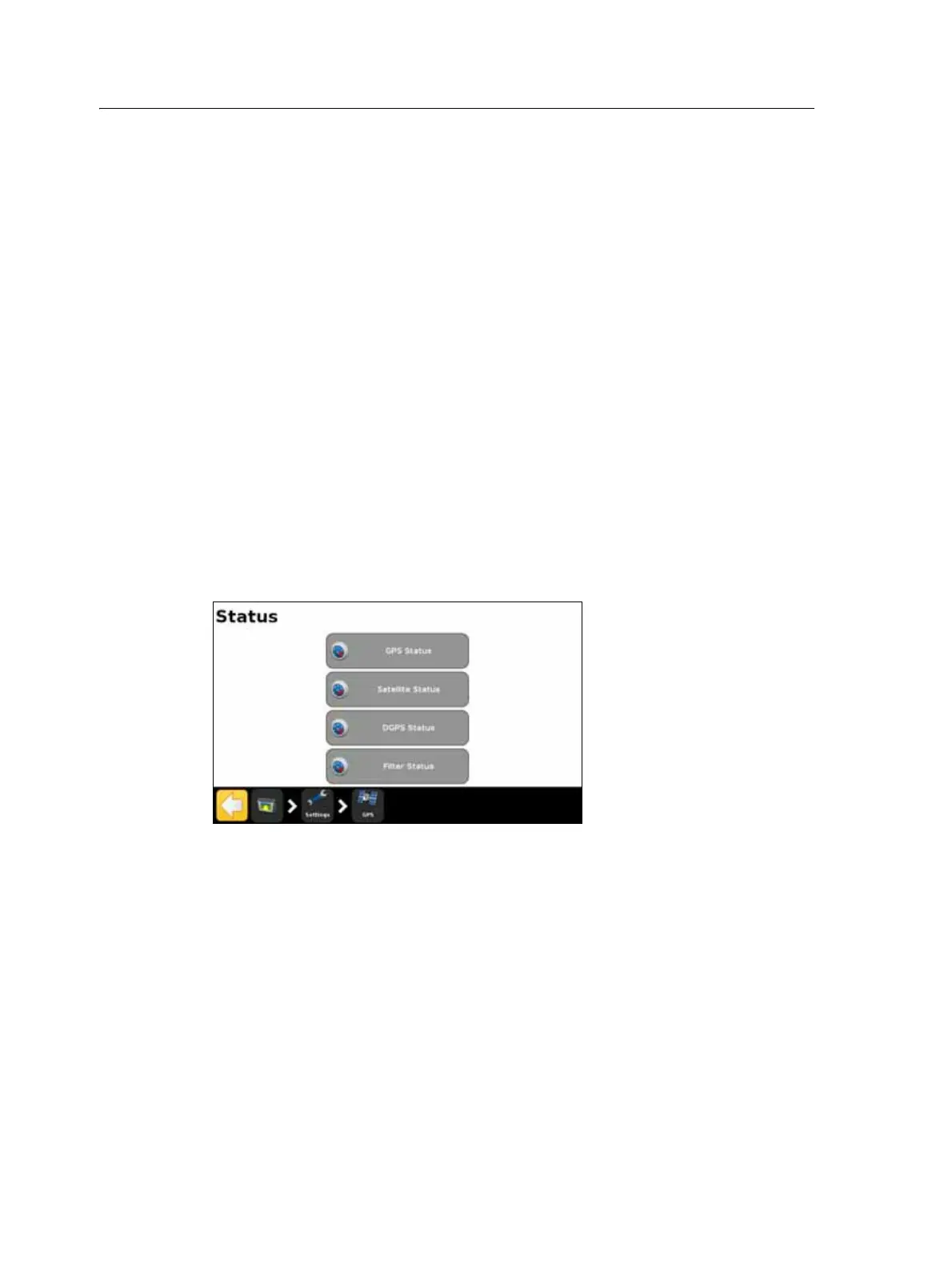
Status
The Status screen enables you to view the current status of the GPS functions.
GPS Status
The GPS Status screen displays information about your position and the current GPS
signal strength.



 To Next Page