6 Mapping and Guidance
90 FM-750 Display User Guide
Introduction
While you work, guidance information appears on the FM-750 display screen and the
integrated lightbar that indicate the:
• position of your vehicle in the field
• guidance lines
• offline distance
To receive this guidance information (and any assistance from an auto steer system)
you must do the following:
1. Configure how the guidance displays on your screen. See Configuring the
Guidance settings, below.
2. Set a guidance line. See Guidance lines, page 98.
3. Configure the lightbar. See Lightbar Setup, page 124.
Configuring the Guidance settings
To configure your Guidance settings:
1. From the guidance screen, tap .
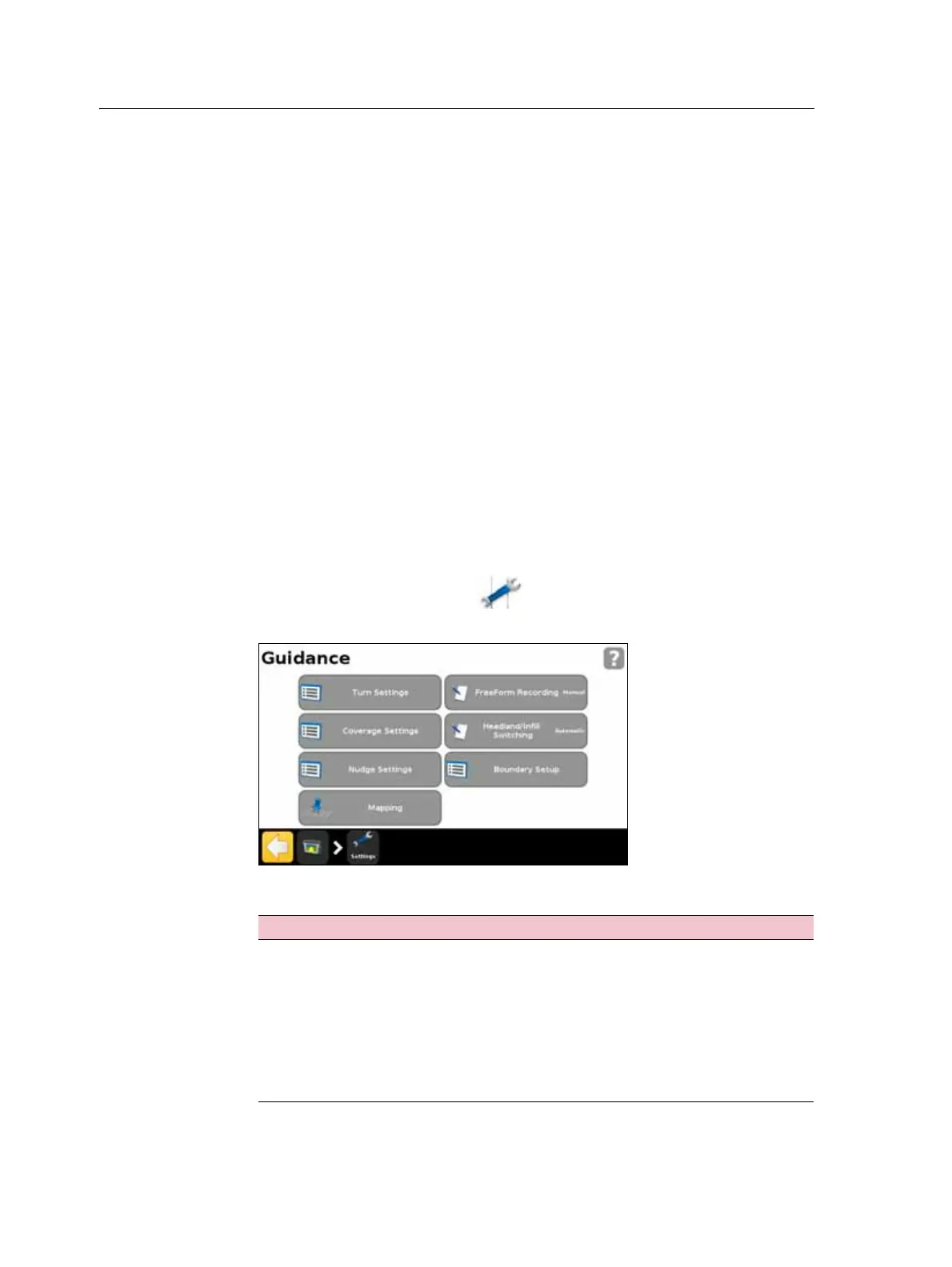
2. From the Settings screen, tap
Guidance.
3. Select the options that you would like to configure.
Option To learn more, see ...
Turn Settings page 91
Coverage Settings page 92
Nudge Settings page 92
Mapping page 92
FreeForm Recording page 93
Headland/Infill Switching page 93
Boundary Setup page 94



 To Next Page